
Auto Repair Data: What It Is, Why It Matters, and How Shops Use It
Most auto repair shops are sitting on a goldmine they never look at. Every work order, inspection, part number, and customer visit generates auto repair data — and the shops that know how to use it are pulling ahead fast. They're booking more jobs, wasting less time, and keeping customers coming back without working harder.
Data isn't just for big dealerships or corporate chains. A two-bay independent shop has just as much to gain. The difference is knowing what to track, what it means, and what to do with it.
This article breaks down what auto repair data actually is, why it matters for your bottom line, and how modern shops are using it to make smarter decisions — from pricing jobs correctly to catching problems before they cost you a customer.
Table of Contents
- What Is Auto Repair Data?
- Types of Auto Repair Data Every Shop Generates
- Key Auto Repair Industry Statistics and Benchmarks
- Conclusion
What Is Auto Repair Data?
Auto repair data is any information generated, collected, or used in the process of diagnosing, repairing, and servicing vehicles. This includes everything from a customer's name and phone number to a vehicle's full service history, the cost of a brake job, and how long a technician spent on an oil change.
The term covers a wide range of data types that serve different purposes. Some of it is structured and numerical — like labor hours or invoice totals. Some of it is descriptive — like inspection notes or a technician's diagnosis. All of it has value when it's captured correctly.
Two Distinct Categories: Operational vs. Market Data
It helps to split auto repair data into two broad categories before going deeper.
Operational data is what happens inside your shop. It includes repair orders, parts invoices, technician time logs, customer records, inspection results, and payment histories. This is your shop's own data — and it tells you how your business is actually performing.
Industry and market data is external. It covers benchmarks like average repair order (ARO) values across the industry, regional labor rates, parts pricing trends, and market size statistics. This data comes from sources like the or the Automotive Service Association (ASA), and it tells you how your shop compares to others.
The shops that win long-term are the ones using both — their own numbers to spot problems, and industry benchmarks to understand whether those problems are internal or sector-wide.
The Main Data Categories in Auto Repair
Here's a breakdown of the core types of auto repair data and what each one represents:
| Data Type | What It Tracks | Why It Matters |
|---|---|---|
| Repair Orders (ROs) | Services performed, parts used, labor time, total cost | The foundation of shop revenue tracking |
| Vehicle History | VIN-based service records, mileage, past repairs | Enables accurate recommendations and faster diagnosis |
| Customer Records | Contact info, vehicle ownership, service preferences | Drives retention, marketing, and trust |
| Technician Time Logs | Clock-in/out, hours flagged vs. billed | Measures efficiency and identifies training needs |
| Parts Data | Supplier pricing, inventory levels, order history | Protects margins and reduces downtime |
| Inspection Records | Digital or paper findings, photos, declined services | Supports upsells and documents vehicle condition |
| Payment Data | Invoice totals, payment methods, outstanding balances | Tracks cash flow and collections |
| Labor Time Guides | Standard time estimates by job and vehicle | Ensures accurate quotes and billing |
The Difference Between Capturing Data and Using It
Most shops already generate all of this data every single day. Every repair order written, every part ordered, every customer call answered — it all produces data. The problem is that in many shops, that data lives on paper, in someone's head, or scattered across disconnected tools.
A shop running paper repair orders still creates data. But without a way to search, sort, or analyze it, that data can't tell the shop anything useful. Shop management software turns raw operational activity into organized, searchable records that can actually drive decisions.
According to, the U.S. auto repair industry generates over $115 billion in annual revenue. That scale means even small efficiency gains — driven by better data use — translate into meaningful dollars at the individual shop level.
Vehicle and Customer Data: A Special Case
VIN-based vehicle data deserves its own mention. A vehicle identification number links to a specific car's make, model, trim, engine, and factory specs. When combined with your shop's service history for that vehicle, it becomes a powerful tool for recommending maintenance, catching recurring issues, and building customer trust.
Customer data — names, contact details, vehicle ownership, and service history — is equally valuable. It enables targeted follow-ups, service reminders, and personalized recommendations. It also comes with responsibility: shops must store this data securely and handle it in line with applicable privacy regulations.
Vehicle and customer data aren't just operational records — they're the foundation of every upsell conversation and every returning customer relationship.
The key distinction to carry forward is simple: auto repair data is not one thing. It's a collection of different data types, each serving a different function — and the shops that understand this are better positioned to act on what they're collecting.
Types of Auto Repair Data Every Shop Generates
Every shop generates data constantly — from the moment a vehicle is checked in to the moment the customer pays. The problem isn't a lack of data. It's that most shops don't have a clear picture of what they're producing or how to use it.
The main categories of shop data break down like this:
| Data Type | What It Tracks | Why It Matters |
|---|---|---|
| Repair Orders (ROs) | Services performed, labor hours, parts used, total ticket value | Core record of shop revenue and work history |
| Digital Inspection Records | Vehicle condition, photos, technician notes, declined services | Drives upsell opportunities and documents liability |
| Parts Usage Logs | Parts ordered, supplier, cost, markup, return rate | Reveals margin leaks and supplier performance |
| Customer Records | Contact info, vehicle history, visit frequency, communication | Powers retention, follow-up, and loyalty |
| Technician Time Logs | Clock-in/out, flagged hours, billed hours, job assignments | Measures efficiency and identifies training needs |
| Payment Data | Invoice amounts, payment method, outstanding balances, trends | Tracks cash flow and average repair order value |
Most shops are already generating all six categories. The gap is in how consistently that data gets captured — and whether it ends up somewhere useful.
Shops that run on paper repair orders or disconnected spreadsheets are producing data, but losing most of its value before it can be acted on.
Operational Data vs. Industry Benchmarks
Operational data is everything your shop produces internally — your ROs, your technician hours, your car count, your average ticket. Industry benchmarks are external reference points that show how your numbers compare to other shops.
Both types matter, but they serve different purposes. Operational data tells you what's happening in your shop. Benchmarks tell you whether that's good, bad, or average.
For example, the tracks metrics like average repair order value and labor rates across independent shops. The National Automobile Dealers Association (NADA) publishes data on service department performance at dealerships. These sources give shop owners a realistic baseline to measure against.
In practice, a shop owner might look at their average repair order and feel comfortable — until they compare it to the industry average and realize they're leaving money on the table. Without benchmarks, there's no way to know.
Common industry benchmarks worth tracking include:
- Average repair order (ARO) value — industry average for independent shops typically falls between $350–$500, though this varies by region and shop type
- Technician efficiency rate — measured as billed hours divided by hours worked; 85–100% is a common target
- Car count per week — varies widely, but tracking your own trend is as important as any external number
- Labor rate — regional averages fluctuate, and shops use benchmarks to price competitively without undercharging
The most useful approach is to track your own operational data consistently first. Then use industry benchmarks to set targets and spot gaps. One without the other gives you an incomplete picture.
Vehicle and Customer Data
Vehicle and customer data form the foundation of long-term shop relationships. A (Vehicle Identification Number) links directly to a specific vehicle's make, model, engine, and service history — making it the most reliable way to look up past work and anticipate future needs.
When a customer calls in, being able to pull up their full vehicle history in seconds — by name, plate number, or VIN — changes the quality of that conversation. A service advisor can immediately see what was last done, what was declined, and what's coming due.
This data also drives two of the highest-value activities in any shop:
- Upselling — If a customer declined a cabin air filter six months ago, that's a follow-up opportunity. Shops with organized customer history can surface these moments automatically rather than relying on memory.
- Retention — Knowing when a vehicle is due for its next service makes proactive outreach possible. According to, retaining an existing customer costs significantly less than acquiring a new one — a principle that applies directly to auto repair.
One honest limitation: collecting and storing customer and vehicle data comes with responsibility. Shops need to be thoughtful about how that data is stored, who can access it, and how it's protected. Digital shop management platforms that store customer records should use encrypted databases and role-based access controls to reduce risk.
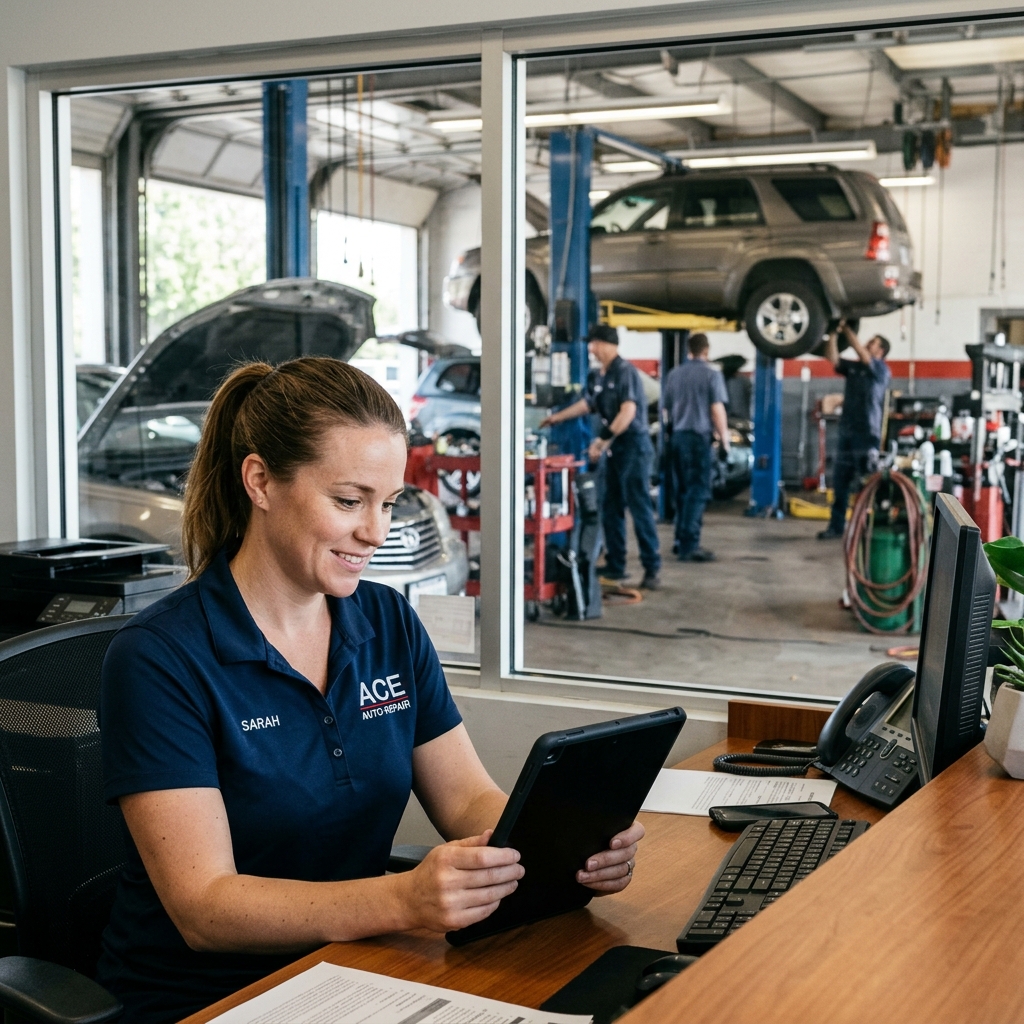
Operational Data vs. Industry Benchmarks
Most shop owners think of "their numbers" and "industry numbers" as two separate things. But the real value comes from putting them side by side.
Operational data is everything your shop produces internally — repair orders, labor hours, parts costs, car count, technician efficiency, and customer return rates. This data reflects your shop's reality.
Industry benchmarks are external averages published by trade organizations and research firms. They answer the question: "Is what I'm seeing normal, or is something off?"
What Counts as Operational Data
Operational data is generated every day, whether you track it or not. Key examples include:
- Average repair order (ARO): The average dollar amount billed per vehicle visit
- Car count: How many vehicles you service per day, week, or month
- Technician efficiency: Billed hours divided by hours clocked in — also called the efficiency or productivity rate
- Parts-to-labor ratio: How much of your revenue comes from parts vs. labor
- Comeback rate: Vehicles that return within 30 days for the same issue
In practice, shops that track these numbers regularly catch problems early — like a technician whose efficiency drops after a shift change, or a parts supplier whose pricing is quietly shrinking margins.
Where Industry Benchmarks Come From
Several trade organizations publish benchmark data that independent shops can use as a reference point:
- The publishes annual data on service department performance across dealerships
- The Automotive Service Association (ASA) tracks trends across independent repair shops
- AAA publishes consumer-facing repair cost data that reflects what drivers expect to pay
These sources give you a baseline. If your ARO is significantly below the industry average, that's a signal — not a verdict, but a starting point for investigation.
Benchmarks don't tell you what's wrong. They tell you where to look.
Putting Them Together: A Practical Comparison
| Metric | Typical Industry Benchmark | How to Use It |
|---|---|---|
| Average Repair Order | $300–$500 (independent shops) | Compare monthly to spot trends up or down |
| Technician Efficiency Rate | 90–115% for flat-rate techs | Flag anyone consistently below 80% |
| Parts-to-Labor Ratio | Roughly 40/60 to 50/50 | Higher parts share can signal underpriced labor |
| Car Count (per bay/month) | 40–60 vehicles per bay | Benchmark capacity before adding staff |
| Comeback Rate | Under 3% is considered healthy | Track by technician to find patterns |
According to, the US auto repair industry generates over $115 billion in annual revenue across more than 260,000 businesses — which means there's enough data across the sector to make benchmarks genuinely useful for comparison.
The shops that benefit most from benchmarks are those that already track their own numbers consistently. Without clean internal data, external benchmarks are just interesting trivia. With it, they become a diagnostic tool — helping you understand whether a slow month is a you problem or an industry-wide trend.
Vehicle and Customer Data
Vehicle and customer data are two of the most valuable assets a shop owns — and most shops are sitting on far more of it than they realize.
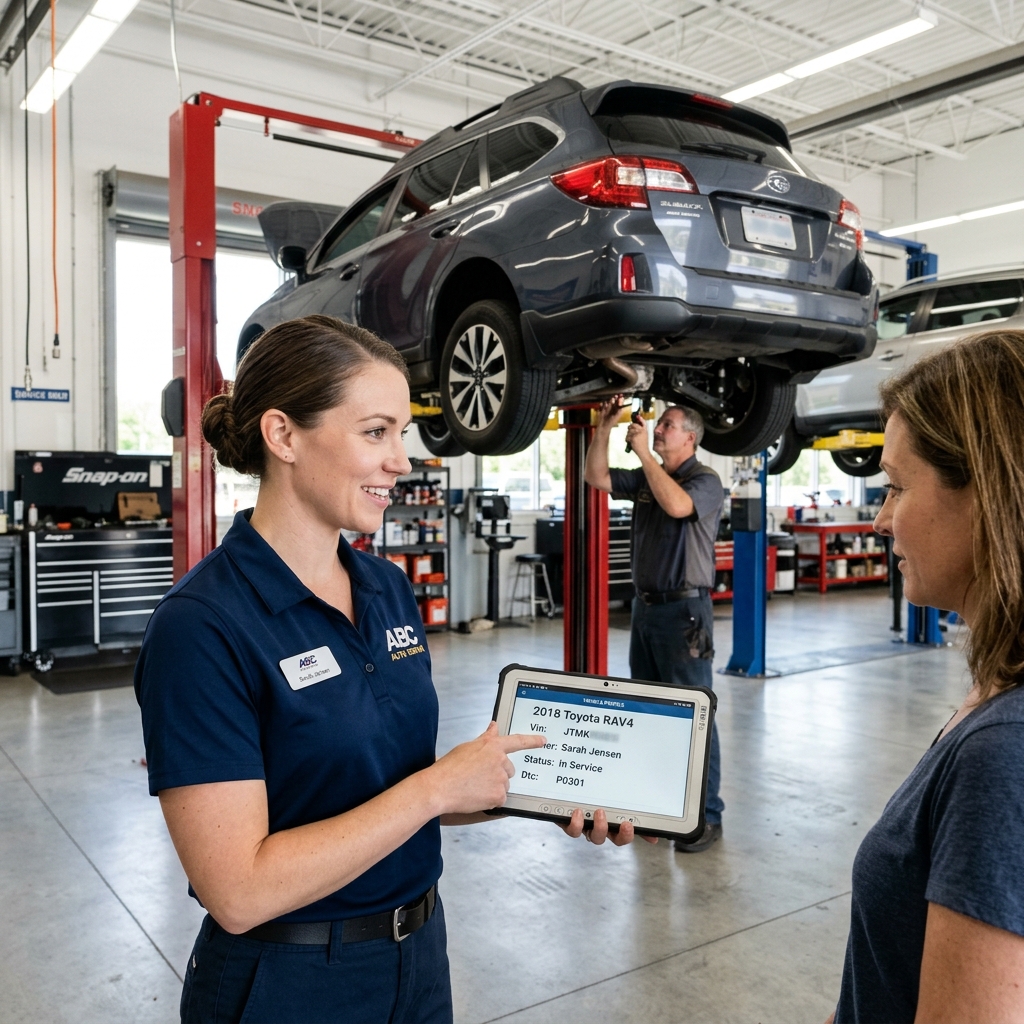
VIN-based vehicle history is the foundation. A Vehicle Identification Number (VIN) is a 17-character code unique to every car. When your shop management system links every repair order to a VIN, you build a complete service history for that vehicle over time. This matters for three reasons: accurate diagnostics, smarter service recommendations, and faster check-ins for returning customers.
In practice, a technician pulling up a vehicle's history before a new visit can see that the timing belt was replaced 18 months ago, the brakes were declined at the last visit, and the customer mentioned transmission noise twice. That context turns a routine oil change appointment into a real conversation about deferred work.
What VIN and Customer Lookup Enables
Modern shop platforms let staff search by name, phone number, license plate, or VIN. This speeds up the write-up process and eliminates duplicate records. According to, vehicles with complete service histories sell for higher prices and retain owner trust — which is part of why customers value shops that keep accurate records.
The data a VIN unlocks typically includes:
- Full service history — every repair order tied to that vehicle at your shop
- Mileage tracking — so you can flag overdue service intervals automatically
- Declined services — a record of work the customer said no to, so it doesn't get forgotten
- Recall status — some platforms pull open recall data by VIN to flag safety issues proactively
Service Intervals and Upselling
Service interval data is where vehicle records directly drive revenue. When your system tracks mileage at each visit, it can flag that a customer is due for a transmission service or cabin air filter based on time or mileage thresholds — not just guesswork.
Shops that track declined services and follow up on them recover revenue that would otherwise walk out the door permanently.
From experience, shops that actively use interval reminders and declined service tracking see measurable increases in their average repair order value. The customer doesn't feel sold to — they feel looked after, because the recommendation is grounded in their specific vehicle's history, not a generic promotion.
Customer Data and Retention
Customer records go beyond vehicle history. A complete customer profile includes contact preferences, communication history, vehicle ownership (some customers bring multiple cars), and payment behavior. This data supports:
- Automated service reminders via email or text
- Loyalty tracking — identifying your best customers by visit frequency or spend
- Personalized follow-up — referencing the specific repair, not a generic "it's been a while"
Retention is one of the highest-ROI uses of customer data., increasing customer retention rates by just 5% can increase profits by 25% to 95%. For auto repair shops with high customer acquisition costs, keeping existing customers coming back is almost always cheaper than finding new ones.
Privacy and Data Security
Shops collect real personal information — names, phone numbers, addresses, vehicle ownership, and payment data. That creates a responsibility.
Basic best practices include:
- Use a platform with encrypted data storage — customer data shouldn't sit in an unprotected spreadsheet
- Limit staff access — not every employee needs to see payment history or full customer records
- Comply with state privacy laws — some states, like California under the CCPA, give customers rights over their personal data
- Have a clear data retention policy — know how long you keep records and why
The good news is that most modern shop management platforms handle data security at the infrastructure level, so shops aren't managing this alone. The key is choosing a platform that takes it seriously and can explain how your data is stored and protected.
Key Auto Repair Industry Statistics and Benchmarks
The auto repair industry is large, stable, and increasingly data-rich. Understanding what "normal" looks like helps shop owners spot where they're underperforming — and where they have room to grow.
Market Size and Shop Landscape
The U.S. automotive repair and maintenance industry generates over, according to Statista. That figure has grown steadily year over year, driven by an aging vehicle fleet and rising vehicle complexity.
There are roughly 280,000 auto repair businesses operating in the United States. The majority — around 70% — are independent shops rather than dealerships or franchise chains. That means most repair work in the country is done by small, owner-operated businesses competing on reputation, speed, and trust.
The average age of vehicles on U.S. roads hit a record 12.6 years in 2024, according to. Older vehicles need more maintenance and more frequent repairs — which keeps independent shops busy but also means technicians are dealing with a wider range of makes, models, and conditions.
Core Benchmark Numbers
These are the key metrics shop owners and managers use to evaluate performance. Knowing the industry averages gives you a baseline for comparison.
| Metric | Industry Benchmark |
|---|---|
| Average Repair Order (ARO) Value | $350–$500 (general repair) |
| Average Labor Rate (U.S.) | $120–$160/hour |
| Technician Efficiency Rate | 85–110% (billed vs. clocked hours) |
| Monthly Car Count (single bay) | 40–80 vehicles |
| Customer Return Rate | 30–40% within 12 months |
| Gross Profit Margin on Labor | 60–70% |
| Gross Profit Margin on Parts | 40–50% |
Shops that track ARO consistently tend to outperform those that don't — not because tracking earns more money, but because visibility creates accountability.
ARO varies significantly by shop type. Dealerships tend to run higher AROs due to warranty work and specialized services. High-volume quick-service shops run lower. General repair independents typically fall in the $350–$500 range, but shops with strong digital inspection processes often push ARO above $500 by converting more declined services.
Labor Rate Trends
Labor rates have risen sharply since 2020. According to the, the national average shop labor rate crossed $130/hour in 2023 and continues climbing in high-cost markets like California, New York, and the Pacific Northwest, where rates above $175/hour are common.
Rising labor rates reflect two forces: technician wage pressure and the growing complexity of modern vehicles. Shops that haven't raised their door rate in two or more years are likely seeing margin compression even if revenue looks stable.
The EV Factor
Electric vehicles are beginning to reshape what repair data looks like. EVs require less routine maintenance — no oil changes, fewer brake jobs due to regenerative braking — but more complex diagnostic work when issues arise.
, EV owners spend roughly 40% less on maintenance than ICE vehicle owners on average. For shops that depend heavily on oil changes to drive car count, this shift matters. It's not an immediate crisis, but shops tracking their service mix data now will be better positioned to adapt their offerings as EV adoption grows.
What These Numbers Mean for Your Shop
Benchmarks only matter when you compare them to your own numbers. A shop running a $280 ARO in a market where the average is $420 has a clear opportunity — but only if someone is looking at the data.
The most useful benchmarks to track against are:
- ARO — Are you leaving money on the table per visit?
- Labor efficiency — Are your technicians billing close to what they're clocking?
- Return rate — Are customers coming back, or going elsewhere after the first visit?
- Car count trends — Is your volume growing, flat, or declining month over month?
These four numbers, tracked consistently, give a shop owner a working picture of business health. From there, the goal is connecting your internal operational data to these benchmarks — which is what the next sections cover in detail.
Conclusion
Auto repair data isn't a new concept — shops have always tracked jobs, parts, and customers. What's changed is the ability to capture that data automatically, analyze it in real time, and act on it fast enough to make a difference.
Shops that treat data as a back-office concern are missing its real value — it's a day-to-day management tool that directly affects revenue, efficiency, and customer retention.
Most shops are already generating everything they need. Every repair order, every inspection, every technician clock-in contains useful information. The gap isn't in data collection — it's in what happens to that data afterward. Too often it sits in disconnected systems, paper files, or spreadsheets where no one can easily see patterns or trends.
The shops that outperform their peers tend to share a few common habits. They know their average repair order value and compare it to industry benchmarks. They track which technicians are hitting efficiency targets and which ones need support. They follow up on declined services instead of letting that revenue walk out the door. None of this requires a data science background — it requires the right systems and the discipline to check the numbers regularly.
Shop management software has made this accessible to independent shops of all sizes. Platforms like RedAppy bring repair orders, digital inspections, parts ordering, technician tracking, and customer history into one place — so the data that was always being generated is finally being captured and used. That shift, from scattered records to centralized visibility, is where the real operational gains come from.
The auto repair industry is also changing fast. Electric vehicles, increasingly complex diagnostics, and rising customer expectations mean shops need better information to stay competitive — not just on pricing, but on service recommendations, turnaround times, and customer communication.
Data-driven shops don't just react to problems. They spot them early, plan around them, and build the kind of customer relationships that generate repeat business. According to, the US auto repair industry generates over $115 billion in annual revenue — and the shops capturing the most of that revenue are the ones using their data well.
The starting point is simple: know what data your shop generates, make sure it's being captured in one system, and review it consistently. Everything else — better decisions, stronger margins, higher car count — follows from that foundation.
Ready to Transform Your Shop?
RedAppy helps auto repair shops create professional digital estimates with photos and videos, send them instantly via text or email, and get customer approvals in seconds. No credit card required to start.