
Car Repair Shop Software: Best Tools to Run Your Auto Shop in 2025
Running an auto shop in 2025 means juggling estimates, parts orders, technician schedules, customer follow-ups, and payments — often all at once. The right car repair shop software can cut through that chaos and turn a reactive, paper-heavy operation into a streamlined business that actually grows. Shops that switch to digital management tools report saving 10 or more admin hours every week, according to platform data from RedAppy.
The problem is that not every tool does the same thing. Some focus only on invoicing. Others specialize in inspections or parts ordering. A few, like RedAppy, bring everything under one roof — from the first customer call to the final payment. Knowing what each platform does well helps you pick the right fit for your shop size and workflow.
This article covers the best tools available right now, broken down by what they do, who they're built for, and where they fall short. Whether you run a single-bay garage or manage multiple locations, you'll find a clear, honest breakdown to help you make a smarter decision.
Table of Contents
- How We Compared Car Repair Shop Software
- RedAppy — Best All-in-One Shop Management Platform
- Mitchell 1 — Best for OEM Repair Data Integration
- Tekmetric — Best for Growth-Focused Multi-Location Shops
- Shop-Ware — Best for Paperless, Technician-First Workflows
- Conclusion
- Frequently Asked Questions
How We Compared Car Repair Shop Software
Choosing the right shop management software comes down to more than a feature checklist. We evaluated each platform across five core areas that directly affect day-to-day shop operations and long-term business growth.
Evaluation criteria:
- Core features — estimates, digital inspections, invoicing, parts ordering, scheduling, and payment processing
- Pricing transparency — whether pricing is published, what's included at each tier, and whether contracts are required
- Ease of use — how quickly a service advisor or technician can learn the system without dedicated IT support
- Scalability — whether the platform grows with you from one bay to multiple locations
- Support quality — availability of onboarding help, live support, and training resources
Shops that switch software mid-growth often face the highest disruption costs — picking a platform that scales from the start avoids a painful migration later.
According to a 2023 survey by the Automotive Management Institute, shops using integrated management software report 20–30% improvements in workflow efficiency compared to those using disconnected tools or paper-based systems.
Car Repair Shop Software Comparison Table
| Platform | Standout Feature | Pricing Model | Best For |
|---|---|---|---|
| RedAppy | All-in-one: inspections, AI assistant, branded website included | Transparent, month-to-month | Single-bay to multi-location shops |
| Mitchell 1 | OEM repair data + labor guides | Tiered, contract-based | Established shops needing deep technical data |
| Tekmetric | Multi-location reporting dashboards | Per-location pricing | Growth-focused shops scaling fast |
| Shop-Ware | Paperless technician-first workflows | Flat-rate | Shops prioritizing digital job board efficiency |
| AutoRepair Cloud | Low-cost entry tier | Freemium + paid plans | Very small shops or startups on tight budgets |
In practice, platforms that bundle the most functions into a single subscription tend to deliver the best ROI — especially for shops without a dedicated admin team. Each tool below is matched to the shop type it genuinely fits best, including honest notes on where each one falls short.
RedAppy — Best All-in-One Shop Management Platform
RedAppy is built to handle every stage of the repair order without switching between apps. From the moment a vehicle arrives to the final payment, everything lives in one platform. That's rare in a market where most shops piece together separate tools for estimates, inspections, and billing.
What RedAppy Does
RedAppy covers the full shop workflow in a single subscription:
- Digital inspections with photo and video capture, sent directly to customers for approval
- Instant estimates that convert to invoices in one click
- Online payments so customers can pay remotely without calling the shop
- Multi-supplier parts ordering with real-time inventory across suppliers, all from the same screen
- Kanban-style Digital Shop Board that shows every job's status at a glance — from check-in through to checkout
- AI Repair Assistant that pulls labor times, diagnostic guidance, and shop insights on demand
- Real-time analytics tracking revenue, technician efficiency, average repair order value, and repeat business
- Vehicle history and customer lookup by name, license plate, or VIN
- Team calendar for scheduling and resource management
- Branded website included with every plan, complete with contact forms and optional used-car listings
Shops that give customers photo-rich inspection reports approve more work — customers understand what they're paying for when they can see it.
AI Repair Assistant
The built-in AI Repair Assistant is one of RedAppy's more practical differentiators. Instead of opening a separate repair database, technicians can query labor times and diagnostic guidance directly inside the platform. In practice, this removes a common context-switching bottleneck that slows down the write-up process.
Reported Results
RedAppy reports that shops using the platform typically save 10+ admin hours per week and see a strong first-year ROI. Those numbers come from reducing time spent on manual data entry, phone-tag approvals, and invoice chasing — tasks that consume front-desk staff in shops without an integrated system.
Pricing and Scalability
| Feature | RedAppy |
|---|---|
| Pricing model | Month-to-month, transparent |
| Contract required | No |
| Scales to multi-location | Yes |
| Website included | Yes (branded, professional) |
| Free trial / demo | Available |
RedAppy uses month-to-month pricing with no long-term contracts, which matters for shops that want flexibility before committing. The platform scales from a single-bay garage up to multi-location operations, so shops don't need to migrate to a different tool as they grow.
Who It's For
RedAppy is a strong fit for:
- Independent shops that currently use spreadsheets or disconnected tools and want to consolidate
- Growing shops that need analytics and technician performance tracking without buying an enterprise system
- Multi-location operators who want centralized visibility across all bays
- Shops that want a web presence without paying separately for a website — it's included in every plan
The limitation worth noting: shops with very specific integrations already in place (like a long-standing parts supplier portal) should verify compatibility before switching. As with any all-in-one platform, the value grows the more of the workflow you actually run through it.
Learn more about digital inspection tools for auto shops to understand how photo approvals fit into a modern shop workflow. If you're evaluating platforms side-by-side, the comparison table above covers how RedAppy stacks up on pricing and features against the other tools in this guide.
Mitchell 1 — Best for OEM Repair Data Integration
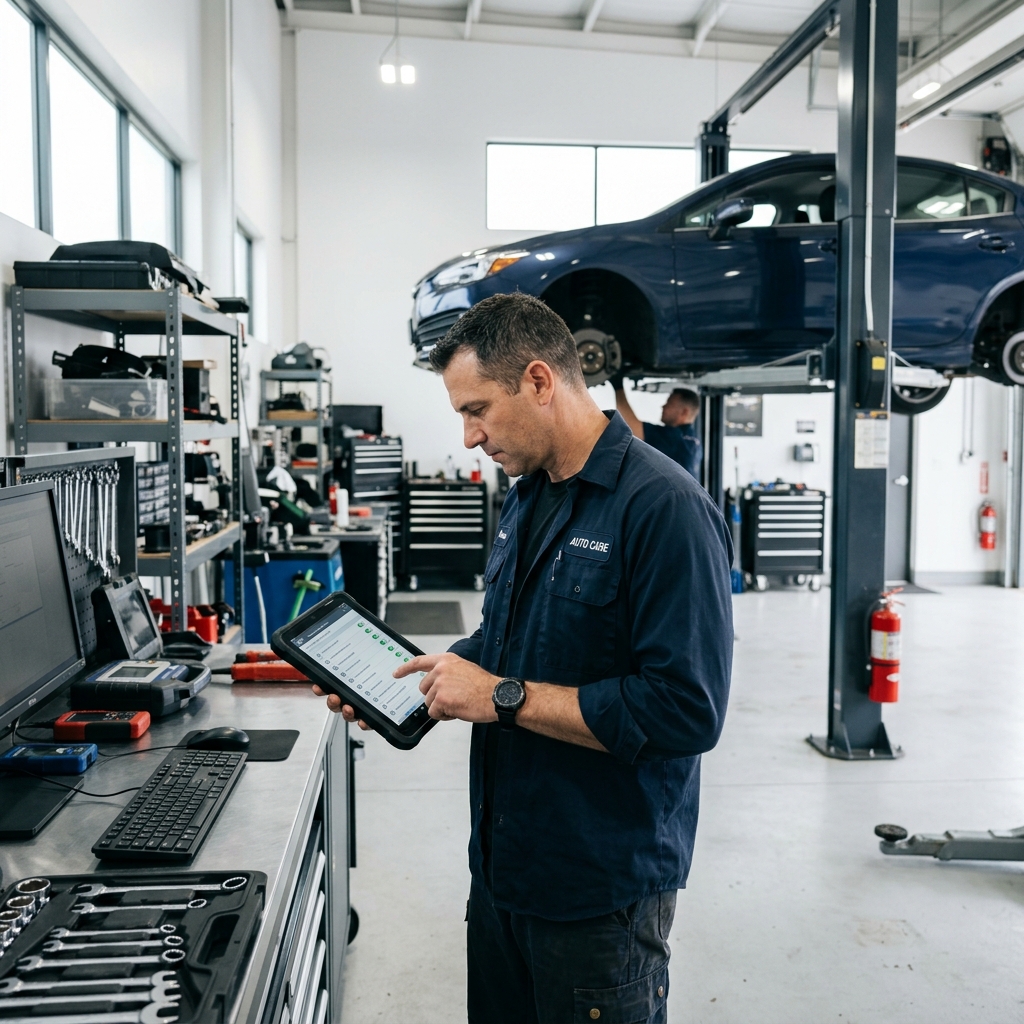
Mitchell 1 has been around since 1918, making it one of the oldest names in automotive repair information. Today it combines two main products: ProDemand (a repair information database) and Manager SE (shop management software). Shops that need deep technical data alongside day-to-day management tools often land here.
What Mitchell 1 Does Well
The core strength is access to OEM (original equipment manufacturer) repair data — the same specifications and procedures that dealerships use. This includes:
- Labor time guides with real-world adjusted times, not just flat-rate estimates
- Wiring diagrams for electrical diagnostics
- Diagnostic trouble code (DTC) lookup with step-by-step repair procedures
- SureTrack community data, which adds real-world fix data from millions of confirmed repairs
According to Mitchell 1, ProDemand covers over 95% of vehicles on the road in North America. For shops handling complex diagnostics, that breadth matters.
Shops that misdiagnose because they're working from incomplete data lose time twice — once on the wrong repair, and again correcting it.
Manager SE: The Shop Management Side
Manager SE handles the operational layer: estimates, invoicing, parts ordering, and customer records. It integrates directly with ProDemand, so a technician can pull labor times into an estimate without re-entering data.
The SocialCRM add-on extends the platform into customer retention — automated service reminders, review requests, and email campaigns. It's a separate cost but widely used by Mitchell 1 shops.
In practice, Manager SE works best when your team has already used similar legacy systems. The interface is functional but feels dated compared to newer cloud-native platforms. Training time is real.
Pricing and Complexity
Mitchell 1 does not publish flat pricing publicly. Quotes are customized based on shop size, number of users, and which modules you add. Industry forums suggest monthly costs ranging from $200 to $500+ when combining Manager SE with ProDemand — more when SocialCRM is included.
| Feature | Mitchell 1 |
|---|---|
| OEM Repair Data | ✅ Best-in-class via ProDemand |
| Shop Management | ✅ Manager SE |
| Cloud-Based | Partial (desktop-first, some cloud features) |
| Customer Marketing | Add-on (SocialCRM) |
| Transparent Pricing | ❌ Quote required |
| AI Repair Assistant | ❌ Not included |
| Branded Website | ❌ Not included |
Who It's Best For
Mitchell 1 suits established independent shops and dealership-style operations that handle a high volume of complex repairs — think European imports, electrical diagnostics, or fleet vehicles with tight documentation requirements. If your technicians regularly need wiring diagrams and OEM procedures, the data access justifies the cost.
Smaller shops or those prioritizing workflow speed, online payments, or built-in marketing may find the platform heavy for their needs. The desktop-first architecture also means it's less flexible for shops managing operations remotely or across multiple locations.
For shops that want all-in-one shop management without separate data subscriptions, a platform that bundles repair guidance with operations tools may be a better fit.
Tekmetric — Best for Growth-Focused Multi-Location Shops
is a cloud-based shop management platform built with growth in mind. It's designed for shops that are scaling up — adding locations, hiring technicians, and needing hard data to make smart decisions. Founded in 2015, it has grown to serve thousands of repair shops across the United States.
What Tekmetric Does Well
Tekmetric's strongest feature is its reporting engine. Shop owners can track revenue per technician, average repair order value, car count trends, and closing rates — all from a single dashboard. For shops with more than one location, those numbers roll up so you can compare performance side by side.
The technician scorecard is a standout tool. It shows each tech's efficiency, hours billed versus hours flagged, and comeback rate. In practice, this makes performance conversations easier and gives service advisors clear data when assigning jobs.
Tekmetric also puts a lot of emphasis on customer transparency. The digital inspection tool lets technicians attach photos and videos to repair recommendations, which customers can review and approve from their phone. According to Tekmetric, shops using digital inspections see higher average repair order values — shops report an average ARO increase when adopting photo-based approvals.
Shops that can show customers exactly what's wrong — with photos — approve more work. Transparency tools aren't just good for customers; they're good for revenue.
Customer-Facing Features
- Online approval links sent via text or email
- Real-time job status updates for customers
- Digital vehicle inspection reports with photo and video support
- Two-way texting built into the platform
Where Tekmetric Fits in the Market
Tekmetric is a strong fit for established shops looking to scale — particularly those moving from one location to two or three. Its reporting tools give owners the visibility they need to manage teams they can't always see in person.
It's less ideal for single-bay or early-stage shops. The pricing reflects its enterprise-leaning feature set, and smaller operations may find themselves paying for depth they don't yet need. Based on user reviews across and G2, the most common praise is for the reporting and inspection tools, while the most common criticism is the cost relative to basic shop management needs.
| Feature | Available in Tekmetric |
|---|---|
| Cloud-based access | ✅ |
| Multi-location reporting | ✅ |
| Technician scorecards | ✅ |
| Digital inspections with photos/video | ✅ |
| Built-in repair data / labor guides | ❌ (requires integration) |
| Included website | ❌ |
| AI Repair Assistant | ❌ |
| Month-to-month pricing | Contact for terms |
Limitations to Know
Tekmetric doesn't include OEM repair data or labor guides natively — you'll need to integrate a separate tool like ALLDATA or Mitchell 1 for that. It also doesn't include a built-in shop website, so marketing and lead generation require additional tools or third-party services.
For shops that need an all-in-one platform with built-in labor times and a branded website, that gap matters. Tekmetric is genuinely excellent at what it does — but what it does is operations and analytics, not the full customer acquisition and repair workflow stack.
Best for: Multi-location shop owners and growth-focused operators who want deep analytics, technician accountability tools, and strong customer communication features — and who already have repair data covered elsewhere.
Shop-Ware — Best for Paperless, Technician-First Workflows
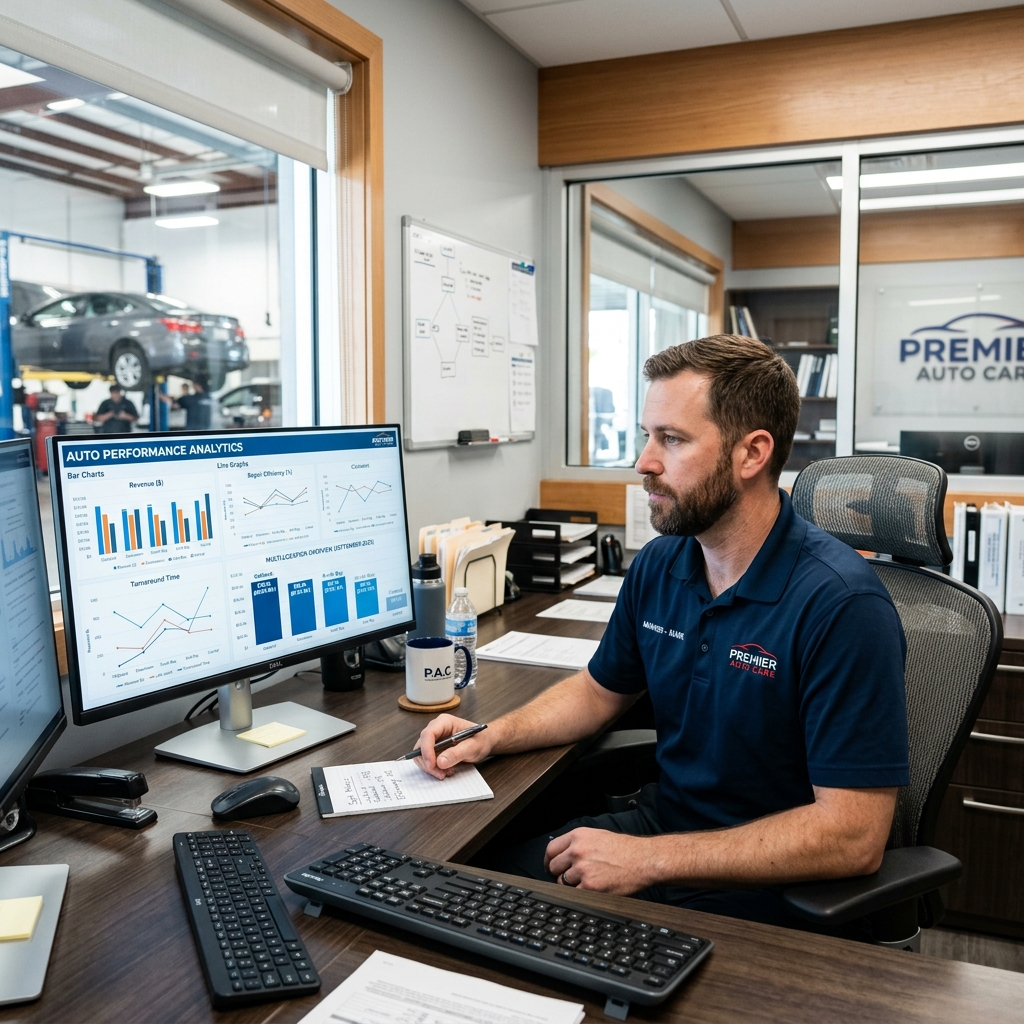
is a cloud-based shop management system designed around how technicians actually work. Its core idea is simple: eliminate paper from every part of the repair process and give techs the tools to document and communicate in real time. The platform is built for shops that want speed and accuracy on the shop floor, not just in the front office.
What Shop-Ware Does Well
The standout feature is real-time customer authorization. When a tech flags additional work, the customer gets a text or email with photos and can approve or decline from their phone — without a phone call. According to Shop-Ware, this process reduces approval delays and helps shops capture more authorized work per repair order.
The technician interface is built for the shop floor, not a desk. Techs can clock in and out of jobs, attach photos, and update job status directly from a tablet or phone. This creates a live picture of shop activity that service advisors can see without walking the floor.
Shops that reduce back-and-forth between techs and advisors typically see faster cycle times — less waiting, more turning bays.
The visual job board works similarly to a Kanban board, showing each repair order's status in real time. Service advisors can see what's waiting, what's in progress, and what's ready for pickup at a glance.
Flat-Rate Pricing Model
Shop-Ware uses a flat monthly fee per location rather than per-user pricing. This matters for growing shops — you won't pay more as you add advisors or technicians to the platform. In practice, this model is easier to budget and removes the friction of scaling up staff access.
Integrations and Ecosystem
Shop-Ware connects with several third-party tools for parts ordering, accounting, and labor guides. Key integrations include:
- Parts suppliers — PartsTech and other catalog integrations for multi-supplier ordering
- Accounting — QuickBooks sync for financial reporting
- Labor data — MOTOR labor guides available as an add-on
- Payments — Integrated payment processing through partnerships
Limitations to Know
Shop-Ware does not include built-in OEM repair data or diagnostic information. Shops that need detailed wiring diagrams or technical service bulletins will need a separate subscription to a repair information database like Mitchell 1 or ALLDATA. There are also no built-in marketing tools or customer-facing website features — shops looking for those capabilities will need to add separate solutions.
| Feature | Shop-Ware |
|---|---|
| Digital inspections | ✅ Yes |
| Real-time customer approvals | ✅ Yes |
| Visual job board | ✅ Yes |
| Built-in OEM repair data | ❌ No |
| Built-in marketing tools | ❌ No |
| Pricing model | Flat rate per location |
| Best fit | Paperless, tech-forward shops |
Best use case: Shop-Ware suits established shops with 3+ bays that want to go fully paperless and improve technician accountability. It works especially well for owners who find that communication gaps between techs and advisors are slowing down their operation. Shops that also need repair data, analytics depth, or a customer-facing website will likely need to supplement it with additional tools — which adds cost and complexity.
Conclusion
Picking the right software comes down to one question: what does your shop actually need right now?
A single-bay independent shop has different priorities than a growing multi-location operation. If you're just starting out or working with a tight budget, a free or low-cost tool can handle the basics — estimates, invoices, basic scheduling. But feature caps and limited support tend to become real problems as your car count grows.
The shops that see the biggest efficiency gains are the ones that replace scattered tools with a single platform covering inspections, estimates, invoicing, and parts — all in one place.
For shops ready to eliminate tool sprawl and admin overhead, an all-in-one platform like RedAppy makes the most practical sense. Saving 10+ admin hours per week and having a built-in website, AI Repair Assistant, and real-time analytics available from day one removes a lot of the friction that holds smaller shops back from scaling.
Here's a quick guide to match your situation to the right tier:
| Shop Profile | Best Fit |
|---|---|
| Just starting out, tight budget | Free tier or low-cost entry option |
| Independent shop, wants full workflow control | RedAppy |
| Established shop needing deep OEM repair data | Mitchell 1 |
| Multi-location, analytics-heavy operation | Tekmetric |
| Paperless-first, technician productivity focus | Shop-Ware |
If you're not sure where to start, the most practical next step is to book a demo with your top one or two options. Come prepared with your current pain points — whether that's parts ordering, slow approvals, or weak reporting — and ask vendors to show you exactly how their platform handles those scenarios.
You can also use a shop software checklist to score each tool against your must-haves before committing. For shops comparing pricing models side by side, our auto repair shop software pricing guide breaks down what you should expect to pay at each business stage.
Month-to-month pricing with no long-term contract is worth prioritizing — it keeps you flexible as your shop's needs change.
The right software should feel like it was built for the way your shop already works, just faster and with fewer gaps. If a platform requires you to change your entire workflow to fit its structure, that's a signal to keep looking.
Frequently Asked Questions
What is the best software for an auto repair shop?
Shop management platforms like Mitchell 1 Manager SE, Tekmetric, and Shop-Ware are widely considered among the best for auto repair shops, offering work order management, inventory tracking, and customer communication tools. Tekmetric is particularly popular for cloud-based operations, while Mitchell 1 integrates deeply with repair data. The best choice depends on shop size, budget, and whether cloud or desktop access is preferred.
What is the free software for mechanic shop?
Torque360 and Workshop Software offer free or freemium tiers for mechanic shops, providing basic invoicing and job card features at no cost. RepairShopr also has a limited free plan suitable for very small operations. Most free options cap the number of work orders or users, making them better suited for solo mechanics than multi-bay shops.
What's better than Alldata?
Mitchell 1 ProDemand and Identifix Direct-Hit are frequently cited as strong alternatives to Alldata, offering faster search interfaces and more technician-friendly repair data. ProDemand is especially praised for its SureTrack real-world fix data drawn from millions of actual repairs. Many shops use a combination of both Alldata and a competitor to fill coverage gaps.
What is the software for repair shop billing?
Popular repair shop billing software includes Shop-Ware, Tekmetric, and Mitchell 1 Manager SE, all of which generate itemized invoices, track parts and labor costs, and process payments. Many platforms also integrate with QuickBooks for seamless accounting. Features like digital approvals and automated customer notifications are now standard in most modern billing-focused shop management systems.
Ready to Transform Your Shop?
RedAppy helps auto repair shops create professional digital estimates with photos and videos, send them instantly via text or email, and get customer approvals in seconds. No credit card required to start.