
Auto Repair Invoice Software: Best Tools to Get Paid Faster in 2025
Getting paid shouldn't be the hardest part of running a shop. Yet for many auto repair businesses, slow invoicing, manual paperwork, and chasing down payments eat up hours every week that could go toward actual repairs. The right auto repair invoice software fixes that — turning a chaotic back-office process into something fast, accurate, and professional.
According to a 2023 Cox Automotive survey, shops that digitize their workflow see measurable gains in customer satisfaction and revenue per repair order. The difference often comes down to one thing: how quickly and clearly you can present a bill and collect payment.
This article covers the best invoicing tools available in 2025 — from standalone billing apps to full shop management platforms. For each one, you'll get a plain-language breakdown of what it does, who it's built for, and where it falls short. Whether you run a single bay or manage multiple locations, there's a solution here that fits your operation.
Table of Contents
- The Best Auto Repair Invoice Software at a Glance
- RedAppy — Best All-in-One Invoicing for Modern Auto Shops
- Mitchell 1 Manager SE — Best for Shops That Need Deep Repair Data Alongside Invoicing
- Tekmetric — Best Cloud-Based Option for Multi-Location Shops
- AutoLeap — Best for Shops Prioritizing Customer Communication With Invoicing
- Conclusion
- Frequently Asked Questions
The Best Auto Repair Invoice Software at a Glance
| Software | Best For | Key Invoicing Features | Starting Price | Free Trial |
|---|---|---|---|---|
| RedAppy | All-in-one shop management | One-click invoicing, digital inspections, online payments, Kanban board | Transparent, month-to-month | Yes |
| Mitchell 1 Manager SE | Deep repair data + invoicing | Labor guides, parts pricing, estimate-to-invoice workflow | Contact for quote | No |
| Shop-Ware | Paperless, high-volume shops | Digital ROs, customer approvals, payment links | Contact for quote | No |
| Tekmetric | Multi-location cloud operations | Real-time reporting, parts ordering, multi-shop dashboard | Contact for quote | Yes |
| Bolt On Technology | Customer-facing digital experience | Inspection-to-invoice, two-way texting, payment collection | Contact for quote | No |
| AutoLeap | Customer communication + invoicing | Two-way texting, digital inspections, online payment collection | Contact for quote | Yes |
| Repair Shop Solutions | Smaller independent shops | Basic invoicing, scheduling, parts lookup | Lower-cost entry point | Yes |
Shops that combine digital inspections with invoicing in a single workflow approve more jobs and get paid faster — the two features work best when they're connected, not bolted together from separate tools.
The clearest dividing line in this category is all-in-one platforms vs. focused invoicing tools. RedAppy, Tekmetric, and AutoLeap bundle invoicing with inspections, parts ordering, and customer communication. Mitchell 1 and Repair Shop Solutions lean more heavily on repair data and basic billing. Your shop's workflow complexity should drive the decision more than price alone.
For shops exploring auto repair shop management software beyond invoicing, most of these platforms offer overlapping features — which makes the comparison table above a useful starting point for narrowing your options quickly.
RedAppy — Best All-in-One Invoicing for Modern Auto Shops
RedAppy takes a different approach from most shop management tools. Instead of bolting invoicing onto a repair database, it builds the entire workflow around moving a job from check-in to payment as fast as possible.
How the Invoicing Workflow Works
The process is straightforward. A customer calls, you create a repair order. A technician completes a digital inspection with photos and notes. You send the estimate to the customer for approval — they sign off digitally — and then one click converts that approved estimate into a finalized invoice. No re-entering data. No printing and scanning.
Online payment collection is built in, so customers can pay before they pick up the vehicle. That alone removes one of the biggest friction points in the repair cycle.
Shops that send photo-rich digital inspections consistently approve more work per repair order than shops relying on verbal recommendations.
The Kanban-style Digital Shop Board gives everyone in the shop a live view of every job's status. Service writers see what's waiting for parts. Technicians see what's next in their queue. Managers see whether any job is at risk of running long. That visibility prevents the communication gaps that slow invoicing down.
AI Repair Assistant and Parts Ordering
RedAppy includes an AI Repair Assistant that surfaces labor times, diagnostic guidance, and repair recommendations without requiring a separate subscription to a data provider. In practice, this speeds up estimate creation because service writers aren't switching between tabs or calling the parts counter for basic labor times.
Parts ordering runs across multiple suppliers with real-time inventory, so you're building the estimate and checking availability at the same time. Fewer back-and-forth phone calls means estimates go out faster and invoices close sooner.
Analytics and Shop Performance
The built-in analytics dashboard tracks:
- Revenue by day, week, or month
- Technician efficiency and hours billed
- Average repair order value
- Repeat customer rate
These aren't just vanity metrics. Knowing your average repair order value, for example, tells you whether your inspection process is converting correctly. RedAppy reports that shops using the platform typically save 10+ admin hours per week and see a strong return in their first year.
Pricing and What's Included
| Feature | Included |
|---|---|
| Digital inspections | ✓ |
| One-click invoicing | ✓ |
| Online payments | ✓ |
| Parts ordering (multi-supplier) | ✓ |
| AI Repair Assistant | ✓ |
| Kanban Digital Shop Board | ✓ |
| Branded website with contact forms | ✓ |
| Used-car listings (optional) | ✓ |
| Vehicle history and VIN/plate lookup | ✓ |
| Team calendar | ✓ |
Every subscription includes a professional branded website — something most competitors charge extra for or don't offer at all. Pricing is transparent, terms are month-to-month, and the platform scales from a single-bay garage to multi-location operations.
Month-to-month terms matter more than most shops realize. They remove the risk of committing to software before you know it fits your workflow.
Who RedAppy Is Best For
RedAppy delivers the most value for growing shops that want to replace a stack of disconnected tools — separate invoicing software, inspection apps, scheduling tools, and websites — with one platform. If your shop is already running smoothly on a lightweight invoicing tool and you have no interest in inspections or analytics, a simpler option might be a better fit.
From experience, the shops that get the most out of RedAppy are those moving away from paper-based or spreadsheet-driven workflows, where the time savings and approval rate improvements show up fastest.
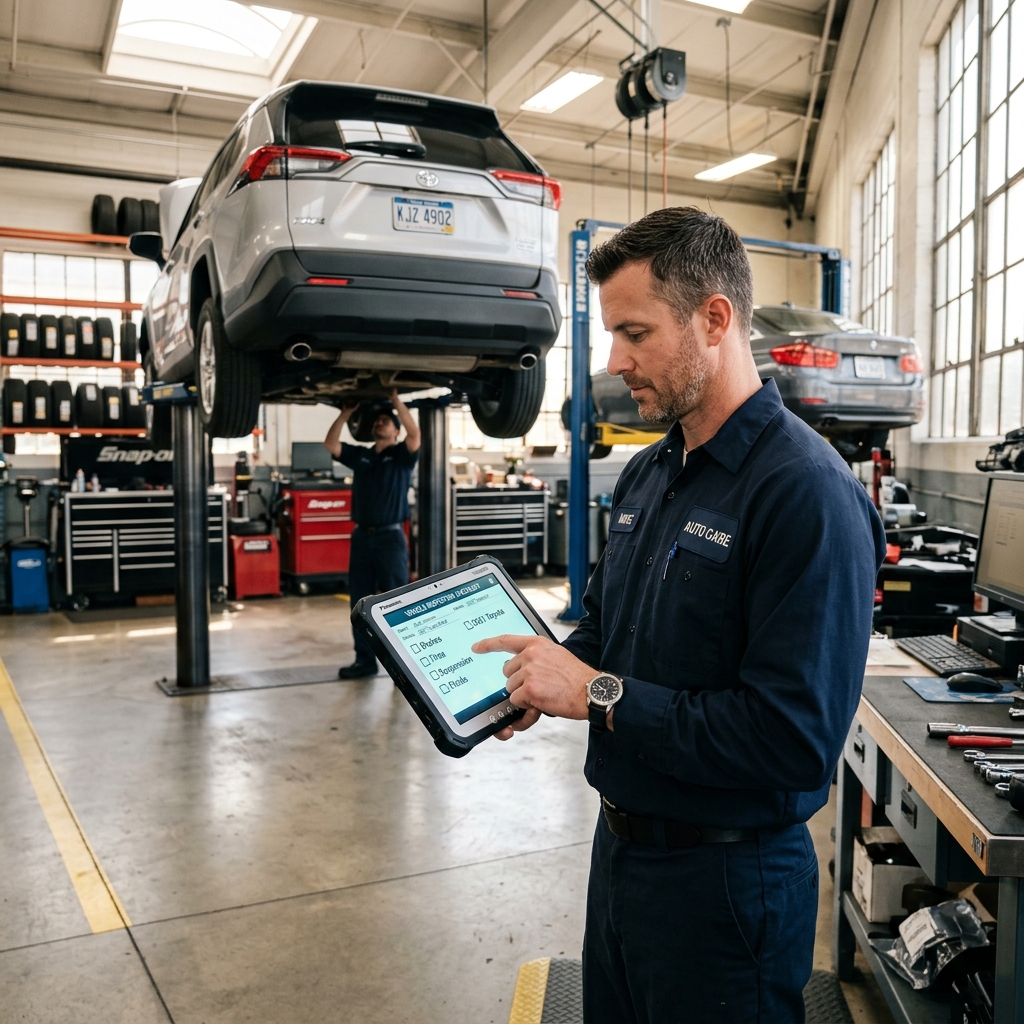
Mitchell 1 Manager SE — Best for Shops That Need Deep Repair Data Alongside Invoicing
has been a fixture in professional auto repair shops for decades. It combines shop management and invoicing with one of the most comprehensive repair information databases in the industry — meaning technicians and service writers work from the same system.
The core advantage is that labor times, parts pricing, OEM repair procedures, and diagnostic trouble code information live inside the same platform as your estimates and invoices. A service writer can build an accurate estimate without switching between a labor guide and a separate invoicing tool, which reduces errors and speeds up the write-up process.
What Mitchell 1 Does Well for Invoicing
- Estimate-to-invoice conversion pulls in labor times and parts costs from Mitchell 1's ProDemand database, so line items are pre-populated with verified data
- Parts ordering integrates with major suppliers directly from the repair order
- Customer history is stored at the vehicle level, making it easy to reference previous work when writing up a new invoice
- Workflow tracking moves jobs through the shop from write-up to completion to payment
- Multi-shop support is available for operations running more than one location
According to Mitchell 1, Manager SE is used by tens of thousands of shops across North America, making it one of the most widely adopted platforms in the industry.
Who It's Built For
Mitchell 1 is a strong fit for established shops that rely heavily on OEM repair data and want that information built into the invoicing workflow. It's especially useful for general repair shops handling a wide range of makes and models, where accurate labor times and diagnostic data directly affect profitability.
Shops that write 20+ repair orders per week often find that having repair data and invoicing in one system pays for itself quickly in reduced write-up errors and faster technician turnaround.
Limitations to Know
Mitchell 1 Manager SE is primarily a desktop-based system, which can be a barrier for shops that want mobile access or remote management. Cloud functionality is limited compared to newer platforms built natively for the web.
The learning curve is steeper than simpler invoicing tools. From experience, shops transitioning from paper or basic software often need several weeks before staff are comfortable with the full workflow.
Pricing is higher than entry-level options and is typically quoted per location, which can make it less accessible for single-bay garages or new shops with tight margins. Mitchell 1 does not publish pricing publicly — you need to contact sales for a quote.
| Feature | Mitchell 1 Manager SE |
|---|---|
| Invoicing | Yes, integrated with repair data |
| Labor Guide Integration | Yes (ProDemand database) |
| Cloud-Based | No (desktop-primary) |
| Mobile Access | Limited |
| Parts Ordering | Yes |
| Pricing | Custom quote required |
| Free Trial | Not publicly advertised |
For shops that already rely on Mitchell 1's ProDemand for repair information, upgrading to Manager SE is a natural consolidation. For shops that prioritize mobile access, customer-facing communication, or a lower starting cost, newer cloud-based platforms may be a better starting point.
Tekmetric — Best Cloud-Based Option for Multi-Location Shops
is a cloud-native shop management platform built with multi-location operators in mind. Unlike desktop-installed software, everything runs in a browser, meaning owners and managers can check invoices, job status, and revenue from any device, anywhere.
Who it's for: Shop groups, growing independents planning to expand, and any owner who wants real-time visibility across locations without being tied to a single computer.
Cloud Invoicing and Real-Time Reporting
Tekmetric generates invoices directly from repair orders, pulling in approved labor times and parts automatically. There's no manual re-entry between the estimate and the final bill. Once a job is complete, invoices can be sent digitally and payments collected online.
The reporting dashboard is one of Tekmetric's strongest features. Owners with two or more locations can view revenue, average repair order (ARO), and technician efficiency across all shops on a single screen. According to Tekmetric's own data, shops using the platform average over $1,900 in ARO, which they attribute in part to better workflow visibility and digital inspection adoption.
Shops that can see real-time numbers across locations make faster decisions about staffing, parts purchasing, and promotions — without waiting for end-of-month reports.
Parts Ordering and Technician Workflow
Tekmetric integrates with major parts suppliers, allowing service advisors to search inventory and add parts to a repair order without switching platforms. Technician clocking, job assignment, and time tracking are all built in, so the labor portion of an invoice reflects actual time data rather than estimates.
Pricing and Limitations
Tekmetric's pricing sits on the higher end of the market. For a single-bay shop with straightforward invoicing needs, the cost-to-value ratio may not be as strong as with more focused or lower-cost tools.
| Feature | Tekmetric |
|---|---|
| Cloud-based | Yes |
| Multi-location dashboard | Yes |
| Digital inspections | Yes |
| Online payments | Yes |
| Parts supplier integration | Yes |
| Best for | Multi-location shops |
In practice, Tekmetric is a strong fit for shops that have outgrown single-computer software and need centralized reporting. For a one-location shop on a tight budget, a platform like RedAppy may offer comparable invoicing and workflow tools at a more accessible price point.
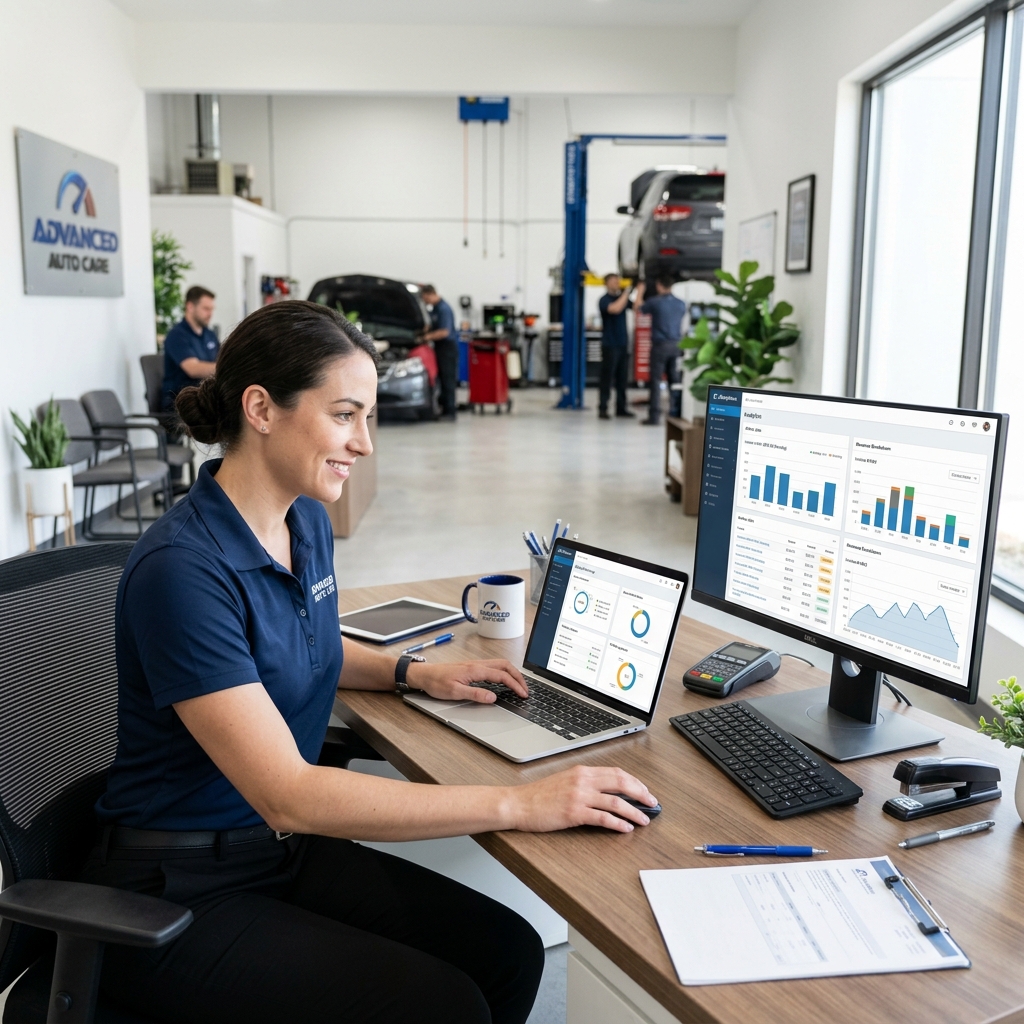
AutoLeap — Best for Shops Prioritizing Customer Communication With Invoicing
is a cloud-based shop management platform that puts customer communication at the center of its invoicing workflow. Where many tools treat texting and updates as add-ons, AutoLeap builds them into the core process — from estimate approval to final payment.
How AutoLeap Connects Communication to Invoice Approval
The platform's two-way texting lets service advisors send estimate links directly to customers, who can approve or decline work from their phone without calling in. That approval triggers the repair order, keeps the technician moving, and feeds directly into the invoice when the job is done.
Digital vehicle inspections are built into this same flow. Technicians attach photos and notes to each inspection item, and that content travels with the estimate and invoice. According to AutoLeap, shops using photo-rich digital inspections typically see higher approval rates on recommended work — which means more items on the invoice, not just faster processing.
Shops that struggle with customers declining add-on work often find that visual proof — a photo of a cracked belt or worn rotor — converts a "no" into a "yes" faster than any verbal explanation.
Key Features for Invoicing
- Two-way SMS for estimate approvals and invoice delivery
- Digital inspections with photos that attach to repair orders and invoices
- Online payment collection so customers can pay before picking up their vehicle
- Parts ordering integrated into the estimate and invoice workflow
- Cloud access from any device, useful for service advisors on the shop floor
Who AutoLeap Works Best For
AutoLeap suits shops where the service advisor is the bottleneck — places where phone tag slows down approvals and customers frequently drop vehicles without a clear communication channel. It's a strong fit for independent shops and small chains that want professional-grade communication tools without building a custom tech stack.
Onboarding support is a noted strength. AutoLeap provides dedicated onboarding assistance, which matters for shops moving off paper or an older legacy system. In practice, this reduces the risk of a rough transition that disrupts cash flow during the switch.
Limitations to know: AutoLeap's pricing is not publicly listed, which means you'll need to go through a demo to get a quote. Shops that already have strong customer communication processes in place may not see as dramatic a return on this specific feature set. It's less suited to shops primarily looking for deep repair data integration — for that, remains the stronger choice.
| Feature | AutoLeap |
|---|---|
| Two-way texting | ✅ Built-in |
| Digital inspections | ✅ With photo attachment |
| Online payments | ✅ Included |
| Multi-location support | ✅ Available |
| Transparent public pricing | ❌ Quote required |
| Repair data integration | Limited |
For shops where improving invoice approval rates is the primary goal, AutoLeap's communication-first design gives it a clear edge over platforms that bolt messaging on as an afterthought.
Conclusion
The best auto repair invoice software comes down to three things: your shop size, how complex your workflow is, and what you need beyond basic invoicing.
If you run a single-bay shop and just need clean digital invoices with online payment, a lightweight tool may be all you need. But if you're managing multiple bays, ordering parts from several suppliers, and trying to track technician efficiency — an all-in-one platform pays for itself quickly.
Shops that unify invoicing, inspections, and parts ordering in one system consistently cut more admin time than those piecing together separate tools.
Here's how the main options stack up by use case:
| Shop Type | Best Fit |
|---|---|
| Growing single-location shop | RedAppy |
| Shop needing deep repair data | Mitchell 1 Manager SE |
| Multi-location operation | Tekmetric |
| Customer communication-first shops | AutoLeap |
RedAppy stands out for shops that want invoicing, digital inspections, parts ordering, analytics, and a branded website under one subscription with month-to-month terms. In practice, the one-click invoicing from approved estimates alone removes several steps from the daily workflow — and that's where the reported 10+ admin hours saved per week comes from.
Mitchell 1 and Tekmetric are strong choices if your shop is already embedded in those ecosystems or needs enterprise-level reporting. AutoLeap is worth a look if customer communication and approval rates are your biggest pain points.
Start with a free trial if one is available. Use it to test the invoicing flow end to end — from estimate to payment — with a real repair order. That single run-through will tell you more than any feature list.
Ready to see how RedAppy fits your shop? Book a demo and walk through the invoicing workflow with your own numbers.
Frequently Asked Questions
How to make an auto repair invoice?
Use auto repair invoice software like Shop-Ware, Mitchell 1, or even a customizable template to include customer info, vehicle details (make, model, VIN), labor hours, parts costs, and a total breakdown. Most dedicated platforms auto-populate labor rates and parts pricing, reducing manual entry. Adding a digital signature field and payment link speeds up approvals and collections.
Can I use ALLDATA for free?
ALLDATA offers a free 30-day trial for new users, but ongoing access requires a paid subscription starting around $149/month for a single-user plan. There is no permanently free version of ALLDATA's repair and estimating database. Shops needing free alternatives can explore limited tools like RepairLink or manufacturer portals.
What software do auto repair shops use?
Popular shop management software includes Mitchell 1 Manager SE, Shop-Ware, Tekmetric, and AutoFluent, which handle invoicing, estimates, parts ordering, and customer communication in one platform. Many shops also use point-of-sale tools like ROWriter or Protractor for workflow management. Cloud-based options like Tekmetric have grown significantly, with thousands of independent shops adopting them for real-time reporting.
What is the best software for auto repair estimating?
Mitchell 1 ProDemand and CCC ONE are widely considered industry leaders for repair estimating, offering comprehensive labor guides, OEM data, and parts pricing integration. Shop-Ware and Tekmetric are strong contenders for all-in-one estimating within a shop management system. The best choice depends on shop size, budget, and whether you need standalone estimating or a fully integrated platform.
Ready to Transform Your Shop?
RedAppy helps auto repair shops create professional digital estimates with photos and videos, send them instantly via text or email, and get customer approvals in seconds. No credit card required to start.