
Auto Repair Software for New Shop Owners: Key Tips 2026
A new shop owner can lose margin before the first vehicle leaves the bay. Calls interrupt inspections, estimates sit unanswered, parts arrive late, technicians wait for decisions, and invoices require another round of follow-up. None of these gaps looks large alone, but together they consume administrative hours and delay cash collection.
The right auto repair software for new shop owners should be judged by operating outcomes, not by the longest feature list. The seven strategies below target the first profit leaks, from administrative time and missed approvals to technician capacity, parts delays, payment friction, customer retention, and measurement. Owners should record implementation time, time-to-value, approval rate, average repair order, technician efficiency, revenue, repeat business, and administrative hours before and after rollout.
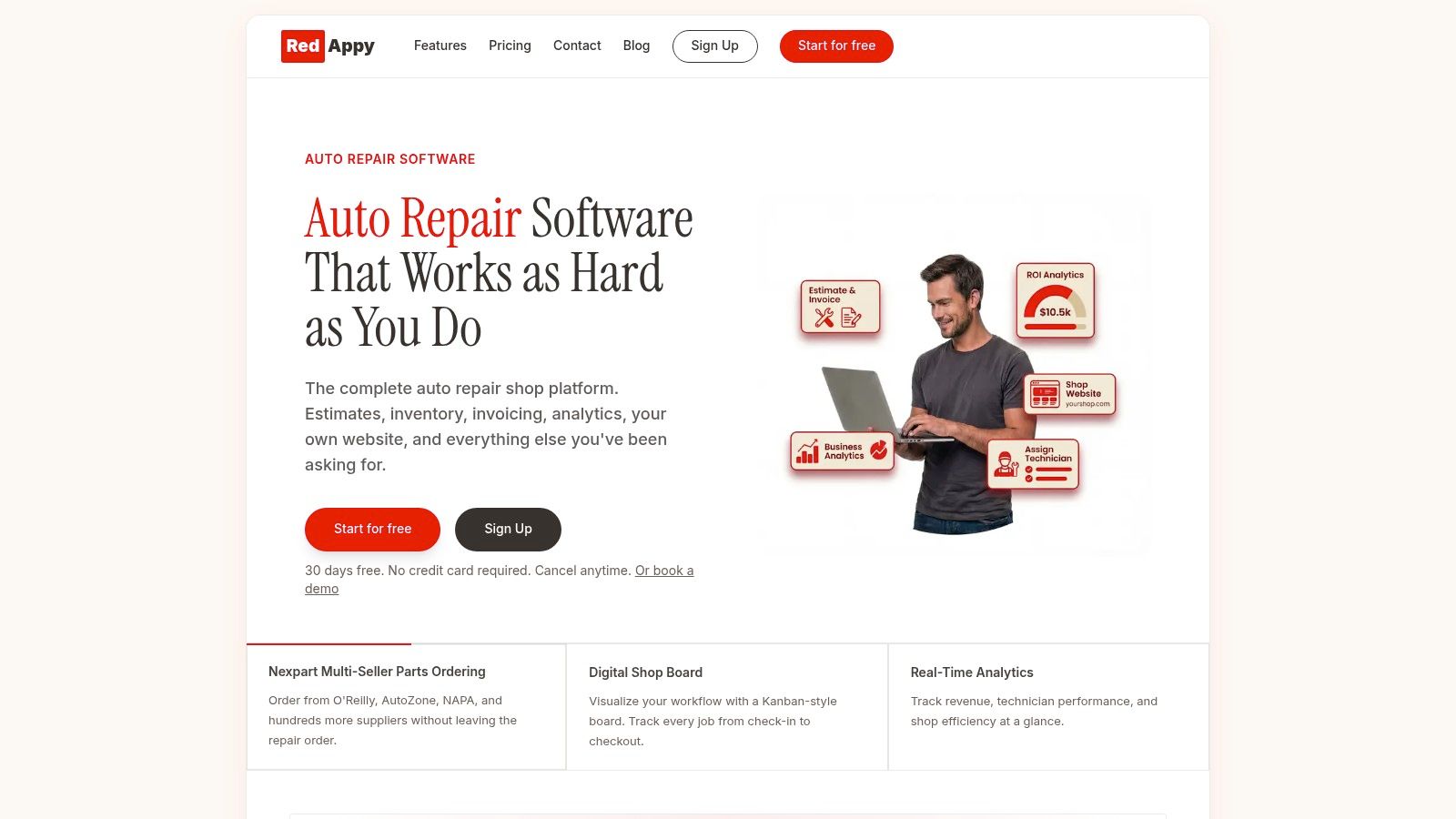
RedAppy is a relevant end-to-end option because it connects intake, scheduling, digital inspections, estimates, parts, invoicing, payments, analytics, and customer acquisition. Owners who need exact pricing or want to discuss fit can contact RedAppy directly.
Table of Contents
- 1. RedAppy
- 2. Shopmonkey
- 3. Tekmetric
- 4. Shop-Ware
- 5. AutoLeap
- 6. NAPA TRACS
- 7. Shop Boss
- Top 7 Auto Repair Software Comparison for New Shop Owners
- Choose the System You Can Measure
1. RedAppy
RedAppy is the strongest choice for an owner who wants one operating layer rather than a collection of disconnected tools. It covers the workflow from the first call through check-in, digital inspection, estimate approval, parts ordering, invoicing, payment, and checkout. That continuity matters in a new shop because every manual handoff creates another place for a detail, approval, or payment to disappear.
The Kanban-style Digital Shop Board gives the team a live view of each job's position. A front-desk employee can see which vehicles are awaiting inspection, approval, parts, repair, or pickup without interrupting a technician. The built-in AI Repair Assistant provides labor times, diagnostic guidance, and shop insights on demand, while the team calendar supports scheduling across available staff and bays.
The best fit for connected shop control
RedAppy's digital inspections turn technician findings into customer-facing reports with photos, notes, and approval options. That supports a faster approval process than relying only on phone calls. One industry report found a median approval time of 6 minutes for digital estimates, with 88.2% approved within one hour, while phone-based approvals averaged 22 to 23 hours. provides the cited comparison.
Parts delays receive similar attention. RedAppy supports ordering across multiple suppliers with real-time inventory visibility, so staff can connect parts decisions to the repair order instead of searching across separate supplier systems. Vehicle history and customer lookup by name, plate, or VIN keep service records available at intake.
Practical rule: A new shop should choose RedAppy when fewer handoffs matter more than owning separate specialist tools.
Real-time analytics track revenue, technician efficiency, average repair order, and repeat business. Every subscription also includes a professional branded website with contact forms and optional used-car listings, giving the shop a customer-acquisition asset alongside its operating system. RedAppy reports typical outcomes such as saving 10+ administrative hours per week, approving more work through photo-rich inspections, and achieving a strong first-year ROI. Exact pricing wasn't provided in the available content, so owners should request a quote. Month-to-month terms and customization options support growth from a single-bay garage to a multi-location operation, but setup, onboarding, internet connectivity, and supplier integrations still require planning.
Visit RedAppy for the platform overview and a fit discussion.
2. Shopmonkey
Shopmonkey suits a first-time buyer who wants a modern cloud system with visible plan boundaries. Its workflow combines digital vehicle inspections, two-way texting, integrated payments, parts lookup and ordering, and mobile apps for iOS and Android. VIN and license-plate decoding can reduce repetitive intake work, while digital signatures connect customer approval to the repair order.
The main financial advantage is cost predictability. Shopmonkey offers tiered pricing, a feature matrix, and unlimited users on available plans, with additional users positioned as a low-cost way to expand the team. That structure helps a new owner avoid rebuilding the software budget whenever another technician or service advisor joins.
Where Shopmonkey earns its place
The platform is particularly practical for shops that want approvals and payments handled through the same customer communication flow. Text-to-pay and mobile access can reduce the time between a completed repair and a collected invoice. It also keeps front-desk staff and technicians working from the same job record instead of splitting information between paper, messages, and spreadsheets.
Migration deserves direct attention. Bringing historical data carries a one-time $500 migration fee, so an owner starting with no legacy records may not need that service, while an established operation should include it in the implementation budget. should be checked for the current feature and pricing details.
Budget decision: Shopmonkey is a clear pick when transparent tiers matter, but advanced CRM, marketing, and bookkeeping capabilities can require paid add-ons.
The trade-off is straightforward. Shopmonkey delivers a broad cloud workflow with predictable user expansion, but owners should ask for a complete quote that separates the subscription, migration, payment costs, and optional modules. That conversation prevents a low entry price from becoming an unexpectedly broad operating expense.
3. Tekmetric
Tekmetric is built for owners who want speed in daily shop control and don't want staffing changes to create license problems. Its per-shop pricing includes unlimited users and repair orders, which makes the platform easier to budget when technicians, advisors, or managers change. The system also supports unlimited two-way texting, digital approvals with electronic signatures, text-to-pay, Apple Pay, Google Pay, and mobile access.
Strong control over technician capacity
Tekmetric connects a built-in labor guide, time clock, technician board, and workflow notifications. Those tools address a common startup problem: the owner knows that work is moving slowly but can't identify whether the constraint is inspection time, approval waiting, parts availability, or technician allocation.
Its reporting and integrations extend the operating view. Tekmetric lists more than 50 integrations, including CARFAX, parts ordering, MotoVisuals, and Back Office, as described on its. Owners can use the technician board to make current assignments visible and the time clock to compare planned work with actual shop activity.
This is a useful choice for a shop that expects staffing to change quickly. Unlimited users and devices reduce friction when a new technician needs access, while unlimited repair orders avoid a billing model tied directly to job volume. Frequent updates, weekly training webinars, and US-based support also help first-time adopters build operating habits rather than purchasing software.
The limitation is pricing visibility. Tekmetric doesn't publish dollar amounts publicly, so the owner must contact sales for the base price and confirm which multi-shop reporting and integrations are add-ons. That doesn't make the platform unsuitable, but it does mean the buying process should include a written cost breakdown and a live test of one complete repair order.
4. Shop-Ware
Shop-Ware is a strong fit for owners who want clean workflows, clear plan boundaries, and deeper parts intelligence. Its cloud-first system includes digital vehicle experience tools, a technician app, and unlimited users across plans. The higher tiers add the MOTOR labor guide, a native parts catalog, and OE specifications, which can make estimating and parts research more consistent.
The central decision is whether the shop needs advanced operational data immediately or can add it later. Entry plans can support core workflow management, while higher plans bring business analytics and website, SEO, CRM, and advertising enablement. Owners should pay for the tier that matches the first operational constraint, not for every future capability.
Parts intelligence without a heavy legacy system
The AI Parts Matrix and digital vehicle experience tools focus attention on the relationship between inspection findings, customer communication, and parts decisions. That's useful when a repair order stalls because the team has to verify availability, compare suppliers, or explain recommended work before approval.
Shop-Ware also offers dedicated onboarding and data migration support from 150+ systems, according to the supplied product information. gives owners a starting point for reviewing current plan inclusions and migration options.
Implementation test: A platform earns its cost only when staff can complete a real inspection, estimate, parts step, and payment workflow without resorting to a workaround.
Month-to-month availability, with discounts for annual billing, gives owners flexibility. The trade-offs include possible extra fees for data migration and Accounting Link. Phone support and some advanced capabilities may be limited to upper tiers, so the sales discussion should confirm support access, migration scope, and whether the native labor and parts tools are included in the selected plan.
5. AutoLeap
A new shop can lose margin before a technician starts work if staff spend too much time answering calls, rebuilding estimates, or following up on declined repairs. AutoLeap targets those administrative leaks with public pricing, detailed feature comparisons, and onboarding support.
The platform includes digital inspections with images, video, and voice notes. Its deferred-work tracker brings declined recommendations back into later customer conversations, supporting approved work without relying on memory. Unlimited texts and emails, digital estimates and invoices, Google Reviews integration, parts and tire ordering, price-book management, and a technician app cover the main front-office and repair workflow.
A practical choice for measurable budgeting
AutoLeap's ROI calculators and benchmarking tools help owners connect software cost with operating assumptions. Use them to map which tasks should become digital first, then compare the expected administrative workload with each plan. That process gives a clearer budget decision than a feature list alone.
Multi-shop controls suit an operator planning more than one location. An optional AI Receptionist add-on can help a shop handle calls while staff are occupied with active repair work. provides the product and pricing information used for this comparison.
Include paid setup and implementation in the launch budget. Each user also faces a single-login and device-concurrency limit at one time. Map staff access before signing, especially if several employees may need the same account during busy periods.
AutoLeap's strongest advantage is financial clarity. Public tiered pricing and a detailed feature grid make early planning easier, while onboarding and data-migration support reduce configuration work for the team. Confirm the one-time implementation cost, test the exact staff workflow, and check whether the deferred-work process fits how the shop follows up with customers.
6. NAPA TRACS
NAPA TRACS makes the most sense for an independent shop that wants a tiered entry point and a path into the NAPA ecosystem. The platform supports estimating, electronic parts ordering, calendars, canned jobs, inventory, VIN scanning, integrated texting, time clocks, technician productivity tracking, and advanced reporting.
Higher tiers add the Mitchell 1 flat-rate labor guide and ProDemand integration. Labor guides provide standardized reference times for specific repairs and vehicles, usually expressed in hours and tenths. The final labor charge comes from multiplying the guide's hours by the shop's hourly labor rate, so the tool supports consistent estimating rather than guesswork. provides the cited basis.
Best for shops aligned with NAPA
NAPA TRACS offers packages that scale from essential operations to multi-location needs. NAPA Auto Care members may also receive ecosystem benefits such as training and installation offers. Those advantages can matter to an owner who values supplier relationships and wants operational support connected to parts purchasing.
The drawback is dependency on tiers, add-ons, and partners for some advanced capabilities. Certain offers may require a 12-month commitment, and promotional windows can be time-bound. Owners should read the agreement carefully and separate the basic subscription from Mitchell 1 resources, advanced reporting, and other partner services.
before making a decision, particularly if the shop plans to source heavily through NAPA. The platform is a sensible choice when supplier alignment and a lower entry path outweigh the appeal of a fully unified, vendor-neutral operating system.
7. Shop Boss
Shop Boss targets small teams that want predictable user access, straightforward pricing, and a visible path to broader business intelligence. Digital vehicle inspections include diagrams and procedures, while unlimited users, repair orders, and texting are included at every tier. That structure avoids a common startup penalty, where the owner pays more because several people need access to the same workflow.
The platform also includes integrated tire ordering, profit-per-hour forecasting, a business intelligence dashboard, employee analytics, and a real-time shop dashboard. These features help an owner move beyond counting closed repair orders and examine how technician time, parts activity, and job progress affect the business.
A useful option for controlled expansion
Shop Boss offers built-in marketing CRM and an online scheduler in the top tier or through add-ons. Those tools can support appointment capture and customer follow-up, but they shouldn't be treated as included unless the selected package says so. Website and marketing capabilities require upper tiers or additional add-ons, and transaction fees apply to payments.
Full labor guides and advanced analytics also require higher tiers. The owner should therefore identify whether the immediate priority is digital inspections and texting or whether the shop needs detailed labor and performance data from the start.
for the available packages, migration options, and terms. Explicit menu-priced data-transfer options make implementation easier to budget, while features such as the Growth Guarantee and AI ProNotes may appeal to owners planning a structured rollout. The right choice depends on whether predictable access costs matter more than having marketing, labor, and analytics included in the base plan.
Top 7 Auto Repair Software Comparison for New Shop Owners
| Product | Implementation Complexity 🔄 | Resource Requirements ⚡ | Expected Outcomes ⭐📊 | Ideal Use Cases 💡 | Key Advantages ⭐ |
|---|---|---|---|---|---|
| RedAppy | Moderate→High setup (integrations & onboarding) 🔄 | Internet, supplier integrations, staff training ⚡ | Reduced admin (≈10+ hrs/wk), higher approval rates, faster ROs 📊 | Modern single-bay to multi-location shops centralizing workflow 💡 | End-to-end workflow, AI Repair Assistant, real-time analytics ⭐ |
| Shopmonkey | Low→Moderate (straightforward UI; optional migration) 🔄 | Cloud access, one-time $500 migration if needed ⚡ | Predictable costs, mobile DVIs & text-to-pay, faster communications 📊 | First-time system buyers and independent/tire shops 💡 | Transparent tiered pricing, unlimited-user options, clear migration fee ⭐ |
| Tekmetric | Low→Moderate (per-shop onboarding; self-guided tours) 🔄 | Cloud, frequent training/webinars, US support ⚡ | Day-to-day speed/efficiency, unlimited users/ROs, steady updates 📊 | Shops prioritizing operational speed and unlimited access 💡 | Unlimited users/devices, extensive integrations, active support ⭐ |
| Shop‑Ware | Moderate (tiered features; dedicated onboarding) 🔄 | Tier-dependent features, possible migration fees ⚡ | Clean workflows, strong analytics and AI-assisted parts management 📊 | Single or multi-shop operators needing analytics and parts AI 💡 | AI Parts Matrix, clear plan inclusions, Tech App & analytics ⭐ |
| AutoLeap | Low→Moderate (paid setup service) 🔄 | Public tiered pricing, onboarding, single-login concurrency limit ⚡ | Clear ROI/benchmarks, rich DVIs, predictable budgeting 📊 | First-time buyers wanting transparent cost/benefit analysis 💡 | Public pricing, ROI calculators, robust onboarding/support ⭐ |
| NAPA TRACS | Low→Moderate (tiered growth path; some commitments) 🔄 | NAPA ecosystem access, add-ons/partners for advanced features ⚡ | Entry-level pricing with scalable tiers, NAPA network benefits 📊 | NAPA Auto Care Centers or shops seeking NAPA resources 💡 | Competitive entry pricing, NAPA integrations/training, growth path ⭐ |
| Shop Boss | Low (straightforward web setup; clear fees) 🔄 | Web-based, menu-priced migration, add-on marketing features ⚡ | Predictable scaling, unlimited users/texting at entry, BI dashboards 📊 | Small teams that want clear costs and simple scaling 💡 | Unlimited users/texting at entry, BI dashboards, explicit migration pricing ⭐ |
Choose the System You Can Measure
The best system isn't the one with the most features. It's the one that fixes the first profit leak and gives the owner evidence that the workflow improved.
Start with one operating problem. If administrative hours are consuming the owner's day, prioritize intake, scheduling, job status, and invoicing. If bays sit idle while customers decide, prioritize digital inspections, estimates, approval links, and reminders. If technicians wait for parts or assignments, prioritize supplier visibility, parts ordering, labor guidance, and a live technician board. If completed work turns into slow collections, prioritize integrated payments and payment tracking.
Record a baseline before implementation. Track administrative hours, time-to-value, approval rate, average repair order, technician efficiency, revenue, repeat business, and payment completion. Don't promise an improvement before the shop has measured its starting position. The point is to create a consistent operating record that shows where software is helping and where staff still need training.
Implementation costs deserve the same attention as subscription prices. Buyer guides frame auto repair software at $150 to $400+ per month for a DMS, with another $150 to $200+ for labor-guide and data subscriptions, according to Capterra's auto repair software guide. Market research also places implementation costs at roughly $2,000 to $15,000+, depending on migration and training, as reported by. A 1 to 2 bay startup should ask which capabilities can wait and which ones protect cash flow immediately.
A rollout standard for new owners
Before signing, each vendor should demonstrate one real repair order from intake through payment. Staff should test the workflow, not just watch a polished sales presentation. The owner should confirm:
- Migration scope: Identify which customer, vehicle, service, and accounting records move into the system.
- Training ownership: Confirm who trains advisors, technicians, and managers, and how support handles launch problems.
- Integration costs: Separate supplier, accounting, payment, labor-guide, and reporting fees from the core subscription.
- Workflow accountability: Assign responsibility for inspection updates, approvals, parts status, invoice closure, and follow-up.
- Review cadence: Schedule consistent metric reviews so the shop can correct adoption issues before they become routine.
RedAppy may suit owners seeking one platform across inspections, estimating, parts, payments, scheduling, analytics, and customer acquisition. Its features page explains the connected workflow, while the contact page is the right place to request exact pricing and discuss fit. Owners comparing broader can use the same standard, select the system that makes shop performance visible, and roll it out around a measurable operating problem.
RedAppy connects digital inspections, estimates, parts ordering, invoicing, online payments, scheduling, analytics, and customer acquisition in one shop management platform. Owners evaluating auto repair software for new shop owners can visit RedAppy to review the workflow and request a practical fit discussion.
Ready to Transform Your Shop?
RedAppy helps auto repair shops create professional digital estimates with photos and videos, send them instantly via text or email, and get customer approvals in seconds. No credit card required to start.