
Auto Shop Invoice Software: 7 Best Tools to Get Paid Faster in 2025
Getting paid shouldn't be the hardest part of running an auto shop. Yet for many shop owners, auto shop invoice software is still an afterthought — leading to missed charges, slow collections, and hours of manual paperwork every week. According to the, administrative inefficiency is one of the top reasons independent shops leave money on the table.
The right invoicing tool does more than generate a bill. It connects your estimates, inspections, parts costs, and labor times into one clean workflow — so nothing gets missed and customers pay faster. Shops using digital invoicing report collecting payments up to 30% quicker than those relying on paper or generic spreadsheets.
This article covers 7 of the best auto shop invoicing tools available in 2025. Each one is evaluated on ease of use, features, pricing, and who it works best for — so you can find the right fit for your shop without wading through a dozen demos.
Table of Contents
- How We Compared Auto Shop Invoice Software
- RedAppy — Best All-in-One Invoice and Shop Management Platform
- QuickBooks Online — Best for Shops That Need Full Accounting Integration
- Mitchell 1 Manager SE — Best for Shops Prioritizing OEM Data Access
- Tekmetric — Best for Multi-Location Shops Focused on Analytics
- Conclusion
- Frequently Asked Questions
How We Compared Auto Shop Invoice Software
Choosing the right invoice software comes down to more than just sending bills. The best tool for a mechanic shop connects invoicing to the actual work — labor times, parts costs, inspections, and payments — so nothing falls through the cracks.
Shops that invoice faster and more accurately collect more revenue. A 2023 study by NADA found that repair order errors and billing delays are among the top five causes of lost shop revenue.
The best auto shop invoice software overall is RedAppy, which connects invoicing to every part of the repair workflow. For shops that already run accounting in QuickBooks, that stays the top billing option. The comparison below covers all seven tools so you can find the right fit quickly.
Evaluation Criteria
Every tool in this list was assessed across six areas that matter most to shop owners:
- Ease of use — Can a service advisor or tech learn it without weeks of training?
- Invoice features — Does it handle estimates, line items, taxes, and customer approvals cleanly?
- Parts and labor integration — Does it pull in labor times and parts costs automatically?
- Payment processing — Can customers pay online, and does the shop get paid quickly?
- Pricing — Is the cost fair relative to what the shop gets back in time and revenue?
- Support — Is help available when something breaks mid-day?
Side-by-Side Comparison
| Tool | Ease of Use | Auto Repair–Specific | Parts & Labor Integration | Online Payments | Starting Price |
|---|---|---|---|---|---|
| RedAppy | ⭐⭐⭐⭐⭐ | ✅ Yes | ✅ Multi-supplier | ✅ Yes | Transparent, monthly |
| QuickBooks Online | ⭐⭐⭐⭐ | ❌ No | ❌ No | ✅ Yes | ~$30/mo |
| Mitchell 1 Manager SE | ⭐⭐⭐ | ✅ Yes | ✅ OEM data | ✅ Yes | Higher tier |
| Tekmetric | ⭐⭐⭐⭐ | ✅ Yes | ✅ Yes | ✅ Yes | Per location |
| Shopmonkey | ⭐⭐⭐⭐⭐ | ✅ Yes | ✅ Yes | ✅ Yes | Tiered plans |
| Invoice Ninja | ⭐⭐⭐⭐ | ❌ No | ❌ No | ✅ Yes | Free tier |
What "Auto Repair–Specific" Actually Means
General invoicing tools like QuickBooks can send a bill, but they don't know what a labor time guide is. They can't pull a VIN, suggest a repair code, or connect a digital inspection photo to a line item. That gap matters more than most shop owners realize until they've tried to build those workflows manually.
The shops that save the most time are the ones using software designed around how repairs actually happen — not software retrofitted with a parts field.
From experience, shops that switch from general accounting tools to auto-repair-specific platforms typically recover the software cost within the first few months through faster approvals and fewer unbilled labor hours. For a deeper look at how shop management workflows affect billing accuracy, that context shapes which tool makes sense for your operation.
RedAppy — Best All-in-One Invoice and Shop Management Platform
RedAppy is built around one idea: every part of a job — from the first call to the final payment — should live in one place. That means invoicing isn't a separate step. It's the natural end of a workflow that starts with a digital inspection and ends with a customer paying online.
How the Invoicing Workflow Works
Most shops lose time because invoicing is disconnected from everything else. A tech writes up findings on paper, a service writer re-enters the data into an estimate, and then someone manually creates an invoice. RedAppy eliminates those handoffs.
The flow looks like this:
- Digital inspection — techs capture photos and notes directly in the app
- Instant estimate — findings convert to a line-item estimate with one click
- Customer approval — sent via text or email, approved digitally
- One-click invoice — the approved estimate becomes a final invoice automatically
- Online payment — customers pay via card, Apple Pay, or other digital methods without calling the shop
Shops that remove manual re-entry between inspection, estimate, and invoice typically cut admin time by several hours per week — RedAppy reports saving 10+ admin hours weekly for its users.
Parts and Labor Integration
RedAppy connects parts ordering directly to the repair order. Service writers can search across multiple suppliers and see real-time inventory without leaving the platform. Labor times come from the built-in AI Repair Assistant, which also provides diagnostic guidance and shop insights on demand.
This matters for invoicing accuracy. When labor times are pulled automatically and parts are ordered within the same system, there's less room for pricing errors or missing line items on the final bill.
The Digital Shop Board
The Kanban-style Digital Shop Board gives everyone in the shop a live view of where every job stands — from check-in to checkout. Instead of chasing down status updates, staff can see which vehicles are waiting on parts, which are in the bay, and which are ready for invoicing.
In practice, this reduces the gap between job completion and invoice creation. A job sitting in the "complete" column is a visual prompt to close it out and collect payment.
Analytics and Business Tracking
RedAppy's real-time analytics track:
- Revenue by day, week, or month
- Technician efficiency and productivity
- Average repair order (ARO) value
- Repeat business and customer retention rates
These aren't just reporting features — they're built into the same dashboard service writers and managers use daily. According to RedAppy, shops using the platform report a strong first-year ROI driven by faster payment cycles and higher inspection approval rates.
Branded Website Included
Every RedAppy subscription includes a professional, branded website with contact forms and optional used-car listings. This is an unusual inclusion for shop management software. For shops that don't have a website or pay separately for one, this alone offsets a portion of the monthly cost.
Pricing and Fit
RedAppy uses transparent, month-to-month pricing with no long-term contracts. The platform scales from single-bay garages to multi-location operations, and customization options let shops adapt the workflow to how they actually operate.
| Feature | RedAppy |
|---|---|
| One-click invoicing | ✅ |
| Digital inspections | ✅ |
| Online payments | ✅ |
| Parts ordering (multi-supplier) | ✅ |
| AI labor time lookup | ✅ |
| Shop Board (Kanban) | ✅ |
| Branded website included | ✅ |
| Real-time analytics | ✅ |
| Month-to-month terms | ✅ |
Best for: Shops that want invoicing wired into every other part of their workflow — inspections, parts, payments, scheduling, and analytics — without stitching together multiple tools. Learn more about auto shop management platforms to understand how all-in-one systems compare to standalone invoicing tools.
Limitation worth noting: Because RedAppy covers so much ground, shops that only need basic invoicing and already have separate systems for everything else may find the full feature set more than they need. But for shops building or rebuilding their tech stack, starting with RedAppy means fewer integrations to manage and less data living in silos.

QuickBooks Online — Best for Shops That Need Full Accounting Integration
QuickBooks Online is accounting software first and invoicing software second. It handles expenses, payroll, tax prep, bank reconciliation, and profit-and-loss reporting alongside its invoicing features. According to, over 7 million businesses use QuickBooks globally, which means most accountants already know how to work inside it.
For shops that already run their books in QuickBooks, adding invoicing in the same platform avoids double-entry and keeps financials clean.
If your accountant lives in QuickBooks, keeping invoicing there too eliminates a lot of back-and-forth at tax time.
What QuickBooks Online Does Well
- Custom invoices: Add your logo, payment terms, and line items for labor and parts
- Online payments: Customers can pay via credit card or ACH directly from the invoice (QuickBooks Payments)
- Automatic reminders: Set follow-up emails for unpaid invoices without manual chasing
- Expense tracking: Categorize shop expenses and match them to jobs for cleaner books
- Tax preparation: Built-in reports make quarterly and year-end filing much less painful
- Accountant access: Share your books with your CPA without exporting anything
Pricing
| Plan | Monthly Cost | Key Features |
|---|---|---|
| Simple Start | $35/mo | Invoicing, payments, expense tracking |
| Essentials | $65/mo | Adds bill management and time tracking |
| Plus | $99/mo | Adds inventory tracking and project profitability |
| Advanced | $235/mo | Adds custom reporting and priority support |
Pricing based on standard rates; discounts often available for the first few months.
Honest Limitations
QuickBooks Online is not built for auto repair. In practice, that gap shows up quickly. There is no VIN lookup, no digital vehicle inspection tool, no labor time guide, and no parts catalog or supplier integrations. You cannot visualize job status on a shop board or track technician efficiency by repair order.
QuickBooks tells you how much money came in — it won't tell you why a job took longer than estimated or which tech is your most profitable.
Shops using QuickBooks for invoicing typically still need a separate tool for estimates, inspections, and parts ordering. That means data lives in two places, and someone has to reconcile them manually.
Who It's Best For
QuickBooks Online makes the most sense for shops where:
- The owner or office manager already uses QuickBooks for bookkeeping
- The accountant or bookkeeper requires QuickBooks access
- Invoicing needs are straightforward — labor and parts line items without workflow integration
- The shop uses a separate platform for estimates and digital inspections and just needs accounting in a dedicated tool
It's a reasonable choice for shops with a dedicated office administrator who can bridge the gap between the accounting system and whatever tool handles the repair workflow. For shops that want invoicing connected to parts ordering, inspections, and job tracking in one place, a purpose-built platform like RedAppy or another auto-repair-specific tool will cover more ground with less manual work.
Mitchell 1 Manager SE — Best for Shops Prioritizing OEM Data Access
is one of the most established names in auto repair software, with a history going back decades. Its invoicing sits on top of a deep repair database that includes OEM labor times, wiring diagrams, and technical service bulletins (TSBs). For shops where accuracy of repair data directly affects how they bill, that connection matters.
What Mitchell 1 Manager SE Does
Manager SE links your invoices directly to Mitchell 1's ProDemand repair database. When a technician looks up a labor time, it flows into the estimate and then into the invoice — reducing manual entry and reducing the chance of underbilling.
Key features include:
- OEM-sourced labor guides integrated into estimates and invoices
- Parts ordering through multiple supplier integrations
- Customer and vehicle history tied to every repair order
- Reporting tools covering revenue, parts margins, and technician productivity
- Digital vehicle inspections available as part of the workflow
According to Mitchell 1, Manager SE is used by more than 30,000 shops in North America — which reflects its long track record in the industry.
How It Compares to Alldata
A common question shops ask is: what's better than Alldata? Both Mitchell 1 and take a data-first approach — they built shop management software around their repair databases rather than the other way around. The practical difference comes down to interface preferences and how each integrates with your workflow.
Mitchell 1 tends to edge out Alldata on shop management features, while Alldata is often favored for raw OEM data depth — both are stronger on data than on modern UX.
In practice, shops that already subscribe to ProDemand will find Manager SE a natural fit. Shops that don't need that depth of OEM data may find the cost harder to justify.
Limitations to Know
Mitchell 1 Manager SE is a capable platform, but it comes with real trade-offs:
- Cost is higher than many newer platforms, and pricing isn't publicly listed — you need to request a quote
- Interface is more traditional and can feel dated compared to cloud-native tools built in the last five years
- Learning curve is steeper, particularly for staff used to simpler systems
- Cloud access is available but the platform is still largely desktop-oriented, which affects flexibility for mobile use
From experience, shops switching to Manager SE from a simpler tool often underestimate the onboarding time required.
Who Mitchell 1 Manager SE Is For
Best for: Established shops — particularly those already using ProDemand — where access to OEM repair data is a core part of how they diagnose, estimate, and bill. It's a strong fit for high-volume shops with experienced staff who need accurate labor times baked into every invoice. It's less suited to shops looking for a lightweight, modern interface or those that want invoicing tightly connected to digital inspections and online payments.
| Feature | Mitchell 1 Manager SE |
|---|---|
| OEM Labor Data Integration | ✅ Yes (ProDemand) |
| Digital Inspections | ✅ Yes |
| Cloud-Based | Partial |
| Online Payment Collection | Limited |
| Pricing Transparency | ❌ Quote required |
| Modern UI | ❌ Traditional interface |
Tekmetric — Best for Multi-Location Shops Focused on Analytics
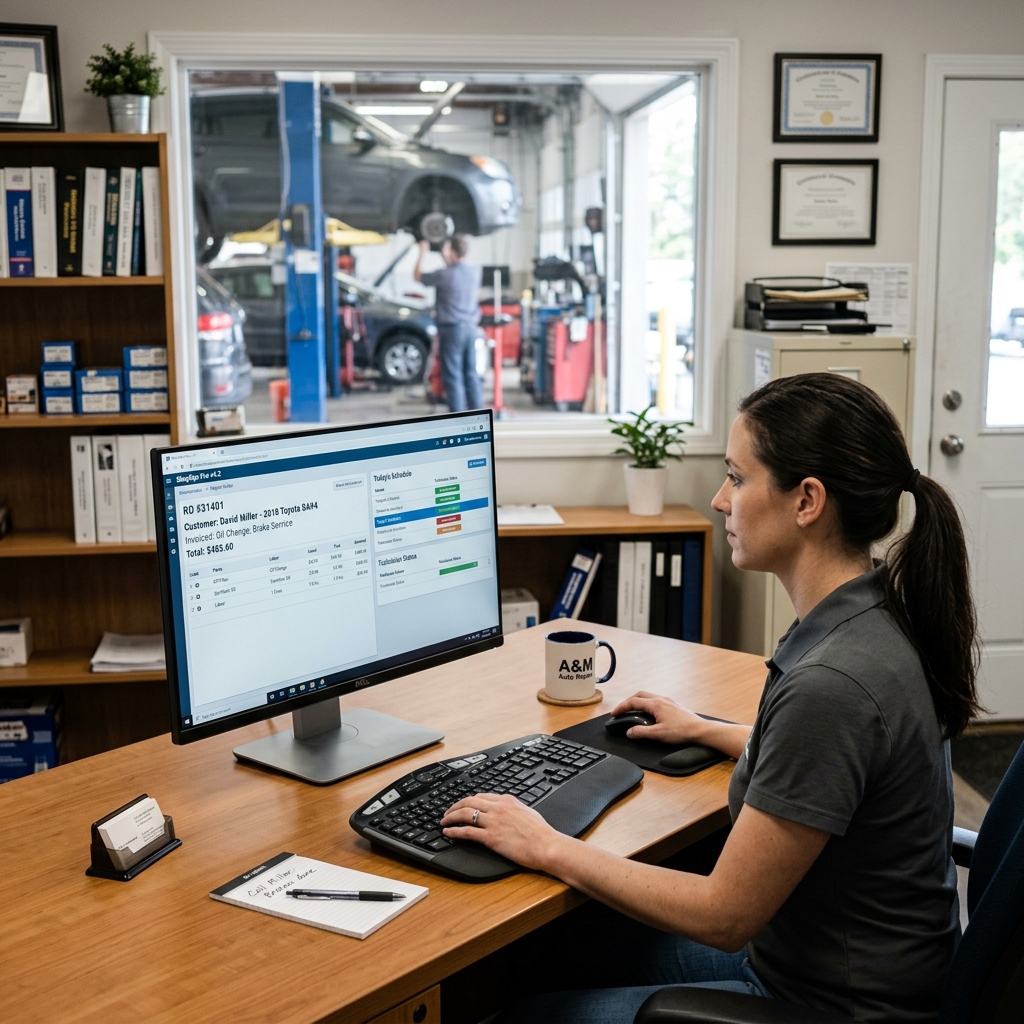
is a cloud-based shop management platform built with data visibility at its core. It combines invoicing, digital vehicle inspections, and reporting dashboards in one system. The platform is designed specifically for shops that operate across multiple locations or plan to grow in that direction.
What Tekmetric Does Well
Tekmetric's invoicing flows directly from estimates and digital inspections. Technicians complete an inspection, flag recommended work, and that information moves into an estimate and then an invoice without re-entering data. Customers can approve work digitally, which speeds up the authorization process and reduces phone tag.
The reporting side is where Tekmetric stands out. Shops can track revenue by location, technician efficiency, average repair order value, and parts margins — all from a single dashboard. According to Tekmetric's own published data, shops using their platform average over $1 million in annual revenue per location, though results vary based on shop size and market.
Multi-location operators need centralized data more than anything else — knowing how each location performs without calling around is what good shop software makes possible.
Key features include:
- Cloud-based access — view and manage jobs from anywhere
- Digital vehicle inspections with photo and video support
- Technician performance tracking by hours flagged vs. hours billed
- Multi-location dashboards that consolidate reporting across shops
- Parts ordering integrated into the estimate and invoice workflow
- Customer communication tools including two-way texting
Honest Limitations
Tekmetric's pricing scales with the size of the operation, which means larger teams pay more. For a single-bay shop or a solo mechanic, the cost-to-value ratio may not make sense. In practice, new users also report that onboarding takes time — the reporting tools are powerful, but configuring dashboards and getting technicians up to speed requires a few weeks of adjustment.
Some users on review platforms like note that customer support response times can vary, particularly during peak periods.
Who It's Best For
Tekmetric fits growing shops and small chains that need to manage invoicing and performance data across locations from one place. If a shop owner is running two or three locations and making decisions based on gut feeling rather than real numbers, Tekmetric's analytics layer addresses that directly. Single-location shops with simpler needs may find the platform more than they require.
| Feature | Tekmetric |
|---|---|
| Multi-location support | ✅ Yes |
| Digital inspections | ✅ Yes |
| Technician tracking | ✅ Yes |
| Cloud-based | ✅ Yes |
| Auto repair-specific | ✅ Yes |
| Starting price | Scales by location/size |
Conclusion
The right auto shop invoice software isn't the same for every shop. It depends on what you need beyond the invoice itself.
If invoicing is the only gap, a tool like or QuickBooks can cover the basics without much cost. But most auto repair shops need more than a billing tool — they need estimates that convert, inspections that build trust, parts ordering that doesn't require a separate login, and payments that clear fast.
Shops that buy a generic invoicing tool often end up duct-taping it to a separate DVI tool, a separate parts lookup, and a spreadsheet for scheduling. That's the problem auto-repair-specific platforms solve.
Here's a quick summary of which tool fits which shop best:
| Shop Type | Best Fit |
|---|---|
| All-in-one workflow, single or multi-location | RedAppy |
| Already deep in QuickBooks for accounting | QuickBooks Online |
| OEM data access is the top priority | Mitchell 1 Manager SE |
| Multi-location with heavy analytics needs | Tekmetric |
| Small shop, clean UI, easy onboarding | Shopmonkey |
| Solo mechanic, minimal budget | Invoice Ninja |
Software switching is expensive — not just in dollars, but in lost time, retraining, and migrating customer data. According to a, the average small business spends 3 to 6 months fully adopting new software. Choosing a platform built for auto repair from the start avoids that pain later.
If you want invoicing that connects directly to digital inspections, real-time parts ordering, online payments, and shop analytics, RedAppy is worth a close look. It's built specifically for auto repair businesses, and every plan includes a branded website — something no other tool on this list offers out of the box.
Start with what your shop actually needs today, then make sure the platform can grow with you tomorrow.
Frequently Asked Questions
What is the best invoice software for a mechanic shop?
Shop-Ware, Mitchell 1 Manager SE, and Tekmetric are widely considered top invoice software options for mechanic shops, offering repair order management, parts ordering, and customer communication tools. Tekmetric is particularly popular for its cloud-based accessibility and real-time reporting. For smaller shops, Invoice Ninja or Jobber offer lightweight, affordable alternatives.
What is the best billing software for an automobile shop?
Mitchell 1 Manager SE and Shop-Ware consistently rank as top billing software for auto shops, combining invoicing, inventory tracking, and customer history in one platform. AutoLeap is another strong contender, offering digital vehicle inspections alongside billing workflows. Most platforms integrate with QuickBooks for streamlined accounting.
What's better than Alldata?
Mitchell 1 ProDemand and IDENTIFIX are frequently cited as superior alternatives to Alldata, offering faster search speeds, more OEM data coverage, and better community-sourced repair tips. Haynes Pro and MOTOR are also competitive options with strong technical data libraries. Many shops use a combination of platforms rather than relying on a single source.
What is the best accounting software for an auto repair shop?
QuickBooks Online is the most widely used accounting software among auto repair shops due to its robust reporting, payroll features, and seamless integration with shop management tools like Mitchell 1 and Tekmetric. Xero is a strong alternative for smaller operations prioritizing simplicity and bank reconciliation. For an all-in-one solution, platforms like AutoLeap include built-in accounting features designed specifically for repair shops.
Ready to Transform Your Shop?
RedAppy helps auto repair shops create professional digital estimates with photos and videos, send them instantly via text or email, and get customer approvals in seconds. No credit card required to start.