
Automotive Billing Software: The Best Tools for Auto Repair Shops in 2025
Choosing the right automotive billing software can be the difference between a shop that runs smoothly and one that drowns in paperwork. The average auto repair shop processes dozens of invoices, parts orders, and customer records every single day. Without the right tools, that adds up to hours of wasted time — time that could go toward fixing more cars and growing your business.
According to the Auto Care Association, the U.S. auto repair industry generates over $150 billion in annual revenue, yet many shops still rely on outdated systems or spreadsheets to manage billing. That gap between industry size and operational efficiency is exactly where modern software steps in. The right platform doesn't just send invoices — it connects estimates, parts, labor, and payments into one seamless workflow.
This article breaks down the best automotive billing tools available in 2025. For each one, you'll get a clear description of what it does, who it's built for, and where it fits best in a real shop environment. Whether you run a single-bay garage or manage multiple locations, there's a solution on this list worth your attention.
Table of Contents
- How We Compared Automotive Billing Software
- RedAppy — Best All-in-One Billing and Shop Management Platform
- Mitchell 1 Manager SE — Best for Repair Data Integration
- Tekmetric — Best for Multi-Location Reporting and Transparency
- QuickBooks Online — Best for Shops That Prioritize Accounting Over Shop Workflow
- Conclusion
- Frequently Asked Questions
How We Compared Automotive Billing Software
Picking the right billing software comes down to more than price. The tools on this list were evaluated across six criteria that directly affect how a shop runs day to day.
Criteria used in this comparison:
- Invoicing speed — How quickly can a service advisor generate and send an invoice?
- Parts integration — Does the software connect to supplier catalogs with real-time pricing and availability?
- Inspection tools — Are digital vehicle inspections built in and linked to estimates?
- Payment processing — Can customers pay online, and does the software handle it natively?
- Ease of use — How steep is the learning curve for front-desk staff and technicians?
- Pricing transparency — Are costs clearly published, and are contracts month-to-month or locked in?
The "best" tool depends on your shop's size, workflow, and what you need the software to do beyond invoicing.
Side-by-Side Comparison
| Tool | One-Click Invoicing | Parts Integration | Digital Inspections | Online Payments | Ease of Use | Transparent Pricing |
|---|---|---|---|---|---|---|
| RedAppy | ✅ | ✅ Multi-supplier | ✅ Photo-rich | ✅ Native | ⭐⭐⭐⭐⭐ | ✅ Month-to-month |
| Mitchell 1 Manager SE | ✅ | ✅ OEM-focused | ✅ | ✅ | ⭐⭐⭐ | ⚠️ Quote-based |
| Tekmetric | ✅ | ✅ | ✅ Photo/video | ✅ | ⭐⭐⭐⭐ | ⚠️ Tiered |
| QuickBooks Online | ✅ | ❌ | ❌ | ✅ | ⭐⭐⭐⭐ | ✅ Published |
| AutoLeap | ✅ | ✅ | ✅ | ✅ | ⭐⭐⭐⭐ | ⚠️ Quote-based |
How to Use This Guide
Not every shop has the same pain point. A single-bay shop drowning in paperwork needs something different than a three-location operation tracking technician efficiency across the board.
Use the table above to quickly eliminate tools that don't meet your baseline needs. Then read each entry below for the full picture — including honest limitations — before making a decision.
Explore shop management features to understand which billing capabilities matter most for your specific workflow.
RedAppy — Best All-in-One Billing and Shop Management Platform
RedAppy is built for shops that want billing connected to every other part of their operation — inspections, parts ordering, scheduling, and analytics all feeding into one workflow. Most billing tools handle invoicing in isolation. RedAppy treats the invoice as the end point of a complete, documented job.
How Billing Works in RedAppy
The invoicing process in RedAppy starts the moment a vehicle checks in. Digital inspections include photos and technician notes that feed directly into estimates. Once a customer approves work, one-click invoicing converts that estimate without re-entering data. That alone eliminates a common source of billing errors in busy shops.
- Digital inspections capture photo evidence that supports higher approval rates on recommended work
- Instant estimates pull from the inspection and connect to real labor times via the built-in AI Repair Assistant
- One-click invoicing converts approved estimates to invoices with no duplicate data entry
- Online payments let customers pay from their phone, reducing time spent at the counter
Shops that connect inspections directly to billing approve more work per repair order — the photo evidence makes it easier for customers to say yes.
Parts Ordering and Real-Time Inventory
RedAppy integrates with multiple parts suppliers so you can search inventory and pricing without leaving the platform. In practice, this means you can add parts to an estimate or invoice while checking real-time availability across suppliers. That reduces back-and-forth between tabs and helps avoid over-promising on parts availability.
This matters for billing accuracy. When parts prices pull directly from live supplier data, your estimates reflect actual costs rather than guesses that need correcting later.
AI Repair Assistant
The AI Repair Assistant gives technicians and service advisors access to labor times, diagnostic guidance, and shop insights without leaving the platform. According to RedAppy, this reduces the time spent looking up repair data across separate sources.
From experience, having labor time estimates embedded in the billing workflow prevents the common problem of underquoting jobs. Techs can pull accurate labor times before the estimate goes to the customer.
Kanban-Style Digital Shop Board
The Digital Shop Board gives the whole team a visual view of every job, from check-in to checkout. It works like a task board — each job moves through stages, and everyone can see status at a glance. For billing, this means service advisors know exactly when a job is ready to invoice without chasing down technicians.
Analytics That Connect to Revenue
RedAppy's real-time analytics track metrics that directly affect billing performance:
| Metric | What It Tells You |
|---|---|
| Revenue per day/week/month | Billing volume and trends |
| Average Repair Order (ARO) | Whether estimates are capturing full value |
| Technician efficiency | Labor billed vs. hours worked |
| Repeat business rate | Customer retention linked to service quality |
These aren't just reporting features — they help identify where billing is leaking value, whether that's low ARO, slow invoice approval, or tech downtime.
Included Branded Website
Every RedAppy subscription includes a professionally branded website with contact forms and optional used-car listings. Most billing platforms charge extra for customer-facing tools or don't include them at all. For independent shops competing with dealerships and chains, a built-in web presence matters.
Pricing and Terms
RedAppy uses transparent, month-to-month pricing with no long-term contracts required. The platform reports that shops typically save 10+ admin hours per week by consolidating billing, inspections, scheduling, and communications. Customization options mean the platform adapts to single-bay garages as easily as multi-location operations.
Month-to-month terms reduce the risk of committing to software that doesn't fit — something worth prioritizing when evaluating any shop management platform.
Who RedAppy Is For
RedAppy fits shops that are tired of managing billing in one tool, inspections in another, and parts ordering in a third. It's a strong match for:
- Independent shops that want enterprise-level workflow without enterprise complexity
- Growing shops that need analytics to track what's working
- Service advisors who want inspection data and billing in one place
- Multi-location operators who need consistent workflows across locations
It's not the right fit for shops that only need basic invoicing or already have deep integrations with a specific accounting platform they're not willing to change.
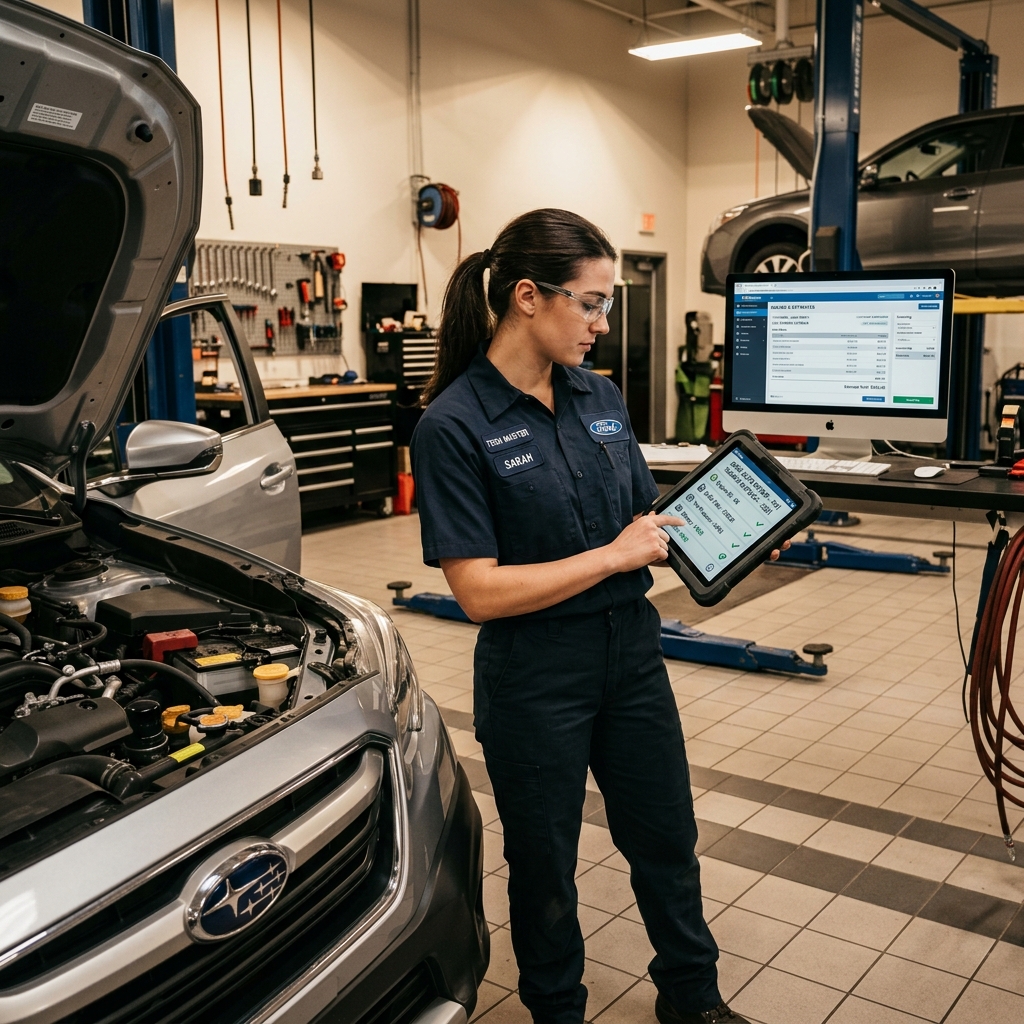
Mitchell 1 Manager SE — Best for Repair Data Integration
is one of the most established names in shop management software. It combines invoicing and billing tools with direct access to OEM repair data, labor guides, and diagnostic information — all inside the same system. For shops where technicians and service advisors rely on manufacturer specs daily, that integration reduces back-and-forth between separate tools.
What Mitchell 1 Manager SE Does
Manager SE handles the core billing workflow: creating estimates, converting them to repair orders, generating invoices, and storing customer history. What sets it apart is how tightly those billing functions connect to its repair data library.
- Estimate building pulls from integrated labor guides so times are accurate from the start
- Parts sourcing connects to major suppliers directly within the estimate
- Customer and vehicle history is stored locally, making it easy to look up past repairs
- Reporting tools cover invoices, parts costs, and technician productivity
Shops that spend a lot of time cross-referencing labor manuals and OEM documentation benefit the most from having that data inside the billing tool — not in a separate browser tab.
Repair Data Integration in Practice
Mitchell 1 has been building its repair information database — called — for decades. Manager SE can connect to this data, which means a service advisor can pull a labor time and build an estimate without switching systems. According to Mitchell 1, the platform covers procedures for vehicles going back to the 1980s.
From experience, this is where the software earns its reputation among established shops. Independent shops that work across many makes and models find the OEM-sourced data reduces disputes over labor times and improves estimate accuracy.
Limitations to Know
Manager SE is desktop-based software, not cloud-native. That means it runs on a local server or PC rather than a browser. For shops that want remote access or real-time syncing across devices, this is a real constraint.
- No mobile-first interface for technicians in the bay
- Setup and onboarding take longer than cloud-based alternatives
- Pricing is not publicly listed — requires a sales call for a quote
The learning curve is steeper than newer platforms. Shops switching from paper or basic invoicing tools may find the initial configuration takes time.
Who Mitchell 1 Manager SE Is For
Mitchell 1 Manager SE fits established independent shops — typically with experienced staff — where access to OEM repair data is a daily need. If your shop regularly works on complex diagnostics or unfamiliar vehicles, having labor guides and procedures integrated directly into your billing workflow saves real time.
It's less suited for shops looking for a lightweight, fast-to-deploy cloud solution or those that want digital inspections and customer-facing transparency tools built in. For that kind of all-in-one setup, platforms like RedAppy or the next option on this list handle those workflows more directly.
Tekmetric — Best for Multi-Location Reporting and Transparency
is a cloud-based shop management platform built around visibility — for both shop owners and their customers. Its billing workflow connects directly to digital inspections, technician scorecards, and real-time dashboards, making it a strong fit for shops that want data behind every dollar.
Invoicing and Estimate Workflow
Tekmetric builds estimates from a digital vehicle inspection, so the transition from "here's what we found" to "here's what it costs" happens in one system. Technicians attach photos and videos to inspection items, and customers receive a link to review and approve work digitally before billing begins.
- Estimates convert to invoices in one click once customer approval is received
- Labor times pull from integrated labor guides to reduce manual entry
- Parts can be ordered through integrated supplier catalogs directly from the estimate
Connecting inspection findings to estimates — with photos attached — tends to increase average repair order value because customers can see the problem, not just read about it.
Multi-Location Reporting
Where Tekmetric stands out is in its reporting layer. Shops running more than one location can view revenue, car count, average repair order, and technician performance across all shops from a single dashboard. According to, shops using the platform average over $1.2 million in annual revenue per location.
- Revenue and gross profit tracked by location, service advisor, and technician
- Technician scorecards tie individual output to billed hours and efficiency rates
- Reports export easily for ownership and management review
Pricing and Tiers
Tekmetric uses a tiered pricing model based on shop size and feature needs. The entry-level plan covers core invoicing and inspections, while higher tiers unlock advanced reporting, multi-location management, and additional integrations. Pricing is not publicly listed — shops request a demo to get a quote.
| Feature | Included |
|---|---|
| Digital inspections with photo/video | Yes |
| Cloud-based invoicing | Yes |
| Multi-location dashboard | Higher tiers |
| Technician scorecards | Yes |
| Parts supplier integration | Yes |
| Customer approval workflow | Yes |
In practice, the pricing structure can feel like a barrier for smaller single-bay shops that only need basic invoicing. The platform's depth is most justified when a shop has the volume and staff to act on the reporting it produces.
Who It's For
Tekmetric fits growing shops and multi-location operators who want billing tied to accountability. If you're tracking technician efficiency, monitoring gross profit by service type, or managing more than one location, the reporting tools justify the platform. For shops focused purely on getting invoices out the door, the feature set may exceed what's needed — and the cost will reflect that.
QuickBooks Online — Best for Shops That Prioritize Accounting Over Shop Workflow
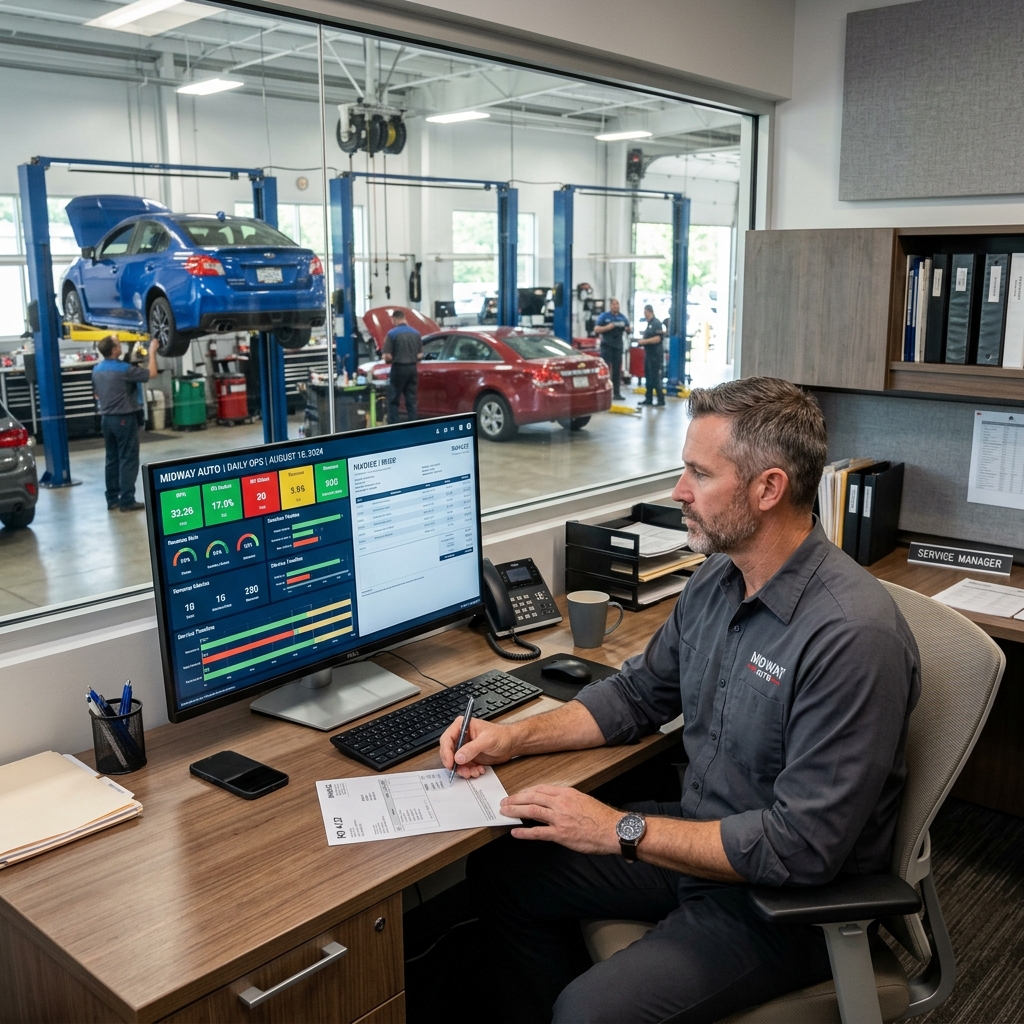
is a general-purpose accounting platform used by millions of small businesses, including many independent auto repair shops. It handles invoicing, expense tracking, bank reconciliation, payroll integration, and tax preparation well. It is not built for auto repair — but for shops that prioritize clean books over shop-floor workflow, it gets the job done.
Shops often adopt QuickBooks early because their accountant already uses it — not because it fits their repair workflow.
What QuickBooks Online Does Well
- Invoicing and payments: Create and send invoices, accept credit cards, and track payment status from one dashboard
- Expense tracking: Categorize parts purchases, overhead, and vendor payments automatically with bank feed syncing
- Payroll integration: Connect directly to QuickBooks Payroll or third-party payroll tools without exporting spreadsheets
- Tax preparation: Profit and loss reports, mileage tracking, and contractor payment forms (1099s) are built in
- Accountant access: Share read-only or full access with your bookkeeper or CPA without extra software
According to, QuickBooks Online has over 7 million subscribers globally, making it the most widely used small business accounting platform available.
What QuickBooks Online Does Not Do
This is where honesty matters. QuickBooks is an accounting tool, not a shop management system. In practice, shops that rely on it alone end up managing critical workflows in separate apps or on paper.
| Feature | QuickBooks Online | Dedicated Shop Software |
|---|---|---|
| Invoicing | ✅ Yes | ✅ Yes |
| Digital vehicle inspections | ❌ No | ✅ Yes |
| Parts ordering | ❌ No | ✅ Yes |
| Labor time guides | ❌ No | ✅ Yes |
| Technician scheduling | ❌ No | ✅ Yes |
| Shop board / job tracking | ❌ No | ✅ Yes |
| Customer vehicle history | ❌ No | ✅ Yes |
Without a parts catalog, labor guide, or digital inspection tool, service advisors have to pull information from other sources and manually enter it into QuickBooks. That duplication adds time and creates room for errors.
Integration Options
QuickBooks does connect with some shop management platforms. Tools like RedAppy and others can sync financial data to QuickBooks so your accountant sees clean records without the shop running its billing workflow inside QuickBooks directly. From experience, this hybrid setup works best when the shop management platform handles day-to-day operations and QuickBooks handles end-of-month accounting.
Pricing
QuickBooks Online starts at $35/month for the Simple Start plan, rising to $235/month for the Advanced tier. Payroll is an add-on at additional cost. For what it covers — accounting only — the price is reasonable, but shops should factor in the cost of a separate shop management tool if they go this route.
Who It's For
QuickBooks Online fits very small shops — think one or two bays — where the owner or a part-time bookkeeper handles billing manually and the priority is keeping clean financials for tax season. It also works well as a back-office complement to a dedicated shop platform. Shops that expect to grow, hire technicians, or want digital inspections tied to estimates will hit its ceiling quickly.
Conclusion
Choosing the right automotive billing software comes down to one question: how connected do you need your billing to be?
If billing is just one piece of a larger operations puzzle — and it usually is — the software you choose should reflect that. Invoices don't exist in a vacuum. They connect to inspections, parts orders, technician time, and customer approvals. When those pieces are siloed, things fall through the cracks.
Here's a quick decision framework based on what each tool does best:
| Shop Situation | Best Fit |
|---|---|
| Want billing tied to inspections, parts, and analytics | RedAppy or Tekmetric |
| Rely heavily on OEM repair data and labor guides | Mitchell 1 Manager SE |
| Need accounting-first software with basic invoicing | QuickBooks Online |
| Prioritize customer communication alongside billing | AutoLeap |
The shops that get the most out of billing software are the ones that stop treating it as a standalone tool and start treating it as the financial layer of a connected shop system.
Mitchell 1 is the right call if your technicians live inside OEM repair data and you need that depth feeding directly into your estimates and invoices. The learning curve is real, but for established shops, the data integration pays off.
Tekmetric fits growing shops and multi-location operators who need real-time dashboards, technician accountability, and customer-facing transparency baked into the billing workflow.
QuickBooks Online works best as a back-office accounting layer. In practice, it handles tax prep and payroll well — but it needs a dedicated shop management tool alongside it to cover inspections and parts ordering.
AutoLeap is the strongest option for service advisors who want automated customer updates, digital approvals, and billing all flowing through one pipeline.
For shops that want everything under one roof — billing, digital inspections, parts ordering across multiple suppliers, real-time analytics, and a branded website — RedAppy is worth a close look. Shops report saving 10+ admin hours per week, and the month-to-month pricing means you're not locked in while you evaluate fit. It scales from single-bay garages to multi-location operations without requiring you to bolt on separate tools for each part of the workflow.
Frequently Asked Questions
How much does Identifix cost per month?
Identifix pricing starts at approximately $150–$200 per month per user, though exact costs vary based on the plan and features selected. Shops often bundle it with other Mitchell 1 or Solera products, which can affect overall pricing. Contacting Identifix directly is recommended for the most current, customized quote.
What is the best automotive invoice app?
AutoLeap, Tekmetric, and Shop-Ware are widely regarded as top automotive invoice apps, offering digital estimates, RO management, and customer communication tools in one platform. Mitchell 1 Manager SE is another strong option, particularly for established shops needing deep parts integration. The best choice depends on shop size, workflow, and budget.
What is the best billing software?
For general use, QuickBooks and FreshBooks consistently rank among the best billing software due to their ease of use, integrations, and scalability. For auto-specific billing, Tekmetric and AutoLeap lead the category by combining invoicing with repair order tracking and parts ordering. Industry-specific software typically delivers better ROI for automotive businesses than generic alternatives.
What is the best accounting software for automobile dealers?
DealerSocket, CDK Global, and Reynolds & Reynolds are the leading accounting and DMS (Dealer Management System) solutions for automobile dealers. These platforms integrate accounting with inventory, F&I, and CRM functions tailored specifically to dealership workflows. Smaller independent dealers may find QuickBooks paired with a DMS integration a more cost-effective option.
Ready to Transform Your Shop?
RedAppy helps auto repair shops create professional digital estimates with photos and videos, send them instantly via text or email, and get customer approvals in seconds. No credit card required to start.