
The Best Automotive Repair Software for Shops in 2025
Running an auto repair shop in 2025 means managing more complexity than ever — rising parts costs, technician shortages, and customers who expect digital updates and instant estimates. The right automotive repair software can be the difference between a shop that scrambles and one that scales. Yet with dozens of platforms on the market, picking the wrong one wastes money and creates more headaches than it solves.
According to the Auto Care Association, the U.S. auto repair industry generates over $115 billion in annual revenue — and shops that adopt management software report measurable gains in efficiency, customer retention, and average repair order value. In practice, the tools you use directly shape how fast your bays turn, how many estimates get approved, and how much time your service advisors spend on the phone versus growing the business.
This article breaks down the best shop management platforms available today — covering features, pricing, ideal shop size, and honest limitations. Whether you're running a single-bay garage or managing multiple locations, you'll find a clear, practical guide to help you choose the right fit.
Table of Contents
- How We Compared Automotive Repair Software
- RedAppy — Best All-in-One Shop Management Platform
- Mitchell 1 — Best for Large Shops Needing Deep OEM Data
- Tekmetric — Best for Data-Driven Shop Owners
- Alldata — Best for DIYers and Independent Technicians Needing OEM Specs
- Conclusion
- Frequently Asked Questions
How We Compared Automotive Repair Software
To find the best automotive repair software, we evaluated more than 50 platforms against the criteria that matter most to real shops: core features, pricing transparency, ease of use, support quality, and scalability. The goal was to cut through the marketing and show which tools actually deliver value on the shop floor.
Evaluation Criteria
Every tool was assessed across five categories:
- Core features — Does it cover estimates, digital inspections, invoicing, and parts ordering? Shops that rely on multiple disconnected tools lose time and make more errors.
- Pricing transparency — Are costs clearly published? Hidden fees and forced annual contracts are red flags.
- Ease of use — Can a service writer get up to speed in a day, or does it require weeks of training?
- Support quality — Is help available when a shop is busy? Phone and chat support during business hours is the baseline.
- Scalability — Does the platform work for a single-bay shop and still make sense as the business grows?
In practice, the tools that scored highest were those that reduce admin work without requiring shops to piece together separate apps for inspections, invoicing, and customer communication.
Top Automotive Repair Software at a Glance
| Platform | Digital Inspections | Invoicing | Parts Ordering | AI Tools | Starting Price | Best For |
|---|---|---|---|---|---|---|
| RedAppy | ✅ | ✅ | ✅ Multi-supplier | ✅ | Transparent, month-to-month | All-in-one shop management |
| Mitchell 1 | ✅ | ✅ | ❌ | ❌ | ~$150–$400+/mo | Large shops needing OEM data |
| Tekmetric | ✅ | ✅ | ✅ | ❌ | ~$149/mo | Data-driven shop owners |
| Alldata | ❌ | ❌ | ❌ | ❌ | ~$149/mo (pro) | DIYers and independent techs |
| Shop-Ware | ✅ | ✅ | ✅ | ❌ | ~$299/mo | High-volume repair shops |
| Shopmonkey | ✅ | ✅ | ✅ | ❌ | ~$99/mo | Growing independent shops |
Shops that switch from spreadsheets or legacy systems to a modern all-in-one platform typically recover the software cost within the first few months through reduced admin time and higher estimate approval rates.
What This Comparison Does Not Cover
No single platform is the best fit for every shop. A two-bay independent garage has different needs than a 20-lift dealership service center. The tools below are ranked by use case, not by a single overall score.
This comparison focuses on independent and multi-location repair shops, not dealer management systems (DMS) built for franchised dealerships. If you run a dealership service department, those tools are a different category with different pricing models.
How Pricing Works Across These Tools
Pricing in this category varies widely. Some platforms charge per user, others charge per location, and a few bundle everything into a flat monthly rate.
- Per-user pricing can get expensive fast as a team grows
- Location-based pricing suits multi-shop owners better
- Flat monthly rates are easier to budget and usually more transparent
According to, the average auto repair software buyer spends between $100 and $500 per month depending on shop size and feature needs. Shops evaluating platforms should always ask for a full price breakdown before signing — and check whether onboarding, data migration, and customer support are included or billed separately.
For shops evaluating their first platform, the features to look for in shop management software guide covers the non-negotiables in more detail. If you are upgrading from an older system, the section on choosing the right automotive repair software below walks through the key questions to ask vendors.
RedAppy — Best All-in-One Shop Management Platform
RedAppy is built for shops that are tired of juggling separate tools for estimates, inspections, invoicing, and parts ordering. It brings every part of the repair workflow into one platform, from the moment a customer calls to the second they pay their bill.
What RedAppy Does
The platform covers the full repair cycle without gaps. When a vehicle comes in, techs complete digital inspections with photos and notes that customers can review and approve remotely. That inspection converts directly into an estimate — no re-entering data. One click turns the approved estimate into an invoice, and customers can pay online.
Parts ordering runs inside the same platform. Shops can check real-time inventory across multiple suppliers and order without switching tabs or calling distributors. In practice, this alone cuts a significant amount of back-and-forth time each week.
The Kanban-style Digital Shop Board shows every active job as a card moving through stages — from check-in to bay assignment to final quality check. At a glance, any team member knows where each vehicle stands.
Shops that run one integrated platform instead of three or four separate tools spend less time on admin and more time turning wrenches.
AI Repair Assistant and Analytics
RedAppy's built-in AI Repair Assistant pulls labor times, diagnostic guidance, and shop insights on demand. Technicians can query it mid-job rather than hunting through separate databases. This is particularly useful for shops handling a wide mix of makes and models.
The analytics dashboard tracks the metrics that actually move revenue:
- Average repair order value
- Technician efficiency rates
- Repeat customer rate
- Monthly revenue trends
According to RedAppy, shops using the platform save 10+ admin hours per week — time that typically goes back into completing more repair orders or improving customer communication.
Branded Website Included
Every RedAppy subscription includes a professionally designed, branded website with contact forms. Shops can also list used vehicles for sale directly through the site. This is a feature most shop management platforms charge extra for or don't offer at all.
Pricing and Contract Terms
RedAppy uses transparent, month-to-month pricing with no long-term lock-in. Shops can cancel or scale their plan without penalty. This matters for smaller operations that can't commit to annual contracts before knowing whether a platform fits their workflow.
Customization options let the platform adapt to single-bay garages and multi-location operations alike.
RedAppy Feature Summary
| Feature | Included |
|---|---|
| Digital inspections with photos | ✅ |
| Instant estimates + one-click invoicing | ✅ |
| Online payments | ✅ |
| Multi-supplier parts ordering | ✅ |
| AI Repair Assistant | ✅ |
| Kanban Digital Shop Board | ✅ |
| Real-time analytics | ✅ |
| Branded website with car listings | ✅ |
| Month-to-month pricing | ✅ |
Best For
RedAppy is the right fit for independent shops and growing multi-location operations that want one platform instead of patching together multiple subscriptions. If your shop currently uses separate tools for estimates, inspections, customer communication, and parts — and your team spends hours each week on administrative work — RedAppy is worth evaluating first.
For shops that need deep OEM technical data as their primary use case, see how Mitchell 1 compares in the next section.
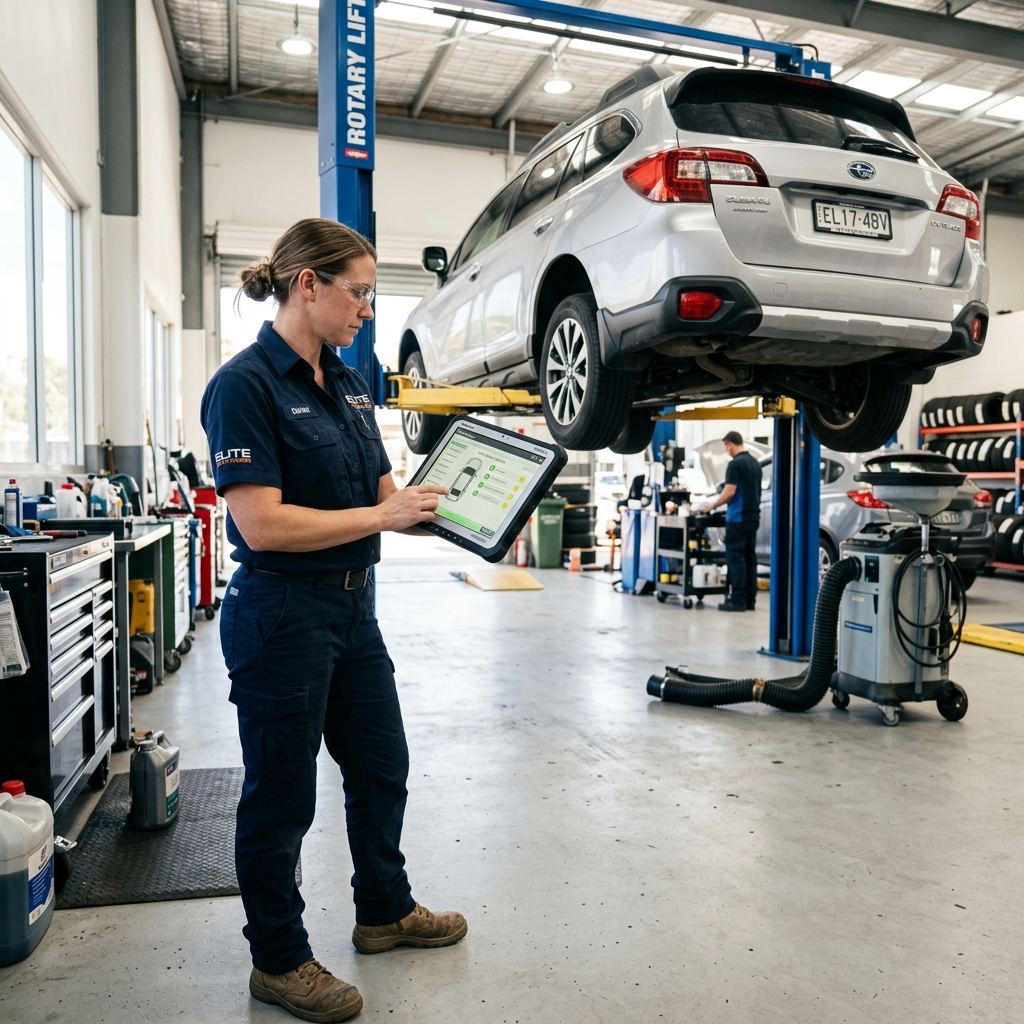
Mitchell 1 — Best for Large Shops Needing Deep OEM Data
has been in the automotive data business since 1918, and that history shows in the depth of its repair information. Its flagship product, ProDemand, gives technicians access to OEM repair procedures, wiring diagrams, technical service bulletins (TSBs), and real-world SureTrack data from millions of confirmed fixes. For shops where diagnostic accuracy is non-negotiable, that database is hard to beat.
What Mitchell 1 Does Well
The core strength is data depth. When a technician is working on an unfamiliar system, ProDemand surfaces the exact OEM procedure alongside real-world repair records from similar vehicles — a combination that cuts diagnostic time significantly. According to Mitchell 1, SureTrack contains data from over 1 billion confirmed fixes.
Mitchell 1 also offers Manager SE, its shop management module, which handles estimates, work orders, invoicing, and parts ordering. The two products work together, so a service writer can build an estimate using the same labor times a technician is referencing on the shop floor.
Key features:
- OEM repair procedures and wiring diagrams via ProDemand
- SureTrack real-world fix data from verified shop repairs
- Labor time guides integrated directly into estimates
- Manager SE for work orders, invoicing, and customer history
- Parts ordering through integrated supplier catalogs
Use Case
Mitchell 1 is the right fit for high-volume shops with dedicated service writers and experienced technicians who need accurate labor times and reliable diagnostic data on complex jobs. In practice, it works best when there's a clear separation between the person writing the estimate and the person doing the repair — the workflow is built around that model.
Shops handling a high mix of makes and models — especially European or Asian vehicles with complex electrical systems — get the most out of ProDemand's wiring diagrams and OEM-level detail.
Pricing and Limitations
Mitchell 1 pricing typically starts around $150–$200/month for ProDemand alone, with Manager SE adding to that cost. Bundled packages vary, and pricing is generally quoted directly by their sales team rather than published transparently online.
The learning curve is real. New users often need several weeks to navigate the interface efficiently, and smaller shops without dedicated service writers may find the system more complex than their workflow requires. It's also worth noting that Mitchell 1 is primarily a data and estimating platform — it doesn't include features like digital inspections with photo capture, built-in marketing tools, or a Kanban-style job board out of the box.
| Feature | Mitchell 1 | What to Know |
|---|---|---|
| OEM repair data | ✅ Extensive | ProDemand + SureTrack combined |
| Labor time guides | ✅ Integrated | Built into estimate workflow |
| Digital inspections | ⚠️ Limited | Not a core feature |
| Shop management | ✅ Manager SE | Separate module, added cost |
| Pricing transparency | ❌ Quote-based | No public pricing |
| Best for | Large shops | High-volume, multi-tech operations |
For shops that primarily need rich OEM data and already have a service writer managing workflow, Mitchell 1 is a proven choice. But if you're a smaller operation looking for one platform that handles everything from digital inspections to online payments, the complexity and cost may outweigh the benefits.
Tekmetric — Best for Data-Driven Shop Owners
is a cloud-based shop management platform built around business intelligence. While most platforms treat reporting as an afterthought, Tekmetric puts KPI dashboards and technician performance data at the center of the experience. It's designed for shop owners who want to make decisions based on numbers, not gut feelings.
What Tekmetric Does Well
Tekmetric's reporting suite is its strongest feature. Owners get real-time visibility into metrics like average repair order (ARO), car count, gross profit by service category, and technician efficiency. According to Tekmetric's own data, shops using their platform average an ARO above $550 — though results will vary based on shop type and market.
Technician scorecards are a standout tool. Each tech gets a performance profile that tracks hours flagged, hours billed, and efficiency rate. In practice, this makes it easier to identify your top performers and spot workflow bottlenecks before they hurt revenue.
The digital vehicle inspection (DVI) tool is well-integrated with the estimate workflow. Technicians attach photos and videos directly to inspection items, and those visuals carry through to the customer-facing estimate. This transparency typically improves authorization rates — shops report customers are more likely to approve work when they can see the problem themselves.
Tekmetric also supports a wide range of integrations:
- Parts ordering via PartsTech and other suppliers
- Accounting sync with QuickBooks
- CRM and marketing through third-party tools like Podium and Broadly
- Tire catalog integrations for shops that sell tires
Who Tekmetric Is Best For
Tekmetric works best for independent shop owners and small groups who are growth-focused and want clear data to guide decisions. If you review your numbers weekly and want a platform that makes that easy, Tekmetric is a strong fit.
It scales reasonably well to multi-location operations, with consolidated reporting across shops available on higher-tier plans.
Limitations to Know
Tekmetric leans heavily on third-party integrations for marketing and customer communication — if you want those tools built in, you'll be adding subscriptions.
Unlike RedAppy, Tekmetric doesn't include a branded website or built-in marketing tools as part of the core platform. Shops that want email campaigns, review requests, or a customer-facing web presence will need to stitch together separate services. That adds monthly cost and more tools to manage.
The onboarding process also has a learning curve. From experience, shops with no prior cloud-based software may take a few weeks to get comfortable with the reporting features and workflow setup.
Tekmetric at a Glance
| Feature | Available |
|---|---|
| Cloud-based | ✅ |
| Digital inspections | ✅ |
| Technician scorecards | ✅ |
| Built-in marketing tools | ❌ |
| Branded website included | ❌ |
| Parts ordering | ✅ (via integrations) |
| Multi-location reporting | ✅ (higher tiers) |
| Month-to-month pricing | Contact for details |
Pricing isn't publicly listed — you'll need to request a demo to get a quote. That's a minor friction point for shops that want to compare costs upfront before committing time to a sales call.
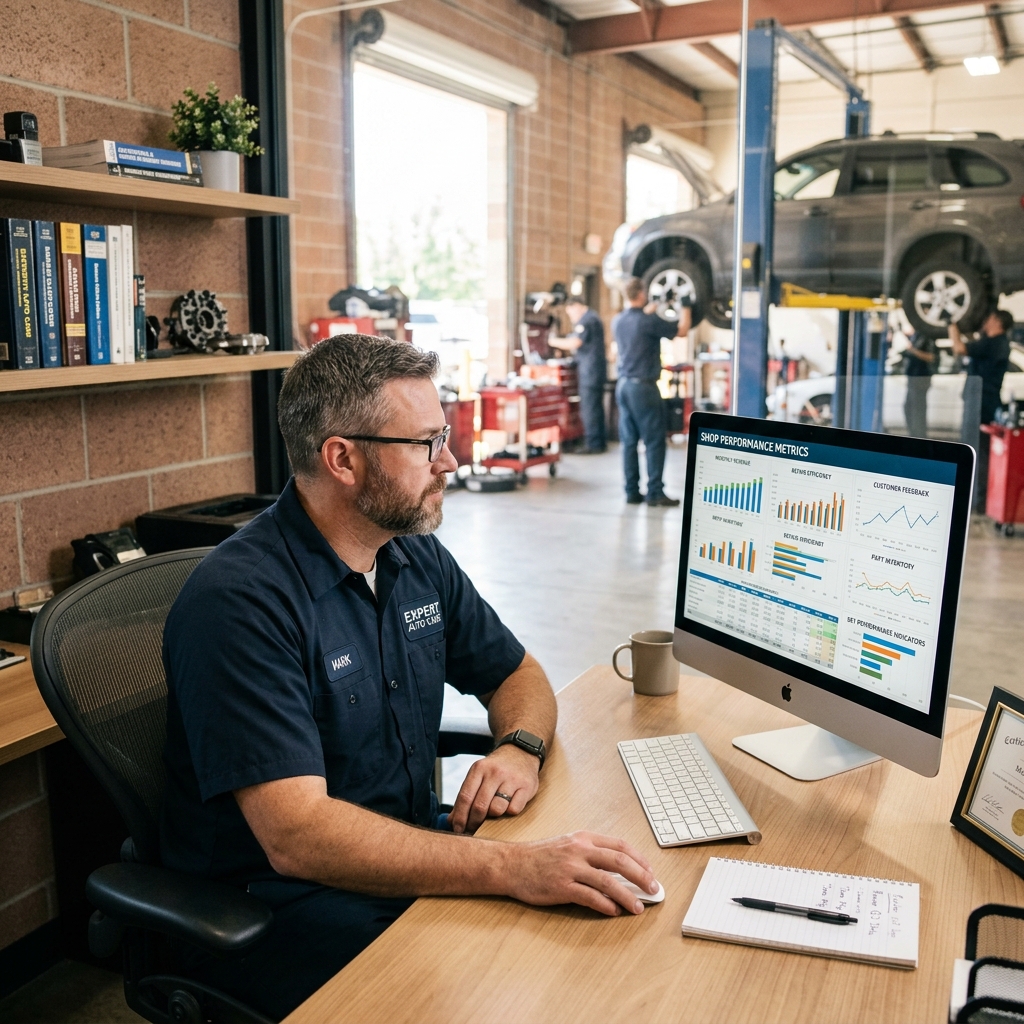
Alldata — Best for DIYers and Independent Technicians Needing OEM Specs
is one of the most widely recognized names in OEM repair data. It's not a shop management platform — it's a technical information tool. Alldata gives technicians and DIYers access to factory repair procedures, wiring diagrams, torque specs, and diagnostic codes sourced directly from vehicle manufacturers.
What Alldata Offers
Alldata splits its product into two tiers:
- Alldata DIY — designed for vehicle owners who want to handle their own repairs. It provides single-vehicle subscriptions with access to OEM repair manuals, maintenance schedules, and diagnostic help.
- Alldata Repair — the professional version, built for independent shops and technicians. It covers a much broader vehicle range and includes labor time guides, TSBs (Technical Service Bulletins), and recall information.
According to Alldata, its database covers more than 44,000 engine-specific vehicles, making it one of the most comprehensive OEM data sources available.
What Does Alldata Cost?
Alldata DIY starts at around $29.99 per year for a single vehicle. Alldata Repair for professionals runs significantly higher — typically $149–$200+ per month depending on the subscription tier and number of vehicles covered. There is no free version of either product.
Alldata is a strong reference tool, but it doesn't replace shop management software — it has no invoicing, scheduling, estimates, or parts ordering built in.
Where Alldata Falls Short
This is where the honest picture matters for shop owners evaluating their software stack. Alldata is purely a data and diagnostics reference tool. It does not include:
- Customer management or vehicle history tracking
- Estimates or invoicing
- Digital inspections
- Parts ordering or supplier integrations
- Scheduling or workflow management
In practice, shops using Alldata still need a separate platform to actually run the business side of operations. That means paying for two systems — one for technical data, one for everything else.
Who Alldata Is Best For
| User Type | Fit |
|---|---|
| DIY vehicle owners | Strong — affordable single-vehicle access |
| Independent technicians needing OEM specs | Strong — deep factory data |
| Small shops needing full management tools | Weak — data only, no workflow features |
| High-volume shops with existing SMS | Moderate — good as a reference add-on |
Alldata works best as a companion tool, not a standalone solution. If you're an independent technician who already uses a shop management platform and needs reliable OEM procedures, Alldata fills that gap well. If you're a shop owner looking for one platform to handle your entire workflow, you'll need to look elsewhere.
For shops that want shop management software that already includes an AI Repair Assistant with labor times and diagnostic guidance built in, a tool like RedAppy reduces the need for a separate data subscription altogether.
Conclusion
The automotive repair software market gives shops more choices than ever, but more options doesn't make the decision easier. The right platform depends on what your shop actually needs — not what has the longest feature list.
For shops that need deep OEM data and technical repair specs above everything else, Mitchell 1 or Alldata are hard to beat. For owners who want granular KPI tracking and technician scorecards, Tekmetric delivers strong reporting tools. And for shops that want one platform to handle everything — from the first customer call to the final payment — RedAppy brings it all together without forcing you to stitch together multiple subscriptions.
The most expensive software isn't always the best fit. A $500/month platform with features your team never uses costs more than a $200/month tool your whole shop actually adopts.
Start with your biggest bottleneck. If it's admin time, look for automation in estimates and invoicing. If it's missed approvals, prioritize photo-rich digital inspections. If it's parts chaos, focus on multi-supplier ordering with real-time inventory.
RedAppy is worth a close look for any shop that wants to replace a stack of disconnected tools with a single platform built for the full repair workflow. With month-to-month pricing, no long-term lock-in, and reported savings of 10+ admin hours per week, it's a practical starting point — especially for independent shops choosing their first shop management system or growing operations ready to move beyond spreadsheets and paper-based processes.
If you're still comparing options, use the feature checklist from the buying guide above to score each platform against your shop's specific workflow before committing to a demo or trial.
Frequently Asked Questions
What is the best software for automotive repair?
The top automotive repair software options include Mitchell 1 ProDemand, Alldata, and Shop-Ware, each excelling in different areas. Mitchell 1 ProDemand is widely regarded as the industry leader for repair data and diagnostics, while Shop-Ware leads in shop management features. The best choice depends on whether you prioritize repair information, estimating, or overall shop workflow management.
What's better than Alldata?
Mitchell 1 ProDemand is frequently cited as a strong alternative to Alldata, offering more integrated OEM and real-world repair data in a single platform. Identifix Direct-Hit is another popular competitor, known for its community-sourced diagnostic shortcuts and confirmed fixes. Many technicians prefer these alternatives for their more intuitive interfaces and comprehensive diagnostic coverage.
How much does alldata repair cost?
Alldata Repair typically costs around $134.95 per month for a single-user subscription covering one vehicle make, with pricing increasing for additional makes or multi-user access. An all-makes subscription runs approximately $200+ per month depending on the plan and number of users. Alldata also offers bundled packages that include their estimating and shop management tools at higher price tiers.
Can I use Alldata for free?
Alldata does not offer a fully free version of its repair platform, though it occasionally provides short-term free trials for new subscribers. Some limited free content may be accessible through promotional partnerships or trade programs. For free repair information, alternatives like NHTSA's service bulletin database or manufacturer-specific portals can supplement paid subscriptions.
Ready to Transform Your Shop?
RedAppy helps auto repair shops create professional digital estimates with photos and videos, send them instantly via text or email, and get customer approvals in seconds. No credit card required to start.