
Best Invoice Software for Auto Repair Shops in 2025
Choosing the right invoice software for auto repair shops can be the difference between a shop that runs smoothly and one that drowns in paperwork. The average shop writes dozens of repair orders every week — and doing that manually eats hours that could go toward actual repairs. When invoicing is slow, clunky, or error-prone, it delays payment, frustrates customers, and makes your business harder to grow.
The good news is that modern shop management platforms have made invoicing faster, smarter, and more connected to the rest of your workflow. The best tools today link estimates, parts orders, labor times, and payments into a single process — so nothing falls through the cracks. According to a 2023 Cox Automotive survey, shops that use digital workflow tools report significantly faster approval times and higher average repair orders.
This article covers the top invoicing tools built for auto repair shops in 2025 — from all-in-one platforms to lightweight billing apps. You'll see what each one does, who it's best for, and where it falls short, so you can pick the right fit without wasting time on a trial-and-error approach.
Table of Contents
- How We Evaluated Auto Repair Invoice Software
- Quick Comparison: Top Auto Repair Invoice Software at a Glance
- RedAppy — Best All-in-One Invoice and Shop Management Platform
- Mitchell 1 Manager SE — Best for Repair Data Integration
- Shop-Ware — Best for Paperless, Transparent Customer Communication
- Conclusion
- Frequently Asked Questions
How We Evaluated Auto Repair Invoice Software
Choosing the right invoice software for an auto repair shop isn't the same as picking a generic billing tool. Auto shops have specific needs — VIN lookups, labor time estimates, parts catalogs, and digital inspections — that most general software completely ignores.
To build this list, we evaluated each platform across seven criteria that actually matter to shop owners and service advisors.
Evaluation Criteria
1. Ease of Use How quickly can a service advisor create and send an invoice? We looked at interface design, onboarding support, and whether staff with no accounting background could operate the software comfortably from day one.
2. Invoicing Features Core invoicing capability covers more than just generating a PDF. We assessed line-item control, labor and parts breakdown, tax configuration, digital signatures, and whether invoices looked professional enough to build customer trust.
3. Estimate-to-Invoice Workflow In auto repair, almost every job starts with an estimate. The best platforms convert approved estimates into invoices in one click — no re-entering data, no manual transfer errors. We rated how seamlessly each tool handled this transition.
4. Parts Integration Manually pricing and sourcing parts wastes time and introduces errors. We looked for real-time parts ordering across multiple suppliers, automatic price population, and inventory tracking built into the invoicing workflow.
5. Payment Processing Online payments are now expected by customers. We evaluated whether each platform supports digital payment collection directly from the invoice, and whether that process requires third-party workarounds.
6. Pricing Transparency Hidden fees and long-term contracts are a real problem in shop management software. We favored tools with clear, published pricing and flexible terms — especially month-to-month options that don't lock small shops into contracts.
7. Auto Shop-Specific Features This is where many general tools fall short. We checked for VIN decoding, vehicle history, digital inspections, technician tracking, and Kanban-style job boards. Tools built specifically for auto repair scored higher here than general accounting platforms.
Software that checks every box in a demo often stumbles on parts integration or estimate conversion in real shop conditions — so we weighted workflow practicality heavily.
What This List Is Not
This is not a roundup of generic invoicing tools that happen to work for auto repair. Every platform here was selected because it addresses at least the core invoicing and billing needs of an auto shop. Some go much further.
If you're looking for a basic bookkeeping tool, general small business accounting software is a separate conversation. This list focuses on tools where invoicing connects directly to repair orders, estimates, and vehicle data.
Who This Guide Is For
- Independent shop owners looking to replace paper invoices or spreadsheets
- Service advisors who want faster estimate-to-invoice workflows
- Multi-bay or multi-location operators who need reporting and technician tracking alongside billing
- Shops evaluating their first dedicated management platform and not sure where to start
The right shop management platform depends on your volume, budget, and how much of your workflow you want to centralize. The comparison table and individual breakdowns below are designed to help you make that call quickly.
Quick Comparison: Top Auto Repair Invoice Software at a Glance
| Software | Best For | Key Invoicing Features | Parts Integration | Pricing Model | Free Plan |
|---|---|---|---|---|---|
| RedAppy | All-in-one shop management | One-click invoicing, estimate-to-invoice, online payments | Multi-supplier, real-time inventory | Monthly subscription | No (free trial available) |
| Mitchell 1 Manager SE | Repair data + invoicing accuracy | OEM labor times tied to invoices, parts ordering | Integrated parts catalog | Annual license | No |
| Shop-Ware | Paperless customer communication | Digital ROs, real-time approvals, auto-invoicing | Supplier integrations | Per-RO pricing | No |
| QuickBooks Online | Accounting-first shops | General invoicing, tax tools, reporting | None native | Monthly subscription | No (30-day trial) |
Shops that already handle more than 30 repair orders a month will outgrow general billing tools fast. Auto-specific platforms pay for themselves quickly in time saved and errors avoided.
A few things to keep in mind when reading this table:
- "Parts Integration" means the software connects directly to supplier catalogs so you can order and price parts without switching systems.
- "Per-RO pricing" (used by Shop-Ware) means you pay based on how many repair orders you close, not a flat monthly fee — this model benefits lower-volume shops but can get costly as volume grows.
- Pricing models vary significantly. Some tools charge per user or per location, which matters if you're running a growing operation.
According to, auto repair shops that switch from manual invoicing to dedicated shop management software report saving an average of 5–10 hours per week on administrative tasks alone. The tools above represent the range of options available in 2025, from lean accounting integrations to full-platform solutions built specifically for the auto repair workflow.
The full breakdowns below cover each tool's strengths, limitations, and ideal use case so you can match the right software to how your shop actually runs.
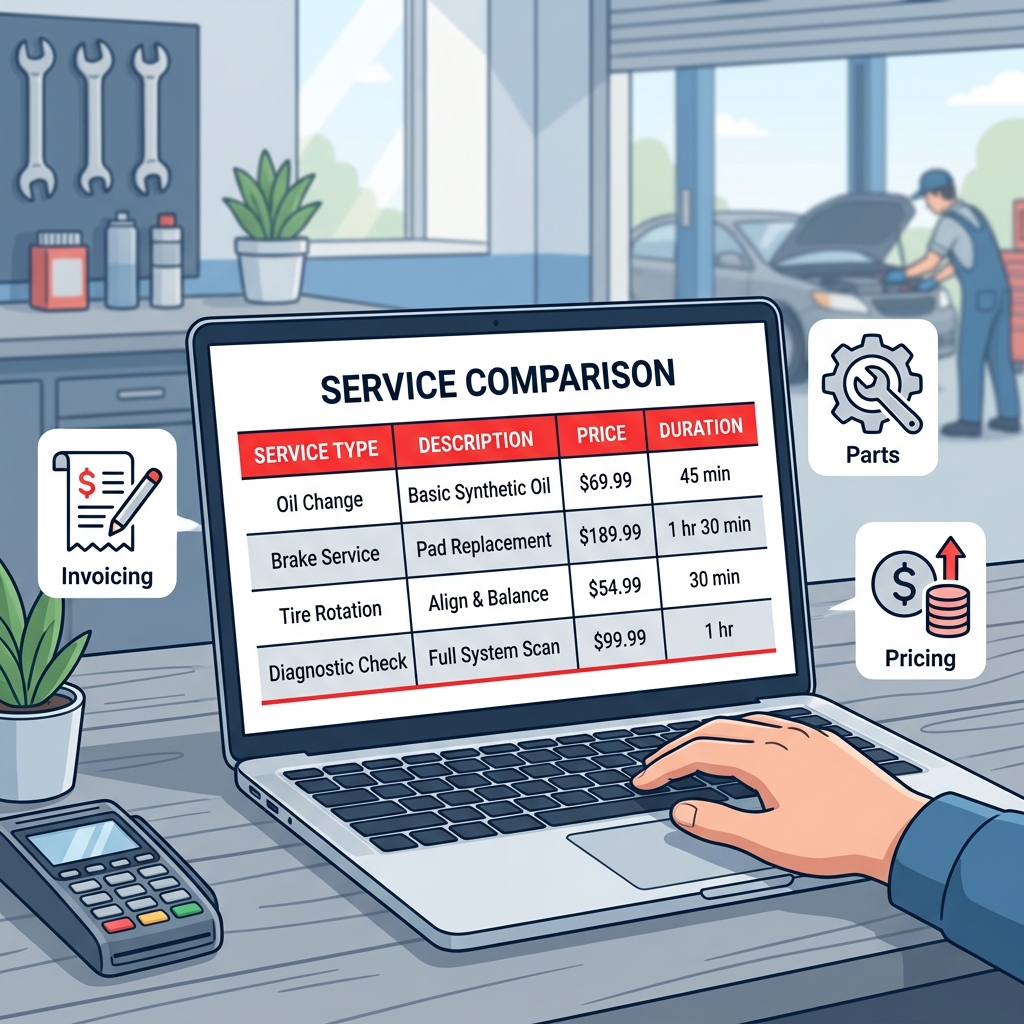
RedAppy — Best All-in-One Invoice and Shop Management Platform
RedAppy is built for shops that want one platform to handle everything — from the first phone call to the final payment. It replaces the patchwork of separate tools many shops use for estimates, invoices, parts, and payments.
What RedAppy Does
The core invoicing workflow is designed to eliminate double entry. When a job comes in, you build the estimate, get approval, do the work, and convert everything to a final invoice in one click. Parts, labor, and inspection notes all carry over automatically — no retyping.
Key invoicing and billing features include:
- One-click estimate-to-invoice conversion — approved estimates become invoices instantly
- Online payment collection — customers can pay directly from a link, no terminal required
- Digital inspections with photos — technicians document findings with images, which shop owners report directly increases job approvals
- Real-time parts ordering — search multiple suppliers, check live inventory, and add parts to the RO without leaving the platform
- Automatic vehicle history — every invoice ties to a customer profile searchable by name, plate, or VIN
Shops that send photo-rich digital inspections consistently approve more work per visit — the visual evidence removes doubt and makes upsells feel like honest recommendations.
AI Repair Assistant and Analytics
RedAppy includes a built-in AI Repair Assistant that pulls labor times and diagnostic guidance on demand. In practice, this saves the back-and-forth of checking a separate labor guide before writing an estimate.
The analytics dashboard tracks:
- Revenue by period
- Technician efficiency and productivity
- Average repair order (ARO) value
- Repeat customer rate
These numbers update in real time, so you're not waiting for an end-of-month report to spot a problem.
Branded Website Included
Every RedAppy subscription comes with a professionally designed, branded website. It includes contact forms and optional used-car listings. For shops without a web presence — or with an outdated one — this alone can offset a significant portion of the subscription cost by bringing in new customers.
According to RedAppy, shops using the platform typically save 10+ admin hours per week and see a strong first-year ROI from higher approval rates and faster payment cycles.
Pricing and Flexibility
RedAppy uses transparent, month-to-month pricing with no long-term contracts required. Plans scale from single-bay garages to multi-location operations. This matters because many shop management platforms lock you into annual contracts before you know whether the software fits your workflow.
Month-to-month terms put the pressure on the software to keep earning your business — not on you to stay because you're contractually obligated.
Limitations to consider: RedAppy is a purpose-built shop management tool, not a standalone accounting package. Shops that need deep general-ledger accounting will want to integrate it with a dedicated accounting tool or confirm that RedAppy's reporting meets their bookkeeping needs before switching.
Who RedAppy Is For
RedAppy is the right fit for:
- Independent shops that want to stop stitching together separate tools for estimates, invoices, payments, and parts
- Growing shops that need real-time visibility into technician performance and revenue without hiring an office manager
- Multi-location operations that need centralized job tracking and consistent workflows across bays
If you want more detail on how RedAppy handles the full repair order lifecycle, the shop management features overview covers the Digital Shop Board and team calendar in depth.
Mitchell 1 Manager SE — Best for Repair Data Integration
is one of the most established shop management systems in the industry, with roots going back decades. It's built around Mitchell 1's OEM repair database, which means invoicing and estimating are tightly connected to real labor times, part numbers, and diagnostic data. For shops where accuracy on every line item is non-negotiable, that integration matters.
What It Does
Manager SE handles the full workflow from estimate to invoice, with each step pulling from Mitchell 1's repair data. When a technician identifies a job, labor times are populated from OEM sources rather than guessed or manually entered. Parts ordering connects to suppliers directly from the repair order, so what gets ordered matches what gets invoiced.
Key invoicing and shop management features include:
- Estimate-to-invoice conversion tied to verified OEM labor times
- Integrated parts ordering with real-time pricing from multiple suppliers
- Customer history and vehicle records accessible by VIN, plate, or name
- Reporting and analytics covering revenue, technician performance, and parts margins
- Integration with Mitchell 1 ProDemand for diagnostic and repair procedure access
Shops that invoice labor based on verified OEM times reduce disputes and comebacks — it's harder for a customer to argue a labor charge that matches the manufacturer's own published time.
Pricing and Learning Curve
Mitchell 1 does not publish pricing publicly. Based on industry reporting and user discussions, Manager SE typically runs in the range of $200–$400+ per month depending on configuration and added modules. It's priced for established shops, not startups.
The learning curve is real. In practice, new users often need several weeks to get comfortable with the interface, and the software has a more traditional desktop feel compared to newer cloud-based platforms. Mitchell 1 offers training resources, but expect an onboarding period.
Limitations to Know
- Pricing is not transparent — requires a sales call to get a quote
- Interface feels dated compared to modern cloud-native tools
- Less suited to shops looking for a lightweight or mobile-first experience
- No built-in branded website or digital marketing features
Who It's For
Mitchell 1 Manager SE is the right fit for established, high-volume shops where labor accuracy, deep repair data, and parts integration are the top priorities. If your shop already relies on Mitchell 1's ProDemand for diagnostics, Manager SE extends that investment into billing and workflow management. It's less suited for shops that need quick setup, modern UX, or all-in-one marketing tools.
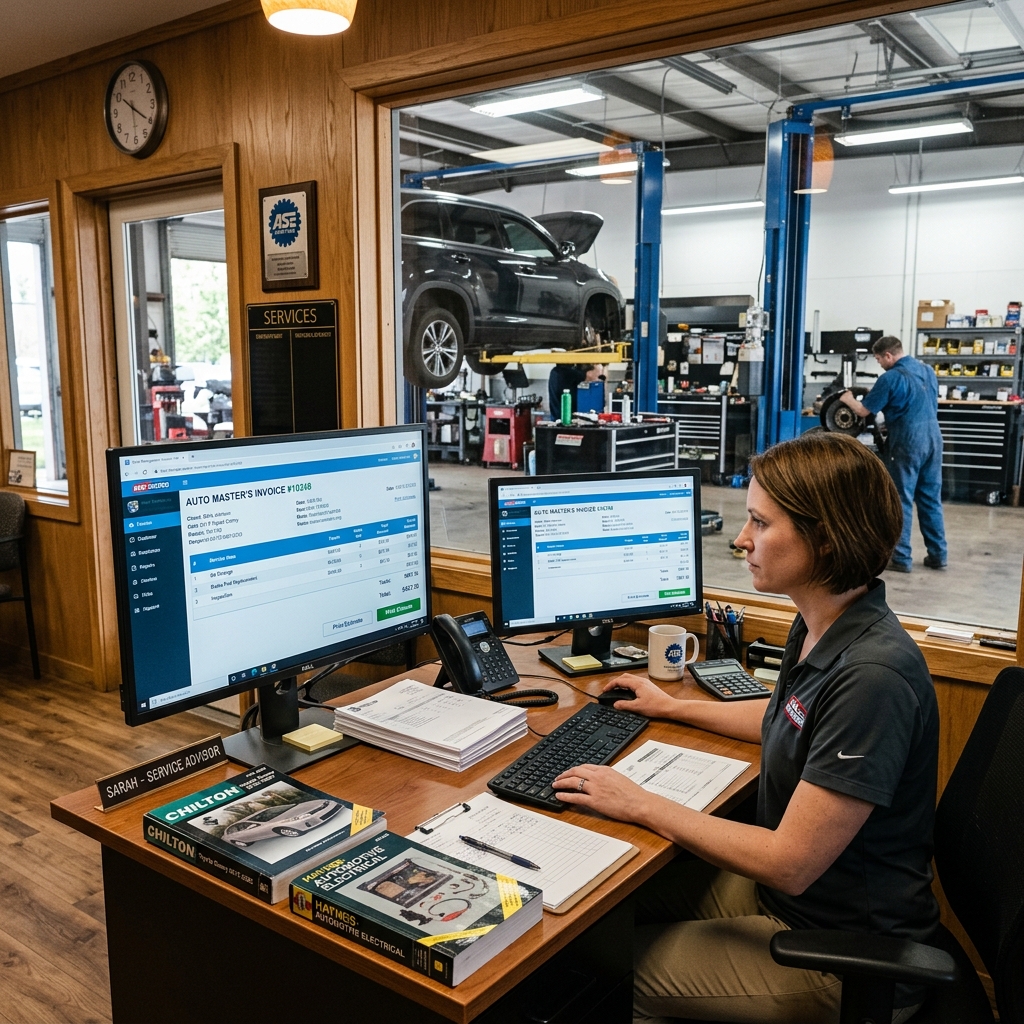
Shop-Ware — Best for Paperless, Transparent Customer Communication
takes a different approach to shop management by putting customer transparency at the center of every repair order. Instead of printing paper ROs and chasing phone approvals, everything happens digitally — technicians document work with photos and videos, and customers approve or decline services in real time through a text or email link.
Who it's for: Shops that want to eliminate paper, reduce phone tag, and give customers a modern, high-trust experience.
What Shop-Ware Does Well
The core of Shop-Ware is its digital repair order (RO) workflow. Technicians build inspection results with photos and notes, and those get packaged into a clean customer-facing view. Customers can see exactly what's recommended, why it matters, and approve work from their phone — no back-and-forth calls required.
Shops using digital approvals consistently report higher authorization rates because customers can see the problem, not just hear about it.
Invoicing flows directly from the approved RO, so there's no re-entering information. Key invoicing features include:
- Line-item labor and parts with real-time customer visibility
- Auto-generated invoices from approved work orders
- Online payment collection built into the customer-facing workflow
- Parts ordering integration within the platform
- Customer-facing digital vehicle history
From experience, this kind of seamless estimate-to-invoice path cuts the approval cycle from hours to minutes on straightforward jobs.
Pricing Model — The Key Differentiator
Shop-Ware uses per-RO pricing rather than a flat monthly subscription. You pay based on how many repair orders you process.
| Volume | Pricing Structure |
|---|---|
| Low-volume shops | Cost-effective — you pay for what you use |
| High-volume shops | Monthly costs can climb quickly |
In practice, this model works well for shops doing moderate volume or those ramping up. For a busy multi-bay shop processing 150+ ROs a month, the per-RO cost can exceed what a flat-rate platform would charge. It's worth running the math before committing.
Limitations to Know
- No built-in OEM repair data or labor time guides — you'll need a separate source like Mitchell 1 or ALLDATA
- Per-RO pricing becomes expensive at high volume
- Fewer built-in reporting and analytics tools compared to all-in-one platforms
- Learning curve for shops transitioning from paper-based processes
Shop-Ware is a strong fit for independent shops that prioritize the customer experience and want to go fully paperless — but high-volume operations should model the cost carefully before switching.
Conclusion
The right invoice software comes down to three things: your shop's size, your budget, and how many tools you want to manage.
If you're already using QuickBooks for bookkeeping and just need basic invoicing, it handles the job — but you'll work around its gaps in auto-specific features. Mitchell 1 Manager SE suits established shops that need deep OEM repair data tied directly to their estimates and invoices. Shop-Ware is a strong fit for shops making the move to fully paperless, transparent customer communication.
For most shops that want a single platform to handle estimates, invoicing, parts, payments, and customer communication without stitching together separate tools, RedAppy is the clear standout.
RedAppy's one-click invoicing, built-in AI Repair Assistant, digital inspections, and real-time parts ordering cover the full repair order workflow. The included branded website and month-to-month terms make it accessible for single-bay shops and scalable for multi-location operations. Shops report saving 10+ admin hours per week — time that goes back into the bay, not the back office.
Here's a simple decision framework:
- Small shop, tight budget, existing QuickBooks user → Start with QuickBooks Online and add auto-specific features as you grow
- Established shop needing OEM labor data accuracy → Mitchell 1 Manager SE
- Customer experience-focused, going fully paperless → Shop-Ware
- Shop wanting one platform from check-in to checkout →
The best invoice software isn't the one with the most features — it's the one your team will actually use every day. From experience, shops that consolidate their workflow into a single platform see faster approvals, fewer billing errors, and better visibility into what's driving revenue.
The next step is simple: to see the full workflow in action, or explore before you decide.
Frequently Asked Questions
How do I create an invoice for car repair?
Use auto repair invoice software to log the customer's vehicle details (make, model, VIN), itemize labor hours at your shop rate, and list all parts with markups applied. Most dedicated platforms like Mitchell 1 or Shop-Ware auto-populate labor times from built-in repair databases, reducing manual entry. Add tax, payment terms, and send digitally for faster collection.
What is the best billing software for an automobile shop?
Shop-Ware, Mitchell 1, and Tekmetric are consistently rated among the best billing and management platforms for auto repair shops, offering integrated invoicing, parts ordering, and labor guides. Tekmetric is particularly popular for its cloud-based dashboard and real-time reporting. The "best" option depends on shop size, budget, and whether you need features like multi-location support or CRM tools.
What is the best free software for automotive repair shops?
Autorepair Cloud and RepairDesk offer free or freemium tiers suitable for small shops getting started. Wave Accounting is also free and handles basic invoicing, though it lacks auto-repair-specific features like labor time guides and VIN lookups. For full-featured free access, most dedicated shop management tools offer free trials rather than permanent free plans.
Can I use QuickBooks for an auto repair shop?
QuickBooks can handle basic accounting, invoicing, and expense tracking for an auto repair shop, but it lacks industry-specific features like built-in labor time guides, VIN decoding, and parts inventory management. Many shop owners use QuickBooks alongside dedicated auto repair software — syncing financial data while managing day-to-day operations in a platform like Tekmetric or Mitchell 1. QuickBooks alone works best for very small or part-time operations with simple billing needs.
Ready to Transform Your Shop?
RedAppy helps auto repair shops create professional digital estimates with photos and videos, send them instantly via text or email, and get customer approvals in seconds. No credit card required to start.