
10 Service Scheduling Software for Auto Repair Shops
Monday morning starts with three drop-offs, a brake job waiting on parts, and a customer asking when their estimate will be ready. The calendar shows every appointment, but the service advisor still has to find out whether a technician is available, whether the delivery arrived, and whether the customer approved the work.
That's why service scheduling software needs to do more than reserve time. A fixed-bay shop needs appointments connected to vehicles, technicians, estimates, and repair orders. A mobile mechanic needs arrival windows and travel time. A multi-location operator needs visibility across shops without confusing local capacity with company-wide availability.
A simpler booking app can still work for an operator who only needs customers to request a meeting. Someone looking to faces a different decision from a garage coordinating lifts, parts deliveries, inspections, and promised completion times.
A booked appointment is a customer commitment. It isn't proof that the shop has the technician, equipment, parts, and approval needed to finish the repair.
The options below range from automotive shop-management platforms to broader field-service products. The important distinction isn't which calendar looks cleanest. It's whether the software supports the work happening after check-in, or whether staff will still need another system to manage the repair.
Table of Contents
- 1. RedAppy
- 2. AutoLeap
- 3. Tekmetric
- 4. Shopmonkey
- 5. Shop-Ware
- 6. Mitchell 1 Manager SE
- 7. ServiceTitan
- 8. Housecall Pro
- 9. Jobber
- 10. Service Fusion
- How the Ten Options Compare on Price, Trials, and Booking
- Matching the Tool to Your Bay, Not Just Your Calendar
1. RedAppy
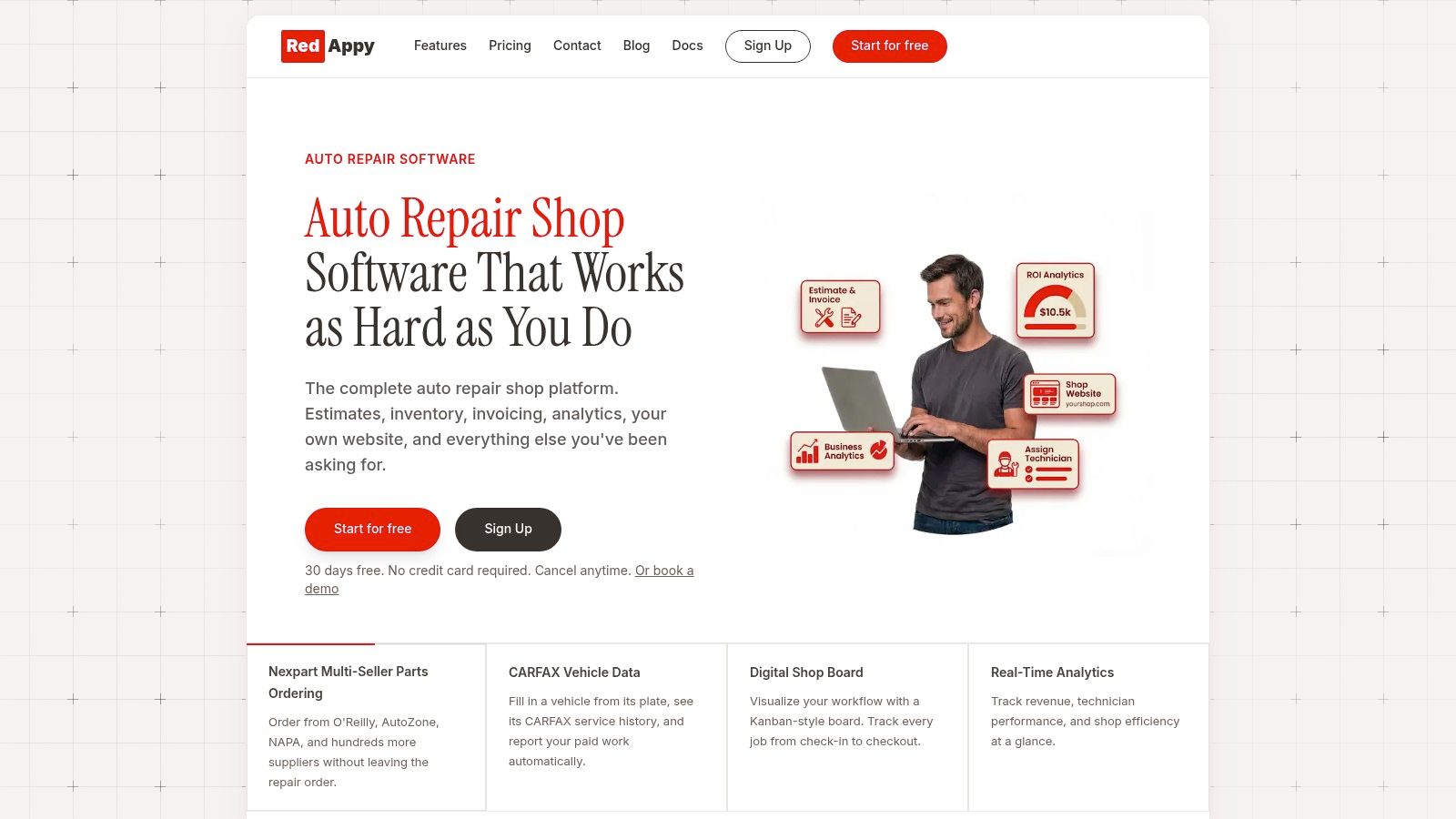
Best fit for independent repair shops seeking connected front-office and repair workflows. RedAppy combines estimates, invoices, inspections, texting, parts ordering, inventory, analytics, and a Kanban-style Shop Board. Jobs move from To Do to Completed, while individual logins support technician assignments and control access to financial information.
The included shop website lets customers choose a service and preferred appointment time without calling. That's a request-and-confirm workflow, not automatic acceptance of live availability: staff receive the submission, confirm by phone or text, and add the confirmed appointment to the team calendar. Website booking respects closures, and the calendar also holds time off, reminders, and team events.
Where the Workflow Helps
An advisor can send an estimate by SMS or email for approval from the customer's phone, then manage the job through invoicing and payment. Nexpart Multi-Seller supports supplier comparisons, CARFAX adds vehicle-history functions, and Stripe supports online payments.
- Operational strengths: Inventory deducts parts used on jobs and flags low stock; analytics track revenue, technician performance, and shop efficiency.
- Plan details: Plans start at $39 per month, with the shop website included. Texting credits start at $3.99 for 100 messages, and video uploads require the Professional plan.
- Evaluation terms: A 30-day trial without a credit card and month-to-month billing provide room to assess the workflow.
The scheduling caveat matters: the features page still marks scheduling as Coming Soon. A demo should distinguish the available team calendar and website requests from any upcoming scheduling capabilities. Company-reported efficiency and approval improvements shouldn't replace a test using the shop's own work.
2. AutoLeap
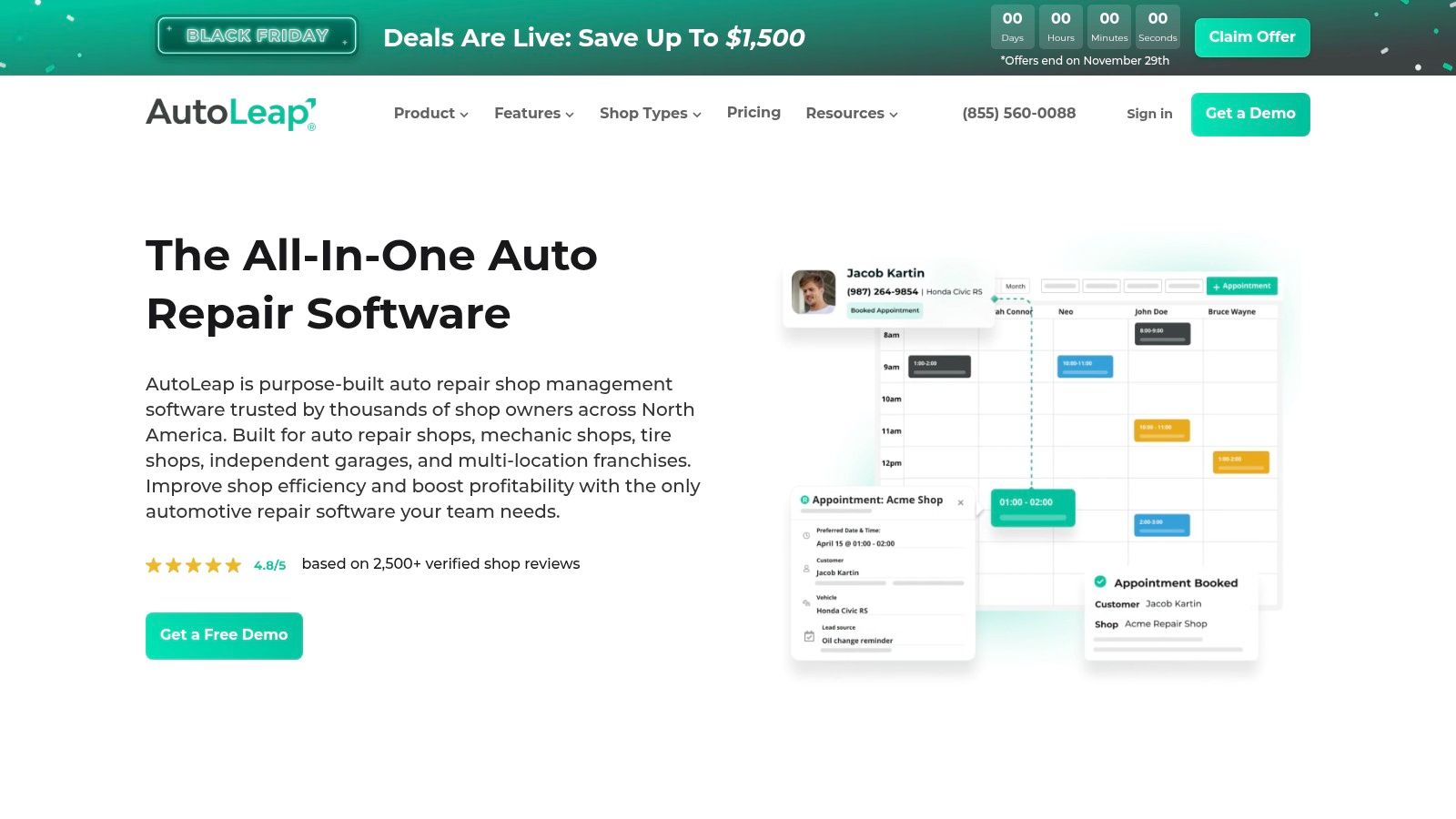
AutoLeap makes sense when the appointment should become part of an automotive repair workflow. Its calendar and automated reminders sit alongside repair orders, digital inspections, estimates, approvals, parts tools, and customer records.
For a fixed-bay shop, the useful connection is between what the advisor books and what the technician eventually works on. The customizable work board helps staff follow repair activity rather than treating the appointment calendar as the only operating view.
lists Essentials at $179 per month billed annually or $199 billed monthly, with higher-priced tiers adding capabilities. Public pricing helps establish a starting budget, but the entry subscription shouldn't be mistaken for the complete configuration.
What Deserves a Demo
- Repair continuity: Follow an appointment through check-in, inspection, estimate approval, and repair-order completion.
- Tier boundaries: Inventory, vendor management, technician time tracking, and reporting depend on the selected package.
- Access costs: Confirm the included users, extra-user charges, and any shop-specific setup fee.
There's no self-serve free trial, so evaluation depends on a demo. That makes a realistic demonstration more valuable than a polished tour of empty screens.
The trade-off is breadth versus package complexity. Automotive-specific records are a strong fit for a repair shop, but the buying decision should use the tier that supports daily operations, not merely the lowest advertised price.
3. Tekmetric
A shop with many advisors, technicians, and managers should examine Tekmetric's per-shop pricing and unlimited-user policy. That structure removes the need to treat each additional staff login as another seat purchase.
Tekmetric connects scheduling with inspections, estimates, authorizations, repair orders, invoicing, inventory, and reporting. It's an automotive platform, so the underlying workflow is closer to fixed-bay repair than a general field-service calendar.
lists Start at $199 per month or $179 per month billed annually, while online booking belongs to the separately priced Marketing add-on, listed at $345 per month per shop. That distinction is central to the comparison: an internal scheduler and customer-facing online booking aren't interchangeable.
Compare the complete booking setup, not just the base shop-management subscription.
Strong Fit, With Add-on Decisions
The platform offers month-to-month billing, with lower annual rates. Multi-shop management is also available as an add-on, so operators should establish which location-level and group-level functions belong in the proposed package.
There's no free trial; evaluation runs through a demo or self-guided tour. During that review, staff should test the changes they make repeatedly, such as moving work after a delayed delivery or adjusting an appointment after an inspection expands the repair.
The principal limitation is configuration and cost scope, not a lack of automotive focus. Online booking and multi-shop needs can make the final package materially different from the entry plan.
4. Shopmonkey
A calendar change often creates a communication job. When an appointment moves, the advisor may need to notify the customer, revise expectations, and keep the repair order aligned.
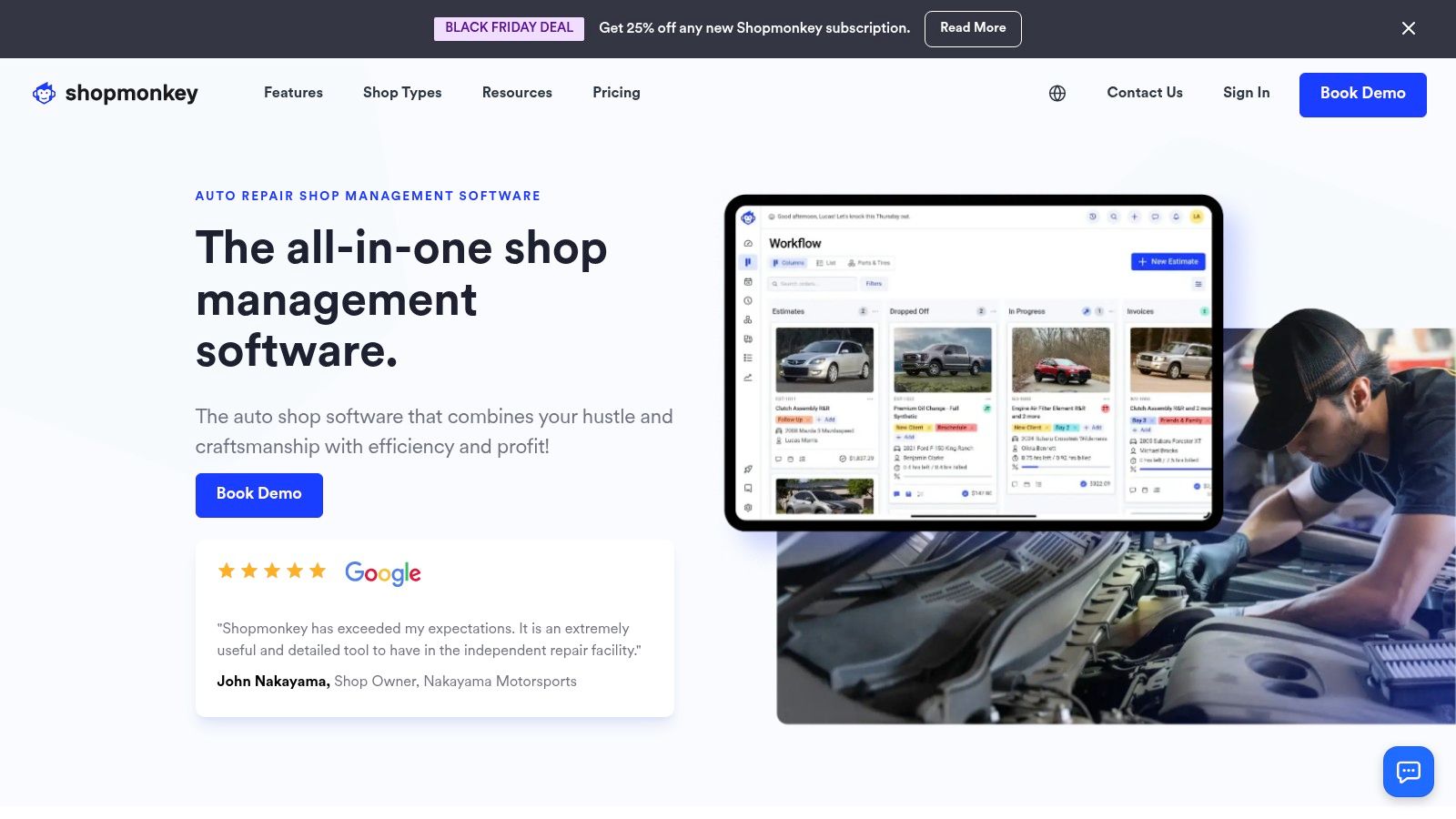
Shopmonkey brings calendar appointments and automated reminders together with two-way text and email, estimates, invoices, digital inspections, payments, and parts tools. That combination suits a fixed-location shop that wants fewer handoffs between appointment administration and repair administration.
lists Basic at $239 per month or $215 per month billed annually, including three user licenses, with additional licenses listed at $20 per month each. Scheduling is included in the entry plan, which makes the starting package easier to interpret than an arrangement requiring a separate booking product.
- Best use: Coordinating appointments, customer communication, and repair-order activity in an automotive system.
- Budget pressure: Additional staff access changes the subscription cost.
- Expansion question: Multi-shop pricing is custom rather than a straightforward extension of the public entry price.
Test the Handoffs
A useful demo should include a customer replying to a reminder and an advisor changing the appointment. Staff should establish where that conversation appears and whether everyone can find the revised commitment.
Migration deserves equal attention. The shop should review how customer records, vehicle details, open work, and staff habits will transfer before committing to a platform change.
The practical trade-off is connected communication versus seat costs and transition work.
5. Shop-Ware
Shop-Ware deserves attention when the shop's challenge is coordinating repair work and explaining it to customers. Its cloud platform combines employee calendars, time tracking, repair orders, parts tools, payments, and analytics.
The Digital Vehicle Experience supports customer-facing photos, videos, and notes. For an advisor handling a job that grows after inspection, that documentation can support a clear approval conversation rather than leaving the customer with an unexplained change in price or completion time.
lists Startup at $279 per month or $251 per month billed annually, and the CRM + Online Service Scheduler add-on at $249 per month. The Online Service Scheduler is offered with Ultimate+ or through the add-on, rather than being included in every base package.
Separate Staff Planning From Customer Booking
- Staff access: Every listed package includes unlimited users.
- Repair support: Employee calendars, time tracking, a parts matrix, and integrated ordering connect planning with shop operations.
- Purchase boundaries: Online scheduling, migration, and accounting connections need explicit attention in the quote.
An internal employee calendar doesn't establish that customers can book services online within the same subscription. That's the key distinction for a shop hoping to reduce appointment calls.
Calendar behavior also deserves a hands-on test. Staff should move an appointment, update a technician's availability, and inspect the resulting customer-facing availability before accepting the workflow.
Shop-Ware is a stronger candidate for integrated repair operations than for buyers seeking only an inexpensive booking calendar.
6. Mitchell 1 Manager SE
Technicians aren't the only resources that can be double-booked. A repair may also need a particular lift, diagnostic station, or other shared shop resource.
Mitchell 1 Manager SE's scheduler supports technician and shop-resource assignment, with double-booking warnings. Its drag-and-drop interface offers day, week, and month views, and appointments connect with customer and vehicle lookup, estimates, work orders, and invoicing.
offers quote-based pricing and a personalized demo. Parts catalog integrations and extensive shop reporting make it a candidate for established automotive businesses that want scheduling embedded in their management workflow.
Practical rule: An available technician doesn't mean the required bay or equipment is available.
The Deployment Trade-off
Manager SE uses a hybrid approach rather than being entirely cloud-native. A shop comparing browser-based platforms should examine workstation requirements, remote access, updates, and how staff will work away from the front counter.
Optional products may be needed for digital inspections, texting, and other functions. Those should appear in the proposed configuration rather than becoming discoveries after purchase.
The strongest demonstration would involve competing appointments that require the same resource. Staff should see the warning, resolve the conflict, and follow the appointment into a work order.
Its scheduling strength is resource awareness within automotive repair. The main caution is evaluating the complete deployment and optional-product package, not assuming every surrounding workflow comes with the scheduler.
7. ServiceTitan
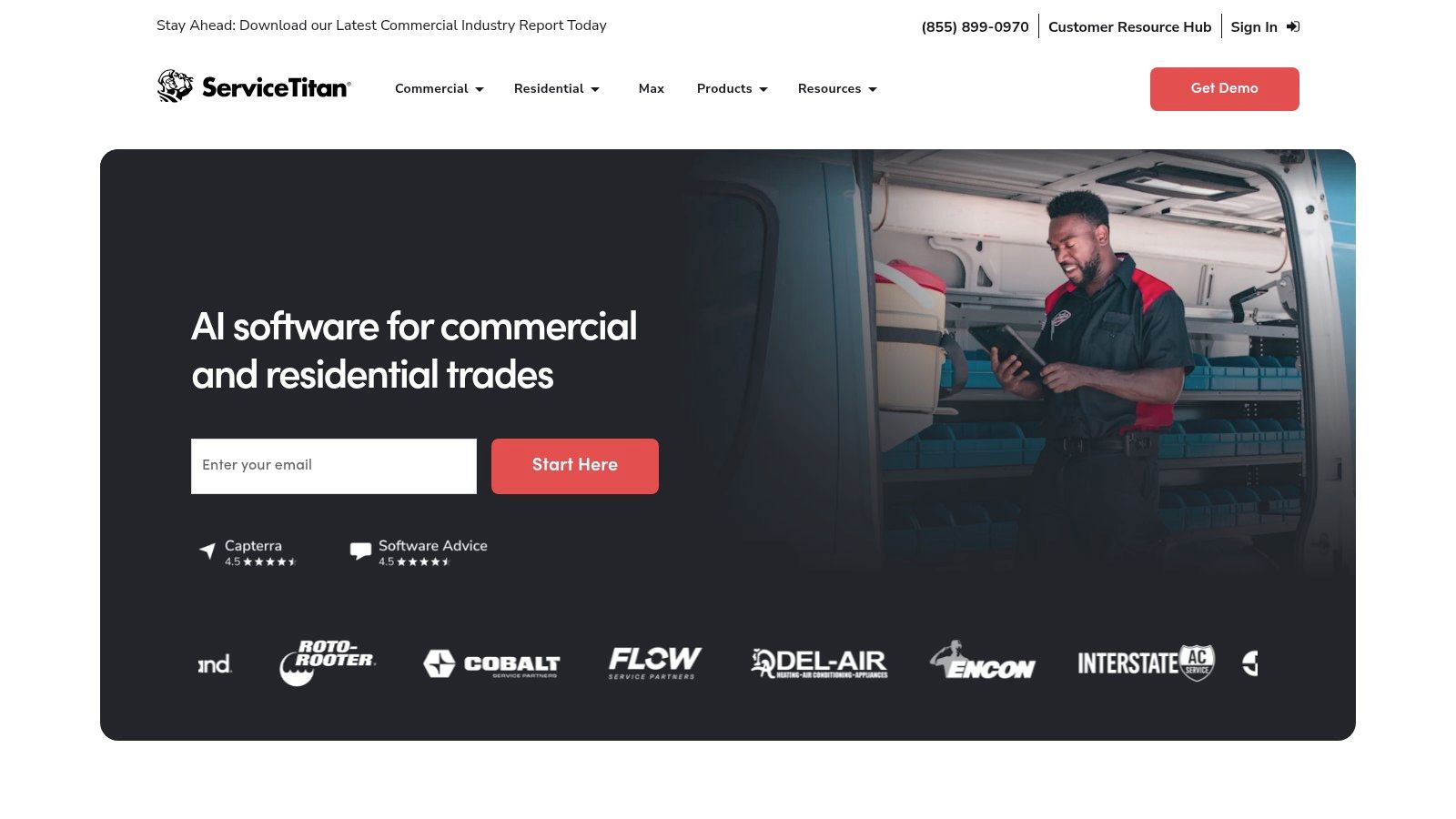
ServiceTitan belongs on a mobile-service shortlist, not automatically on a fixed-bay shortlist. It's primarily a trades and field-service platform, with scheduling, dispatch, call booking, estimates, invoicing, and operational tools.
Its scheduling can consider technician availability and travel time. For mobile mechanics, those constraints matter because an opening between appointments may disappear once driving and arrival windows are included.
uses quote-based, per-technician plans. Online appointment booking is available through Scheduling Pro, so the proposed package should identify that component explicitly.
Where Dispatch Depth Helps
- Mobile coordination: Technician assignments connect with booked jobs and customer records.
- Capacity planning: Availability and travel time support decisions that a basic appointment calendar can't resolve.
- Operational breadth: Scheduling sits within a larger system for running a field-service business.
That breadth also creates implementation work. A small garage looking for appointment reminders may not need the surrounding trade-business processes.
Customer and job history aren't substitutes for vehicle-centric repair orders, inspections, parts workflows, and service records. A mobile mechanic should demonstrate how those automotive details will be recorded and retrieved.
The fit improves as dispatch becomes a central management task. For a fixed shop whose main challenge is tracking vehicles through inspection and approval, a dedicated automotive platform is usually the more relevant starting point.
8. Housecall Pro
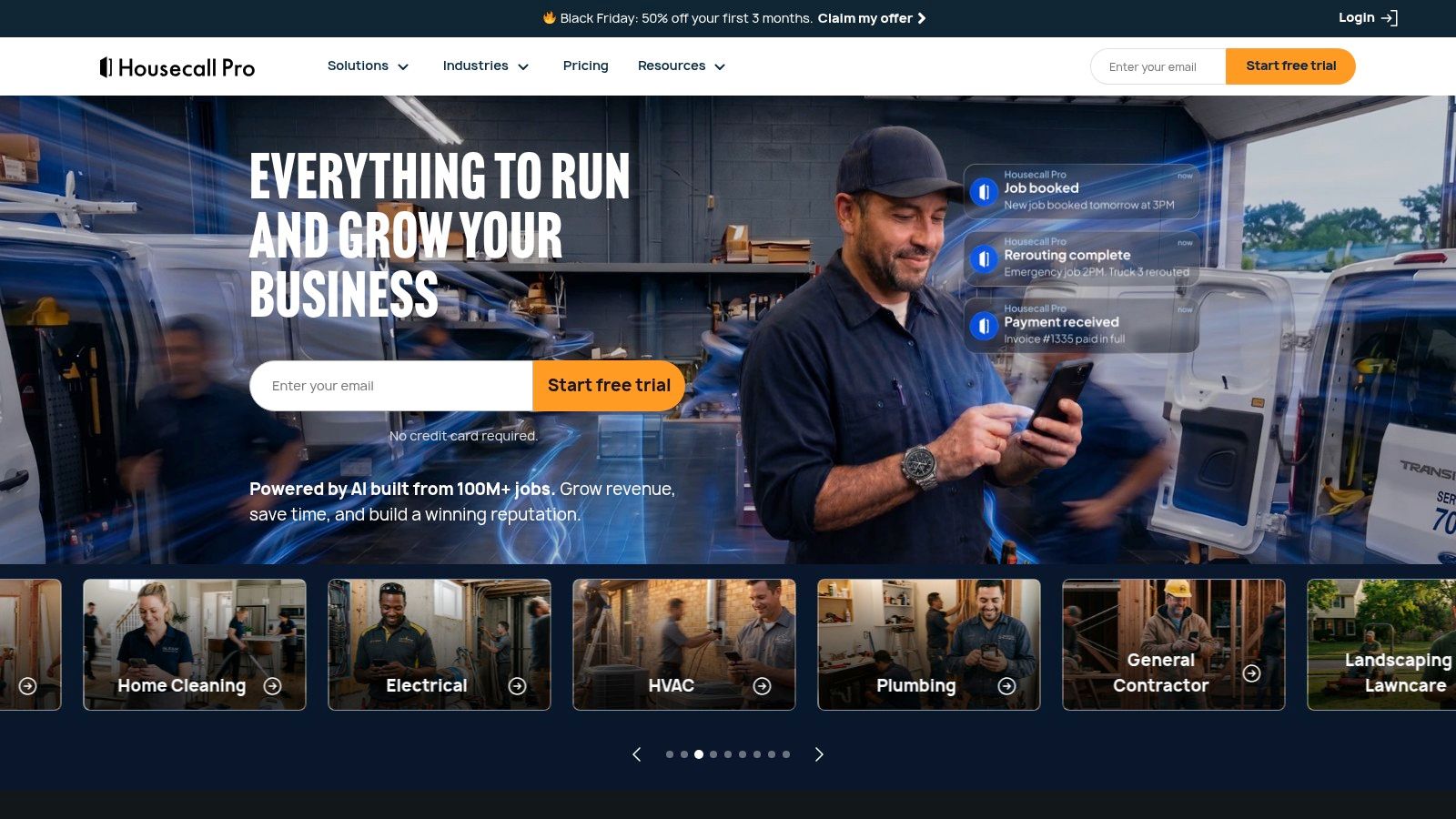
A mobile mechanic needs the appointment, customer address, estimate, and payment process available away from the office. Housecall Pro connects those field-service tasks, with scheduling, dispatching, online booking, customer notifications, and mobile access.
Its design centers on home-service businesses rather than automotive repair shops. That makes it a plausible option for work performed at customer locations, but a less natural match for coordinating vehicles across fixed repair bays.
lists Basic at $59 per month billed annually or $79 billed monthly, and offers a 14-day free trial. Public pricing and trial access make it possible to test the workflow before making a purchasing commitment.
- Useful connection: Scheduled work can continue through estimates, invoices, and payments.
- Team considerations: Additional users and higher-tier tools affect total cost.
- Automotive gap: Deep parts inventory and complex repair workflows aren't the platform's central focus.
Use the Trial for a Complete Visit
The evaluation should include a customer booking, a technician reviewing the job on a phone, an estimate change, and payment collection. Route optimization and additional team tools should be checked against the proposed plan rather than assumed.
The trade-off is mobile-service convenience versus automotive depth. A mechanic doing straightforward on-site work may value the field workflow more than a garage managing disassembled vehicles, delayed parts, and several approval stages.
9. Jobber
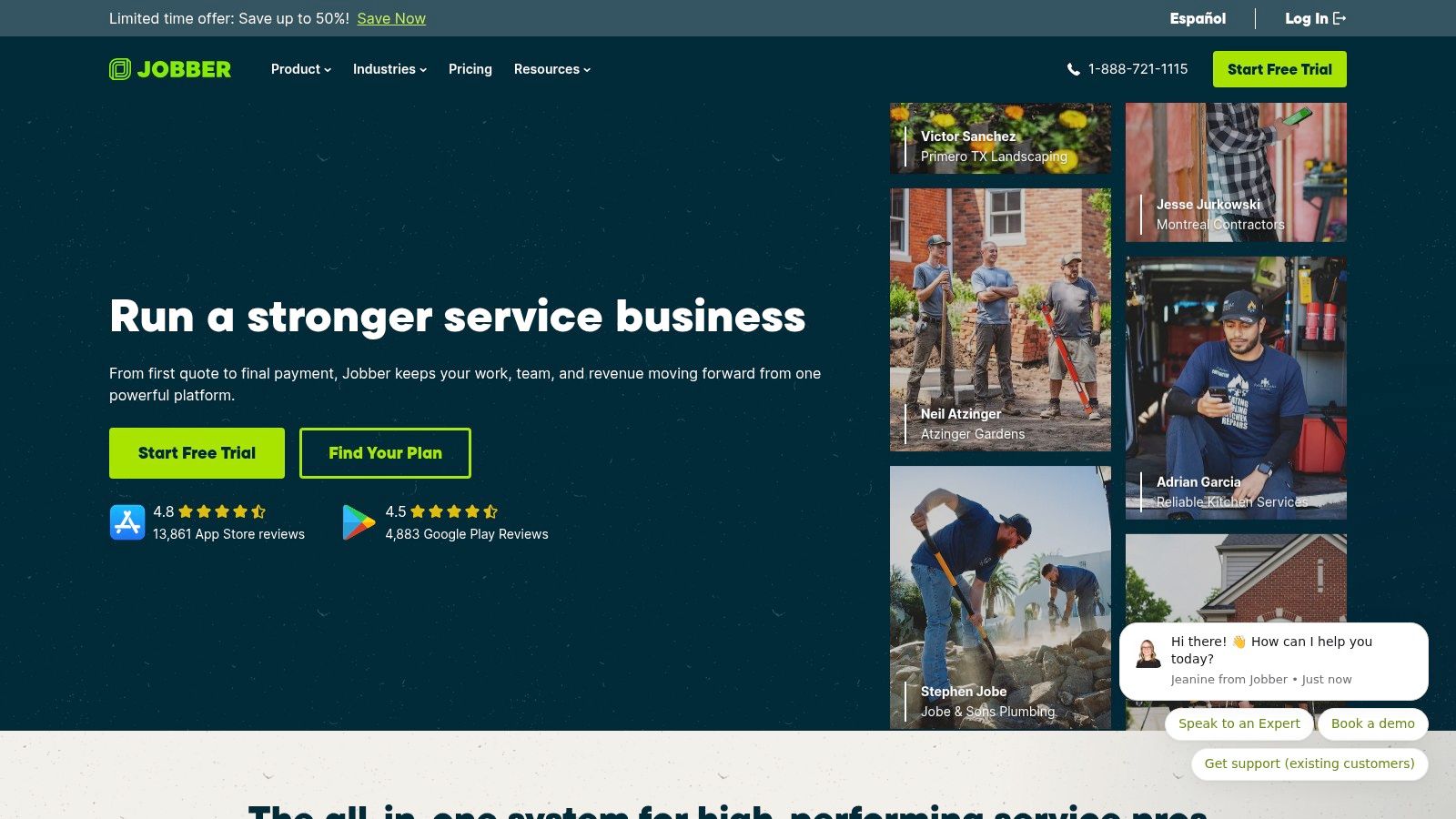
Jobber is worth considering when the business schedules visits rather than bay occupancy. It combines job scheduling and online booking with quotes, invoices, payments, a mobile app, and connections to third-party tools.
That structure suits a small mobile-service operator who needs customer administration around each visit. It doesn't provide the same automotive workflow depth as software built around vehicle repair orders.
lists Core at $49 per month on month-to-month billing for one user, with other configurations based on plan and team size. A free trial provides an opportunity to establish whether the basic job model fits the service business.
Keep the Comparison Grounded
Client reminders, checklists, and follow-ups are available on eligible plans. Staff should identify which of those functions are necessary before comparing the solo starting price with a shop-management subscription.
- Good match: Mobile jobs that follow a quote, appointment, completion, and invoice sequence.
- Weak match: Work requiring native bay management, automotive parts processes, and detailed vehicle repair-order continuity.
- Cost consideration: Team access and higher-tier features can substantially change the subscription.
A useful test is a return visit to the same vehicle. The operator should establish how vehicle identity, previous findings, and unfinished recommendations will be organized without relying on scattered notes.
Jobber's appeal is connected field-job administration. Its limitation for garages is the automotive structure that staff may otherwise need to create themselves.
10. Service Fusion
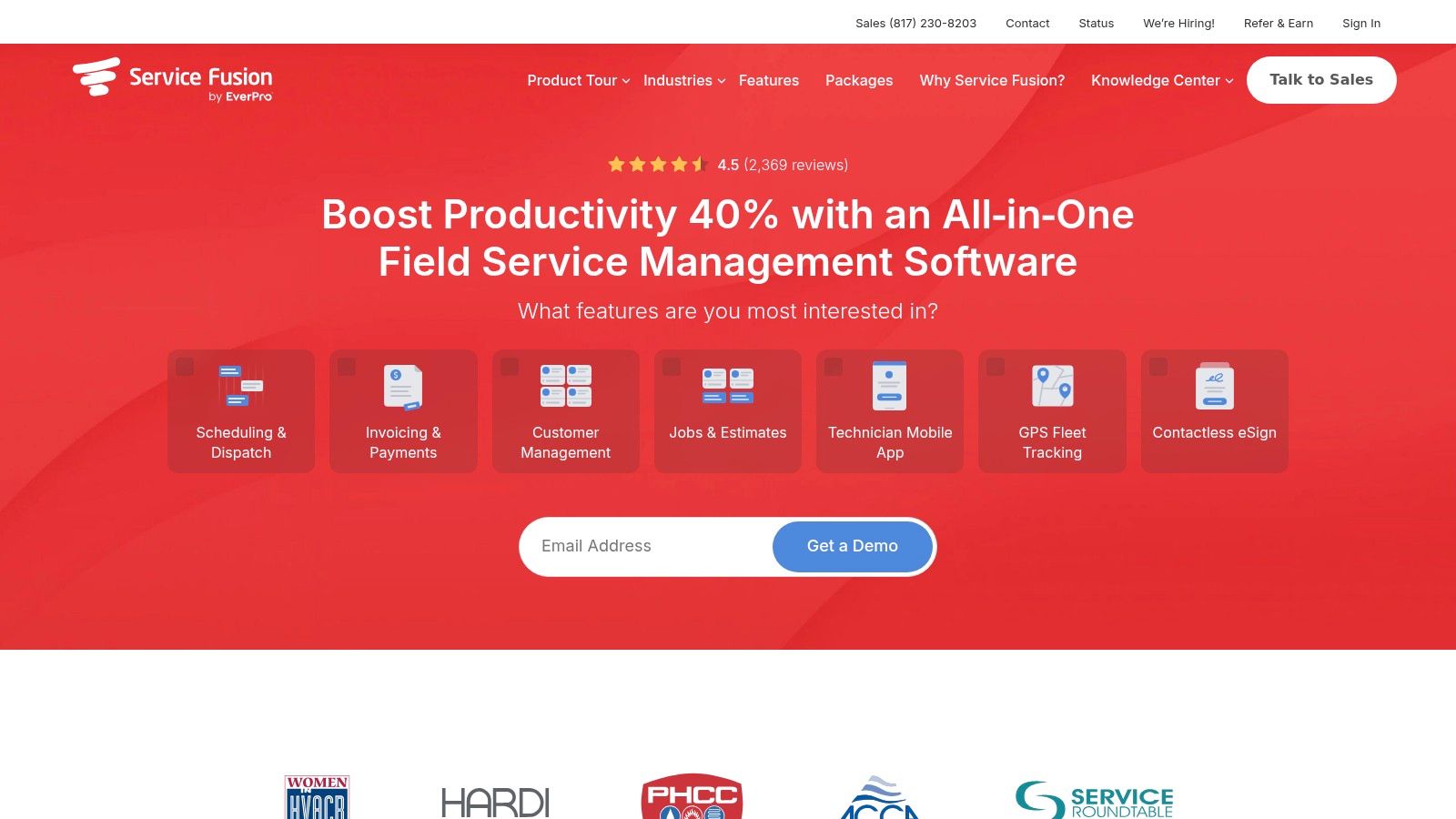
Service Fusion offers a different pricing consideration for growing field teams: unlimited users across its plans. The platform combines scheduling and dispatch with estimates, jobs, invoicing, payments, and customer management.
Its drag-and-drop dispatch grid, technician availability, and GPS map views make it more relevant to mobile work than to managing fixed repair bays. Scheduling is one component of a broader field-service product, not a dedicated automotive repair system.
lists Starter at $225 per month or $192 per month billed annually, with higher-priced tiers available. Unlimited users can simplify access budgeting, although the required feature tier still determines the practical cost.
What the Entry Price Doesn't Settle
- Dispatch workflow: Test assigning work, moving a delayed visit, and viewing technician availability.
- Feature boundaries: Inventory and job costing require higher-tier plans.
- Evaluation method: A demo is available, but no free trial is listed.
A mobile operator should use the demo to follow a job from booking through payment and inspect how technicians update its status. A garage should also establish whether its vehicle records and repair-order requirements can be handled without awkward workarounds.
The strongest argument is team-wide access within a connected field-service workflow. The main limitation remains automotive fit: unlimited logins don't compensate for missing vehicle-centric processes when those processes are central to the business.
How the Ten Options Compare on Price, Trials, and Booking
| Item | Starting price | Free trial | Online booking | Best for |
|---|---|---|---|---|
| RedAppy (Recommended) | $39/month | Demo available | Appointment requests through shop website | Independent and multi-location auto repair shops |
| AutoLeap | $179/month, billed annually | No self-serve trial | Online booking not specified | Independent shops wanting automotive scheduling and repair workflows |
| Tekmetric | $179/month, billed annually | No | Available with $345/month Marketing add-on | Shops seeking per-location pricing and unlimited users |
| Shopmonkey | $215/month, billed annually | Not stated | Scheduling included; online booking not specified | Shops wanting scheduling and repair workflows in one platform |
| Shop-Ware | $251/month, billed annually | Not stated | Ultimate+ or paid add-on | Independent and multi-shop repair organizations |
| Mitchell 1 Manager SE | Quote-based | Personalized demo available | Appointment scheduling; online booking not specified | Shops needing resource-aware appointment scheduling |
| ServiceTitan | Quote-based | Not stated | Available through Scheduling Pro | Mobile mechanics and field-service businesses |
| Housecall Pro | $59/month, billed annually | 14 days | Yes | Mobile mechanics and home-service teams |
| Jobber | $49/month | Free trial available | Yes | Mobile mechanics and small field-service operators |
| Service Fusion | $192/month, billed annually | No trial listed | Not specified | Field-service teams wanting scheduling and job management |
Price is only the first filter. Booking behavior matters just as much, especially because a fixed repair bay and a mobile route put different pressure on the calendar. A shop that controls drop-off times can review requests before confirming. A mobile operator usually needs tighter dispatch controls because travel time and job order shape the day.
RedAppy sits at $39 per month, with the shop website included. Its website takes appointment requests, and the shop confirms them by phone or text before adding them to the team calendar. That fits a fixed shop that wants online requests without promising instant availability. I would still check how closures and same-day changes are handled before choosing it.
AutoLeap and Tekmetric start at $179/month when billed annually, but their booking details differ. Tekmetric lists online booking through a paid Marketing add-on, while AutoLeap does not specify online booking in this comparison. Those differences can matter more than the matching entry price when customers expect to book without calling.
Shopmonkey, Shop-Ware, and Mitchell 1 Manager SE remain stronger fits for shops that want scheduling tied to automotive workflows. Shopmonkey starts at $215/month billed annually and includes scheduling, though online booking is not specified. Shop-Ware starts at $251/month billed annually, with online booking tied to Ultimate+ or a paid add-on. Mitchell 1 Manager SE uses quote-based pricing and lists appointment scheduling, but online booking is not specified.
The field-service tools price and book differently. ServiceTitan is quote-based, with booking through Scheduling Pro. Housecall Pro starts at $59/month billed annually and lists a 14-day trial with online booking. Jobber starts at $49/month, offers a free trial, and includes online booking. Service Fusion starts at $192/month billed annually, lists no trial, and does not specify online booking here.
For a garage, the practical test is whether the scheduler respects bays, technicians, closures, and repair-order flow. For mobile work, the better test is whether booking, dispatch, and job updates stay connected once the day changes.
Matching the Tool to Your Bay, Not Just Your Calendar
Start with how the business works: fixed bays or mobile calls, staff access requirements, and the kind of online booking customers need. An appointment request that staff confirm is different from a customer selecting a guaranteed available slot. Both can work, but the customer-facing promise must match the shop's process.
Fixed-location shops should generally start with automotive platforms. AutoLeap, Tekmetric, Shopmonkey, Shop-Ware, and Mitchell 1 Manager SE connect scheduling with repair workflows. Mobile mechanics should give greater weight to dispatch, travel, and phone-based job administration when considering ServiceTitan, Housecall Pro, Jobber, or Service Fusion.
Test the Disrupted Week
Shortlist two or three tools, then run a demo using a real week of appointments and a sample repair order. Include delayed parts, an absent technician, an expanded diagnosis, and a customer who changes the drop-off time. A clean demonstration calendar won't reveal how staff handle those disruptions.
- Follow the booking: Track the customer's request through confirmation, check-in, technician assignment, approval, invoicing, and payment.
- Expose the constraints: Establish how the system handles unavailable equipment, specialist skills, closures, and work carried into the next day.
- Price the complete setup: Include staff access, booking add-ons, inspections, messaging, migration, accounting connections, and multi-location functions.
For chain operators, a shared dashboard isn't enough. Managers need to know whether another location has the right technician, equipment, and actual capacity before offering an overflow appointment. Local teams also need clear ownership of customer updates when work moves between shops.
The best schedule protects a realistic completion promise. Filling every visible opening isn't the same as planning achievable work.
After implementation, managers should measure appointment lead time, reschedules, no-shows, technician idle time, and planned versus actual labor. Those operational measures, highlighted in, are more useful for evaluating scheduling quality than calendar activity alone.
For shops evaluating RedAppy's connected approach, the feature examples show how check-in, inspections, estimates, approvals, and payment fit together. The features page still lists scheduling as Coming Soon, so the demo conversation should confirm current scheduling capabilities and distinguish website appointment requests and team-calendar functions from upcoming features before a decision.
RedAppy brings repair estimates, inspections, invoicing, parts tools, and job tracking into one shop-management platform, with a website that accepts appointment requests. Visit RedAppy to explore the platform and arrange a demonstration using the shop's booking and repair workflow.
Ready to Transform Your Shop?
RedAppy helps auto repair shops create professional digital estimates with photos and videos, send them instantly via text or email, and get customer approvals in seconds. No credit card required to start.