Parts & inventory
Order parts with Nexpart from an estimate
RedAppy connects to Nexpart, so you can look up and order parts from your suppliers without leaving the estimate. Parts and prices come back onto the job.
Nexpart is an ordering platform used by many parts distributors. RedAppy plugs into it: set a part's source to Nexpart Order, click Browse parts in Nexpart, and the catalog opens with the customer's vehicle already selected. Pick the parts, and they land on the estimate with their numbers and prices.
One-time setup: connect your Nexpart login
Each person who orders parts connects their own Nexpart account. Open Shop Setup → Users, open your user, and find Get parts from Nexpart. Click Login if you already have Nexpart credentials from your supplier, or Create Account to set one up. The connection is saved on your user.
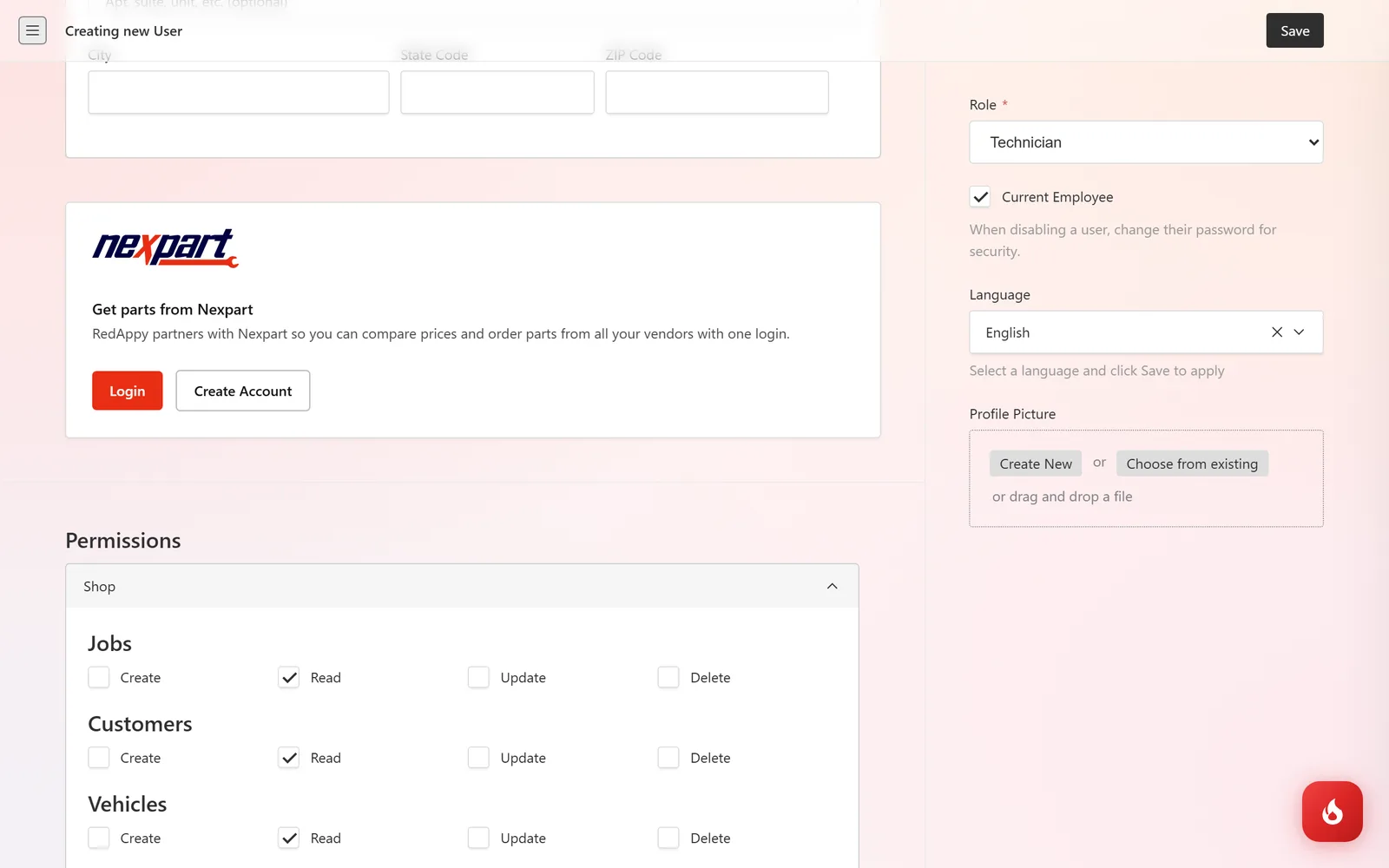
Order from an estimate
On the estimate, click Add Part and set Part Source to Nexpart Order. A Nexpart Cart area appears with a Browse parts in Nexpart button. Click it. If your login is not connected yet, you are asked to connect first.
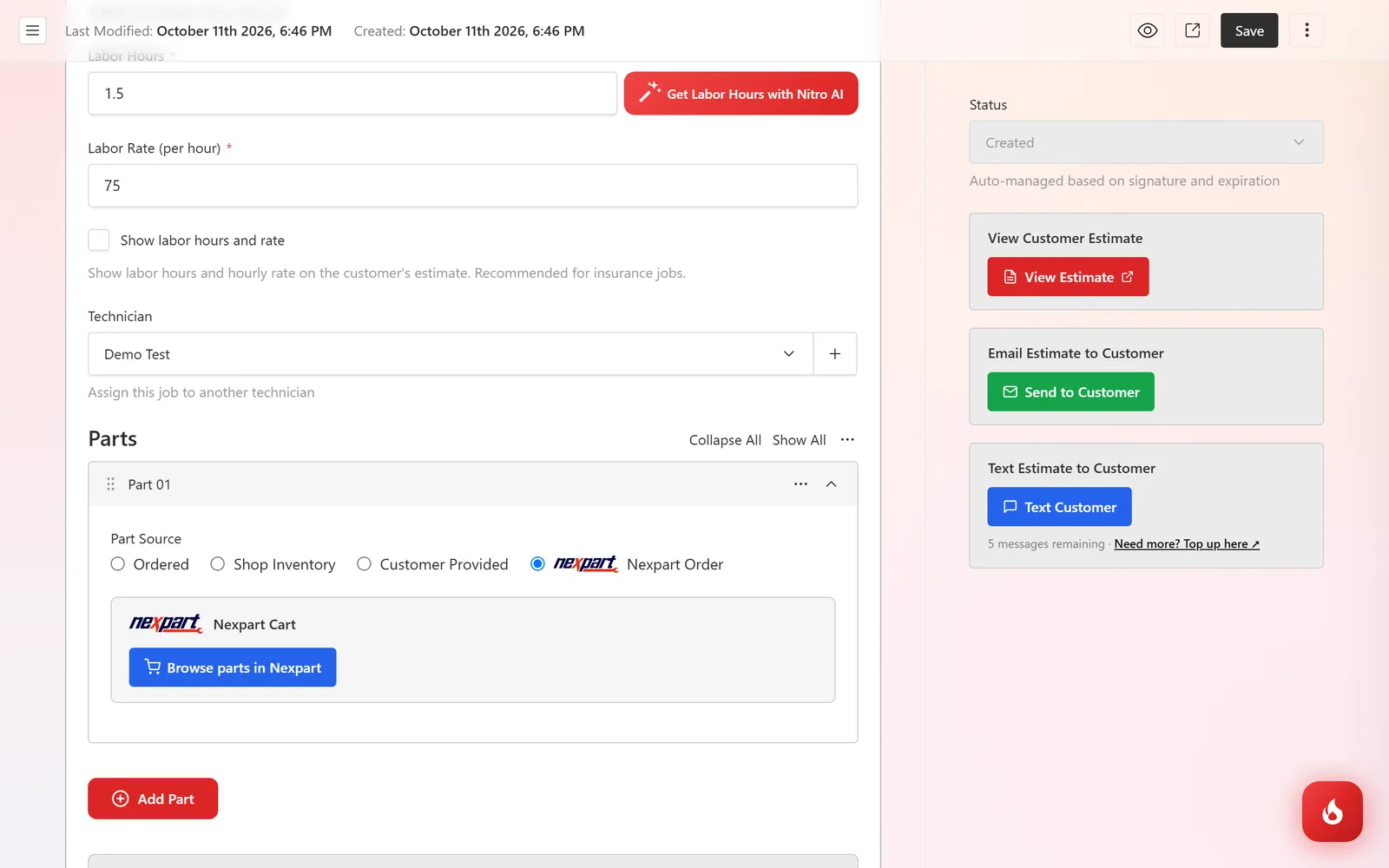
Nexpart opens in a new tab with the vehicle from the estimate. Browse or search your suppliers' catalogs, compare prices and availability, and add what you need to the cart.
Finish in Nexpart and come back to the estimate. The parts you picked are filled in as part rows with their name, number, supplier, quantity, and cost, your markup is applied, and the row shows that the order was placed. Click Save.
Frequently asked questions
Any distributor that is on Nexpart and has given you an account. Ask your supplier whether they are on Nexpart.
No. Nexpart parts go straight onto the job they were ordered for. Only purchases you record against inventory items change stock counts.
Each estimate has its own cart, so the parts come back onto the right job. Order per estimate.