Calendar & online booking
Use the team calendar
Keep the whole shop on one calendar in RedAppy: technician time off, shop closures, meetings, training, and reminders, shown on the dashboard every morning.
The team calendar is where the shop's days off, closures, and reminders live. Everyone sees the same calendar, the dashboard shows today's events the moment you log in, and online booking respects your closures. Customer appointments arrive separately through online booking.
Open the calendar
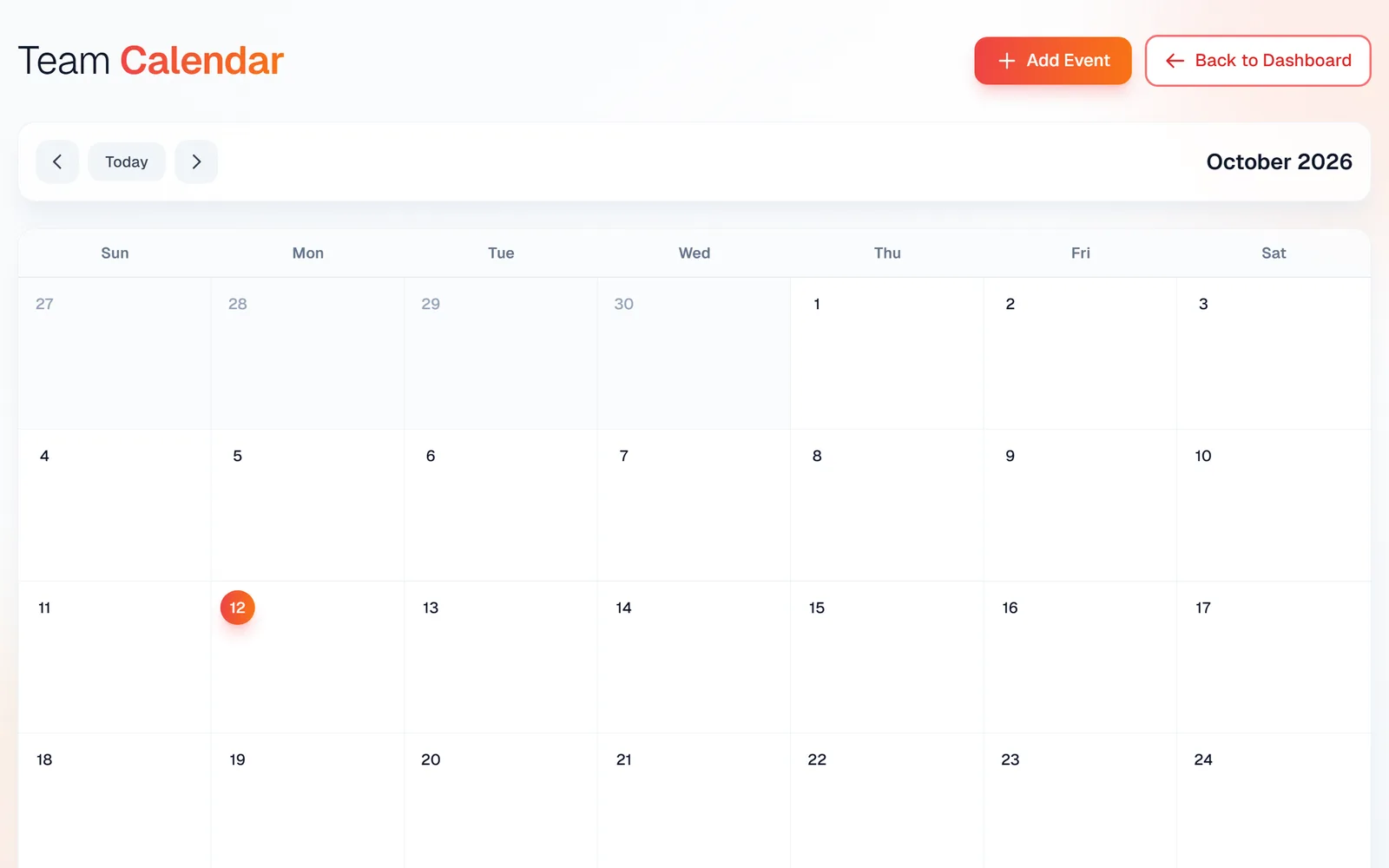
From the dashboard click Full Calendar on the Today panel, or the Full Calendar card under Quick Access. You get a month grid with Today and arrows to move around, and an Add Event button.
Add an event
Click Add Event. Pick an Event Type: PTO / Time Off, Reminder, Shop Closed, Meeting, Training, or Other, and give it a Title.
Set the Start Date (and End Date for multi-day events), tick All Day or set times, and add a Description.
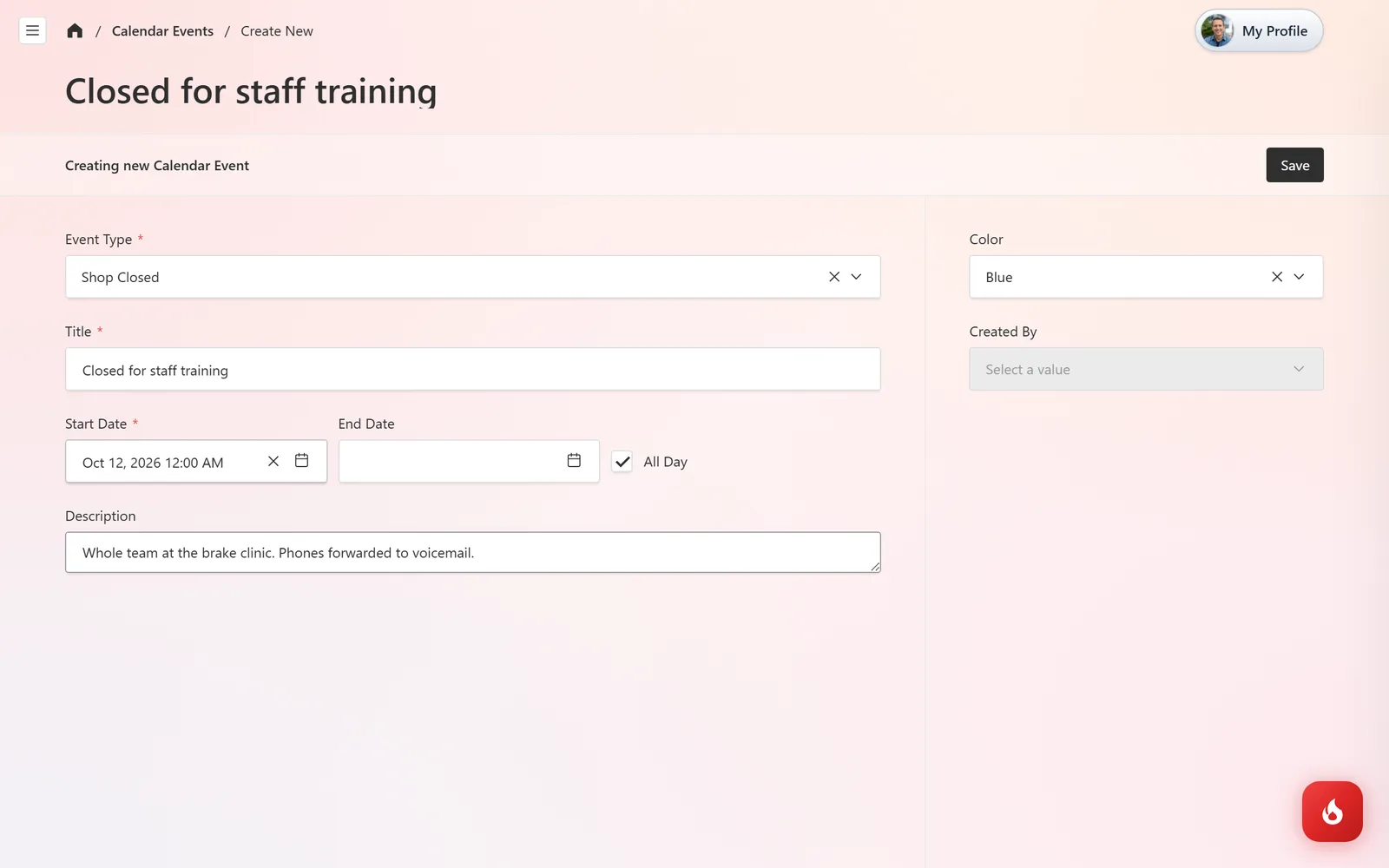
Choose a Color so it stands out on the grid, then click Save.
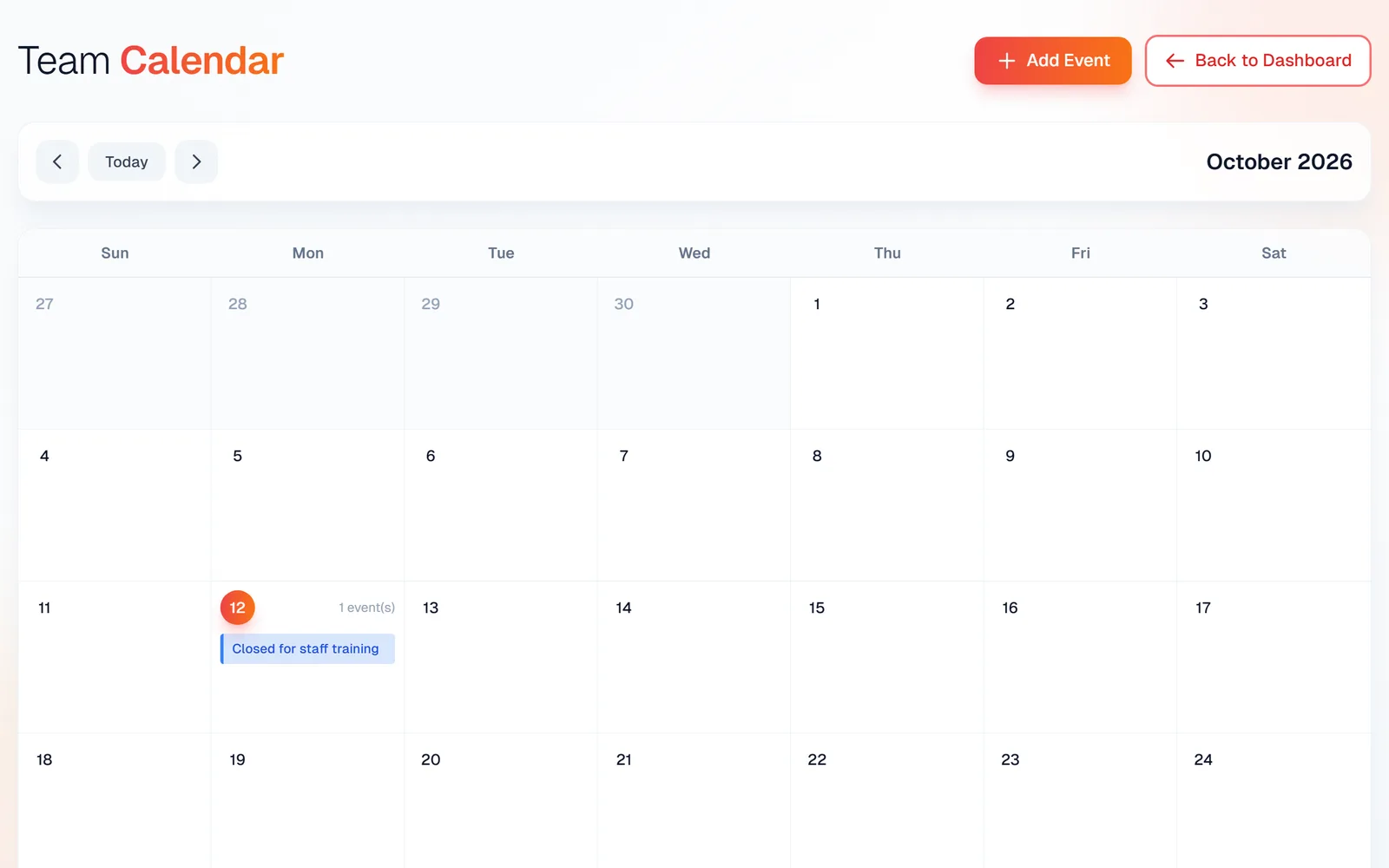
The event appears on its day in the calendar, and on the dashboard's Today panel when the day comes.
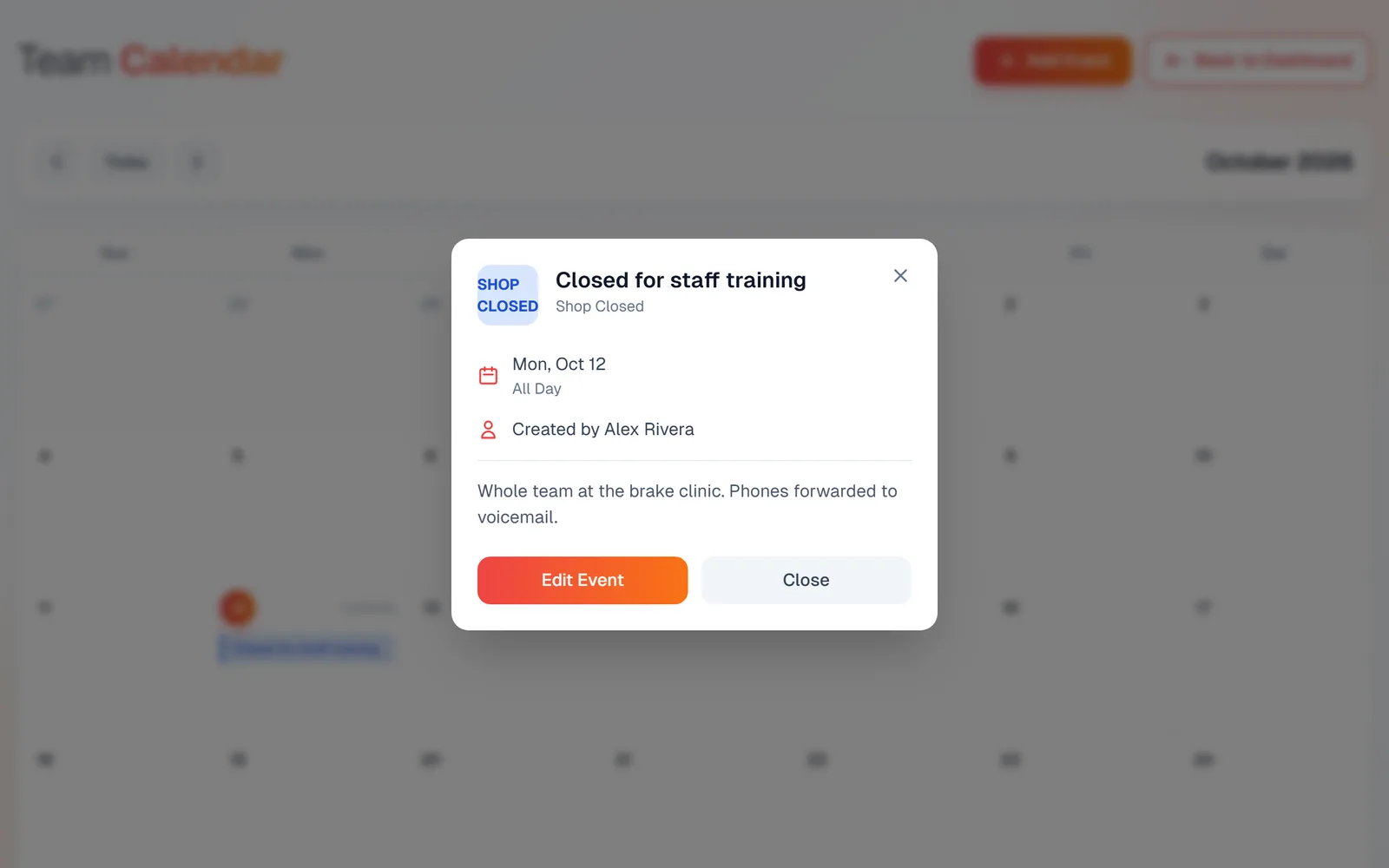
Click an event to see the details, who created it, and an Edit Event button.
Frequently asked questions
Everyone with a login sees the same calendar. Whether a person can add or edit events is set per user under Calendar Events in their permissions.
Appointment requests from your website arrive as submissions you confirm by phone or text. Once confirmed, add them here as an event so the bay knows what is coming.
Not at the moment. It is built into RedAppy, so the whole team uses the same calendar.