Messages
SMS messages and top-ups
Every text your shop sends or receives in RedAppy uses one message credit. See where the count shows, what uses credits, and how to top up from Messages.
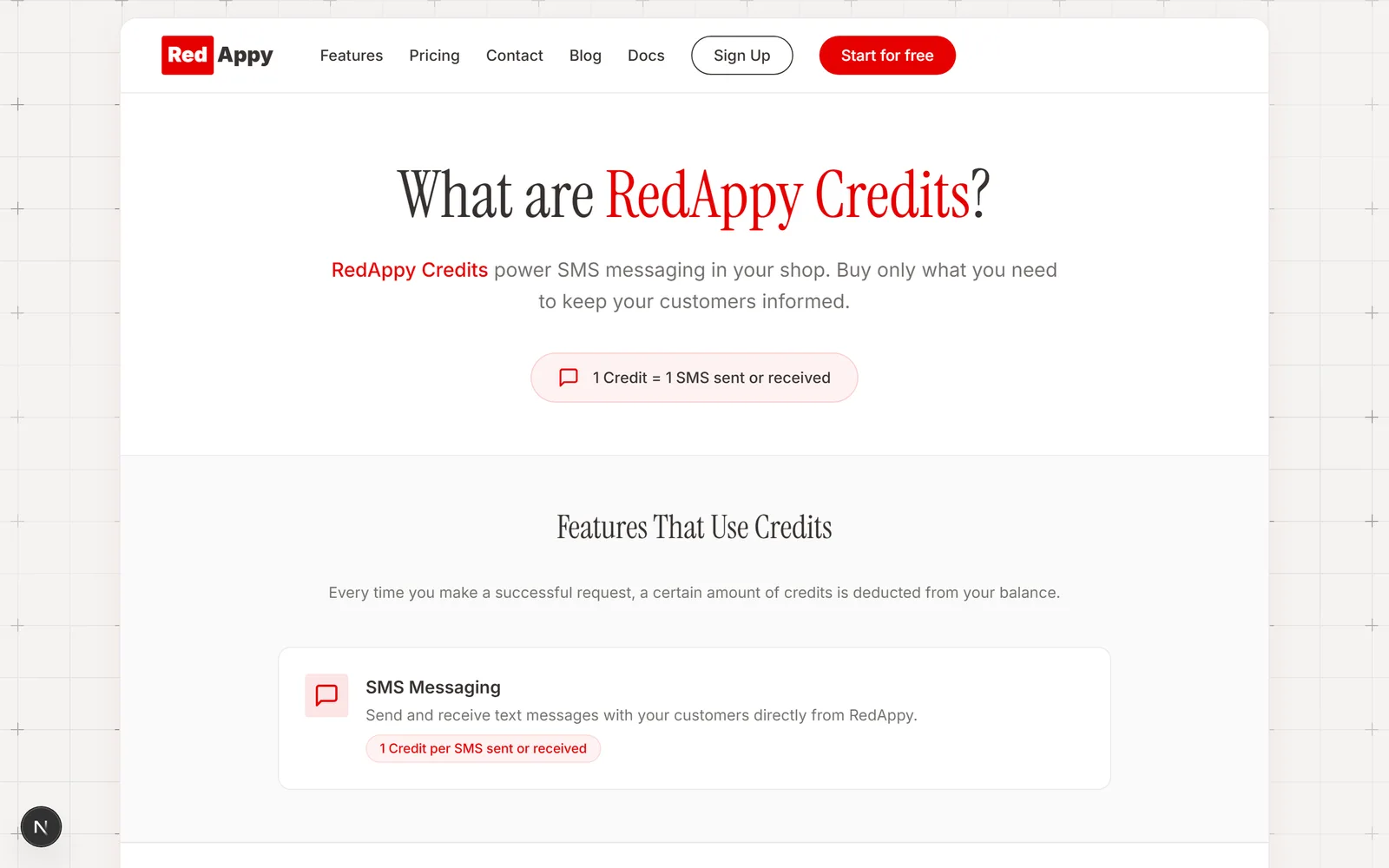
Texting runs on message credits: one credit per SMS sent or received. You buy a pack of credits when you need one, and the count shows wherever you send a text.
Where the count shows
On the Messages page, under Your Number, you see messages remaining and a Need more? Top up here link.
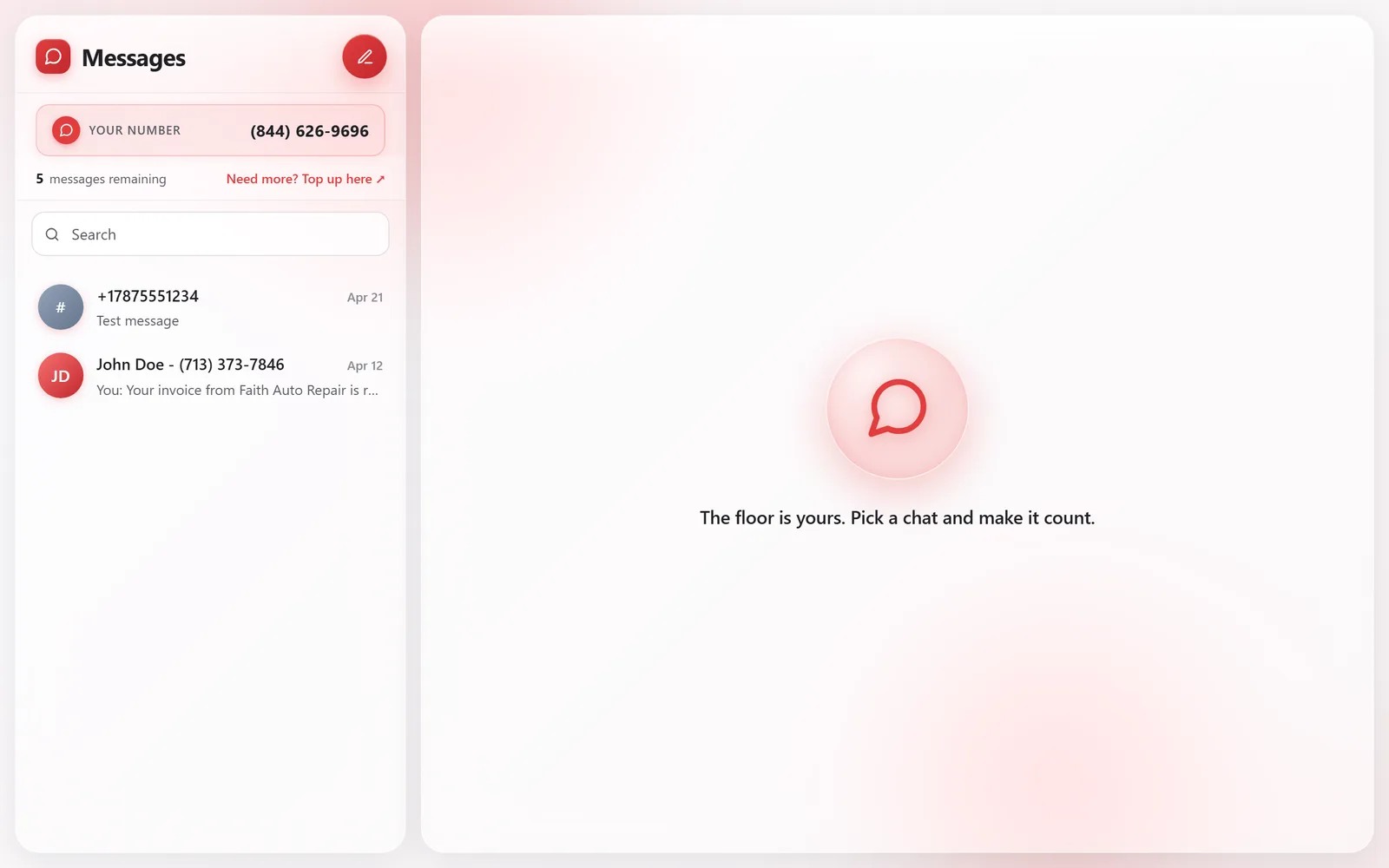
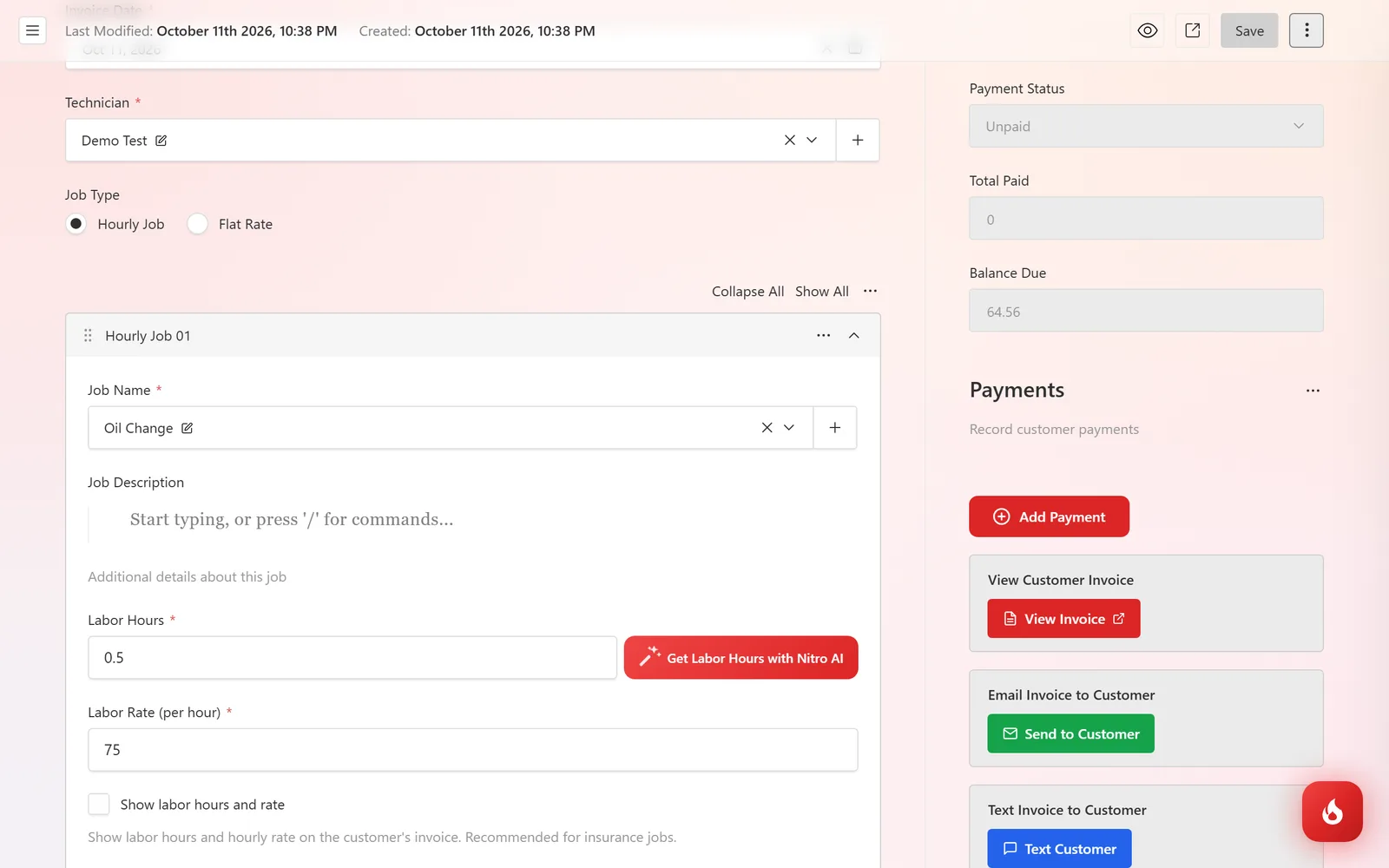
The same count sits under every Text Customer button on estimates, invoices, and inspections, and under the Send by Text review request, so you see it right where you spend it.
Top up
Click Top up here. The credits page opens with the packs available. Pick one, pay by card, and the credits are added to your shop right away.
What uses a credit
- Sending an estimate, invoice, or inspection report with Text Customer.
- A review request sent with Send by Text.
- Each message you type in Messages, and each reply a customer sends you.
- Email does not use credits. Send to Customer by email is always free.
Frequently asked questions
Texting pauses until you top up. Email sending keeps working.
A very long text can be split by the carrier into more than one SMS, and each part is one credit. Keep messages short.