Inspections
Record a state inspection
Log state safety and emissions inspections in RedAppy: scan the VIN, pick the inspection type, mark Pass or Fail, and record the payment for your reports.
State inspections are quick, high-volume jobs that do not need a full estimate. RedAppy has a separate record for them: the car, the type of inspection, pass or fail, and how it was paid. Each one counts toward your income reports without creating an invoice.
One-time setup: inspection types
Open Shop Setup → Shop Settings and scroll to Inspection Types. Click Add Inspection Type for each kind you offer, for example a safety inspection and an emissions test, with its price. Click Save. The inspection form will not let you pick a type until at least one exists.
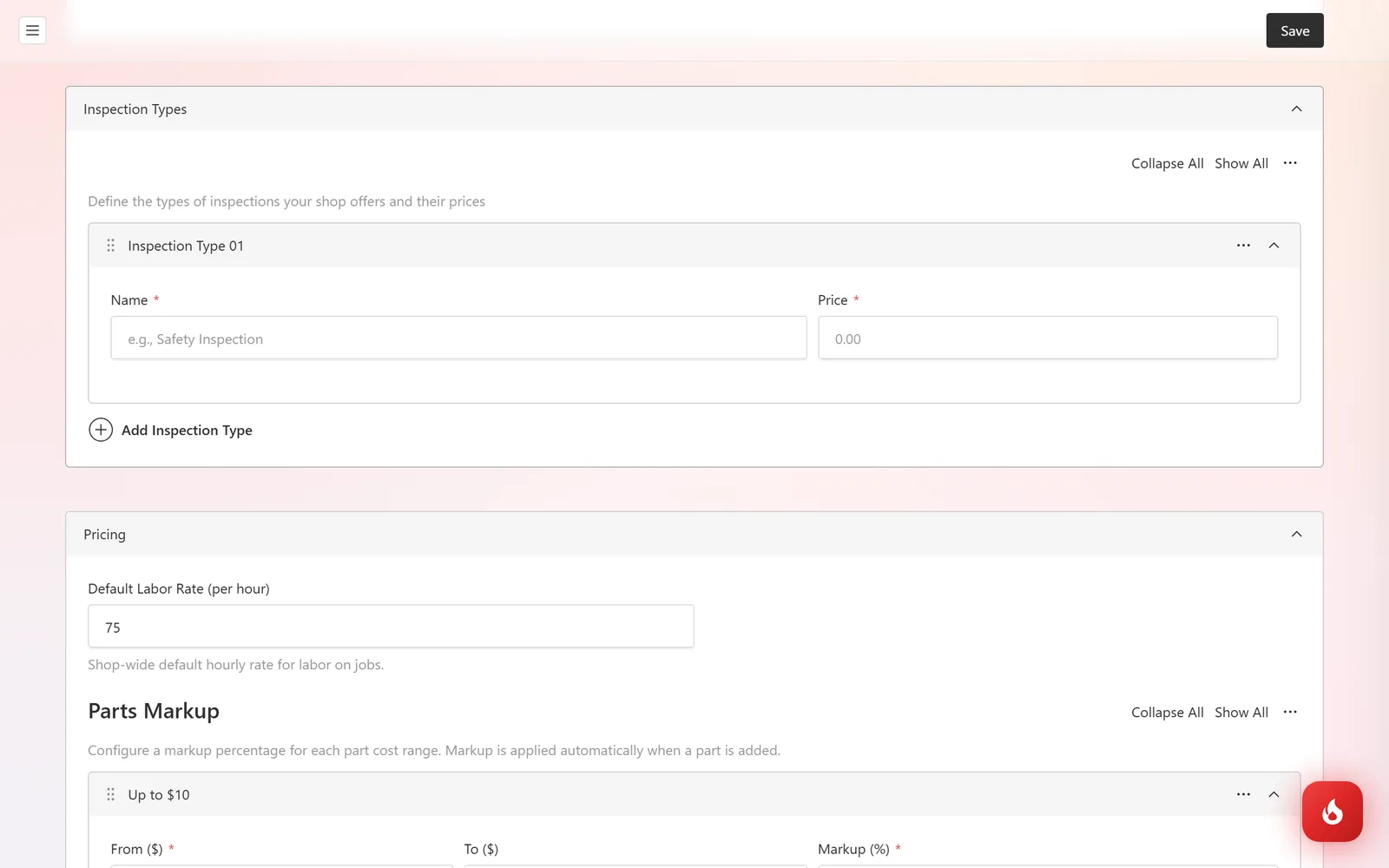
Record an inspection
Open Service Work → Inspections and click Create New. Type or Scan the VIN and click VIN Lookup to fill Year, Make, and Model. Enter the License Plate and Mileage.
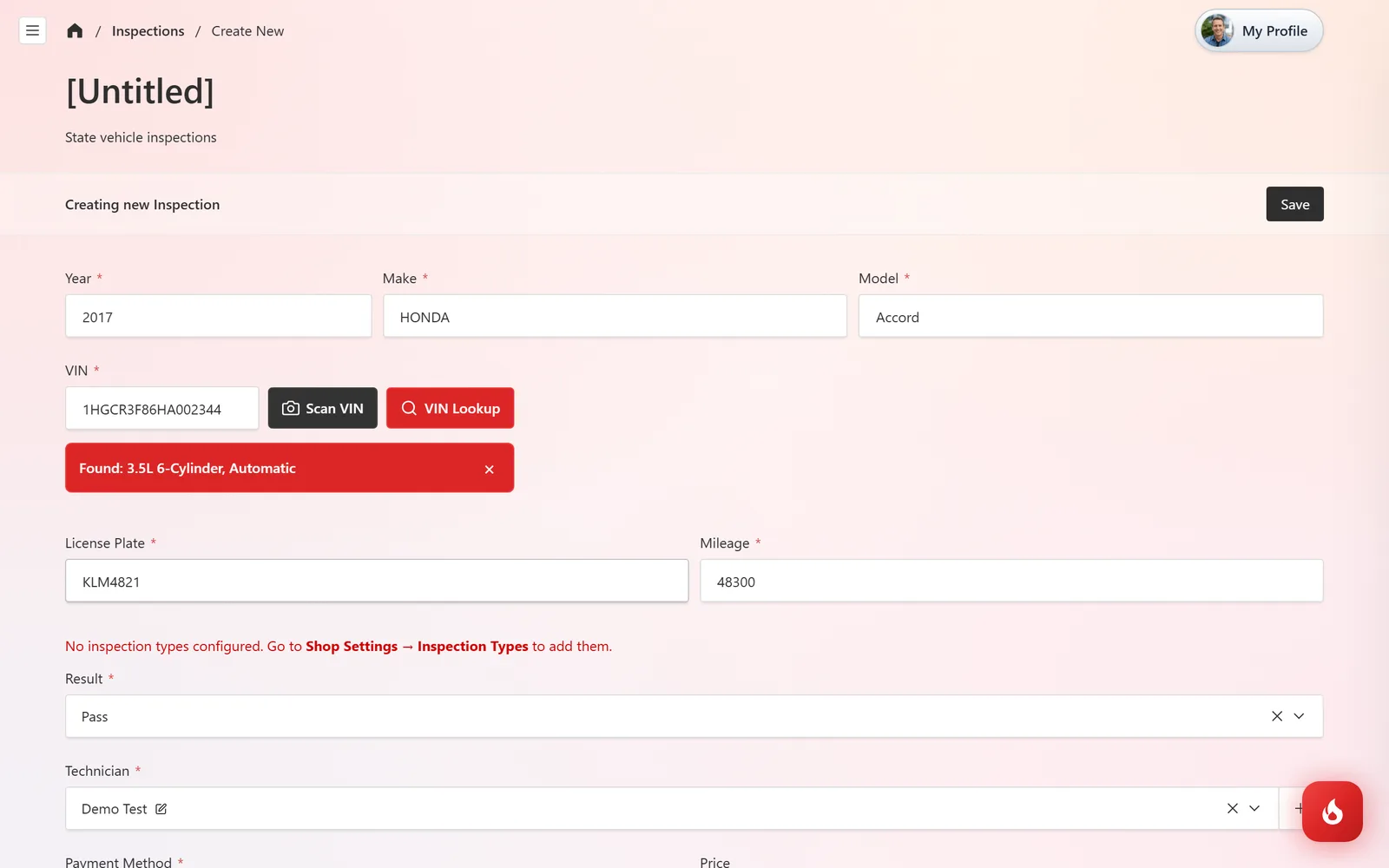
Pick the inspection type, set Result to Pass or Fail, and choose the Technician.
Record the Payment Method (Cash, Debit, or Credit) and the Price. The Inspection Date defaults to today.
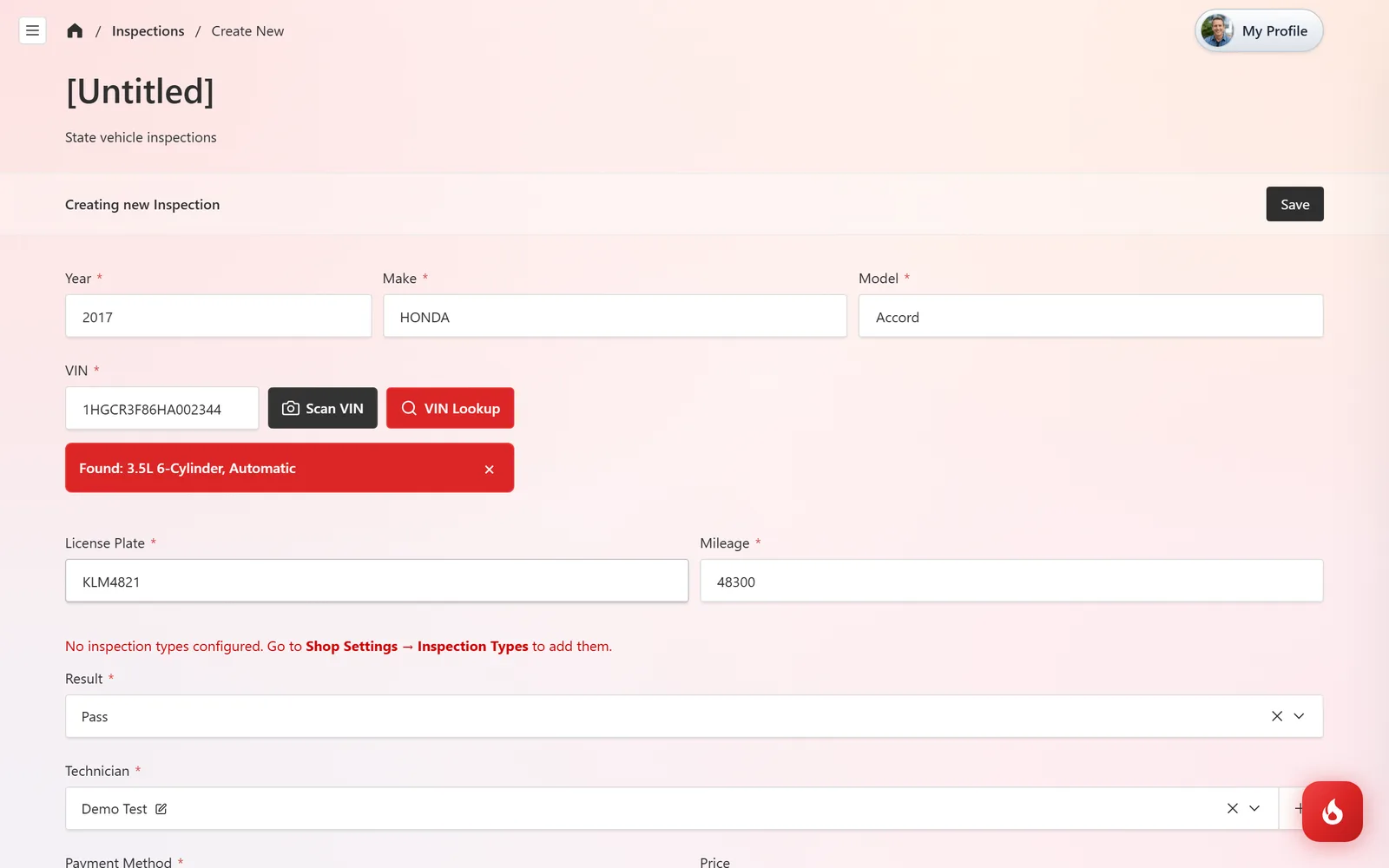
Under Additional Details you can attach Inspection Photos and keep Internal Notes. Click Save.
Failed inspections
Mark the Result as Fail and put the reason in Internal Notes. Then write an estimate for the repair; once it is done, record the re-inspection as a new entry with Pass.
Frequently asked questions
No. The payment is recorded on the inspection itself. Use an invoice only if the inspection is part of a bigger job.
In Analytics, as part of your shop income, alongside invoices.
No. A multi-point inspection is your own health check with a customer report. A state inspection is the official pass/fail test and its fee. See Do a multi-point inspection for the other one.