Customers & vehicles
Look up a vehicle's service history
Find any car by license plate, VIN, phone, or name in RedAppy and see every invoice and estimate on one timeline, with totals and a shortcut to start a new estimate.
Service History shows what you did on a car last time and what you quoted but never sold. RedAppy keeps one timeline per vehicle, reachable from the plate alone.
Search the service history
From the admin home, open Service History (also at
/shop/history). There is one search box. Type at least two characters of a name, phone, email, license plate, or VIN.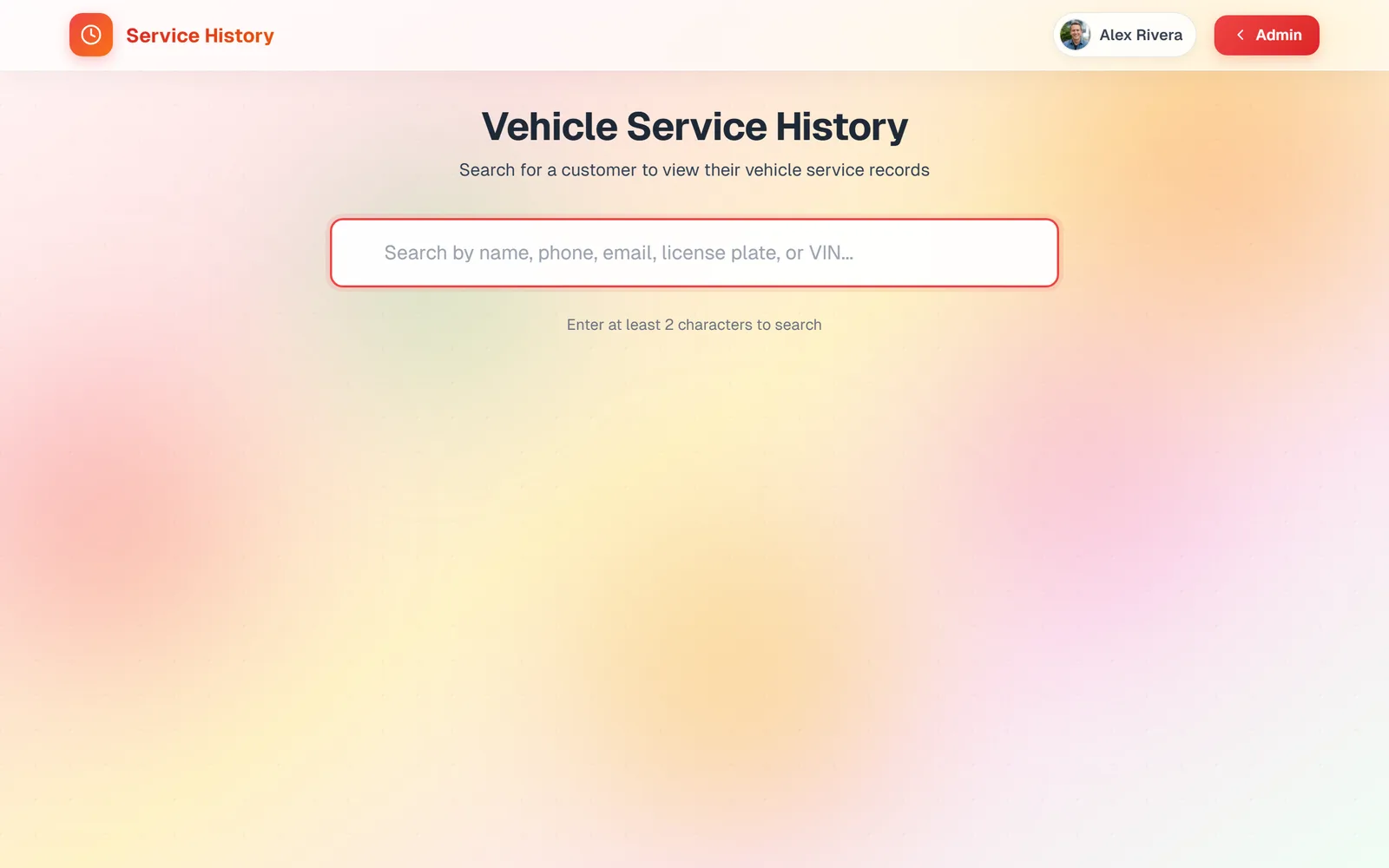
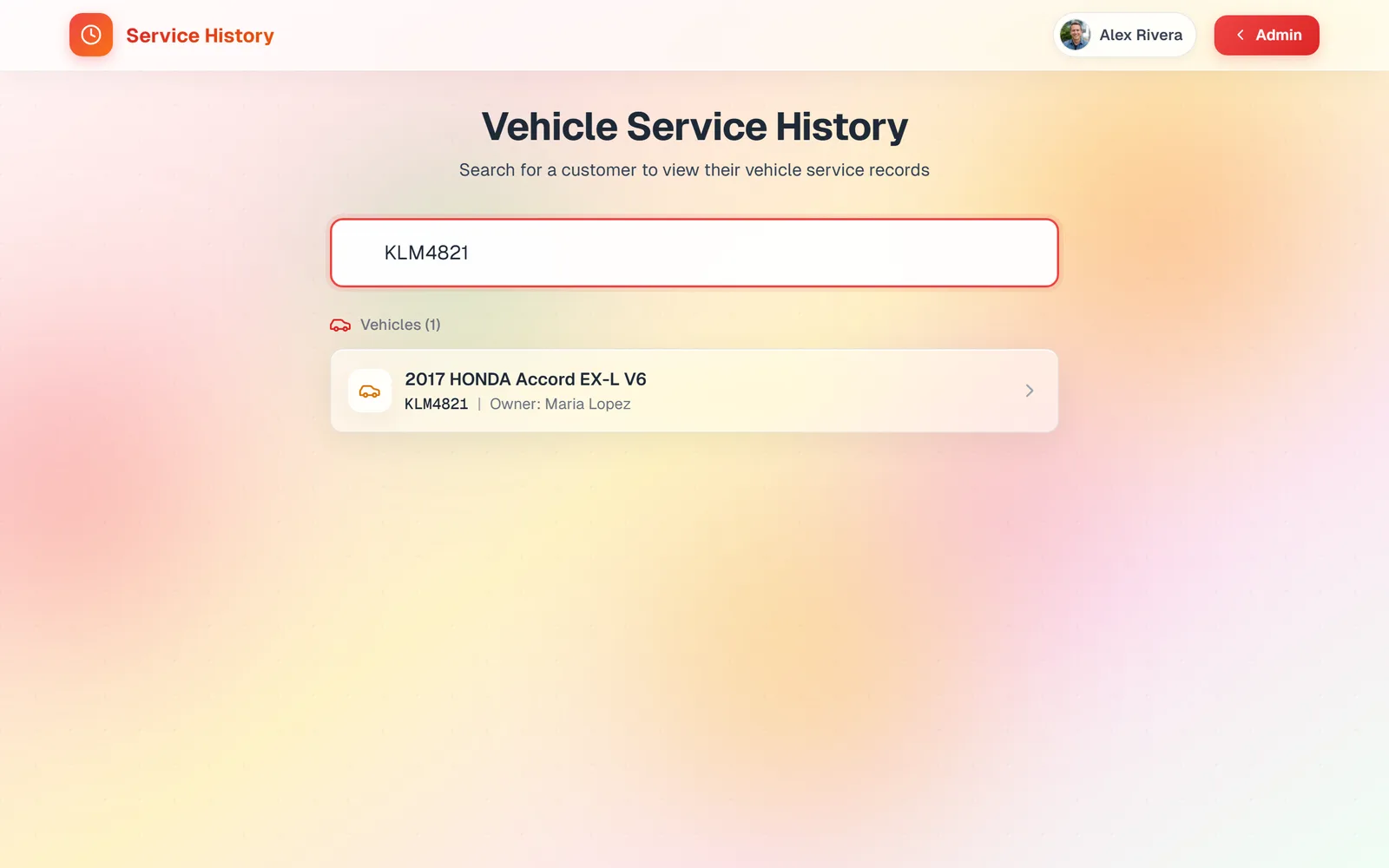
Matching vehicles appear as you type, each with its owner. Click one.
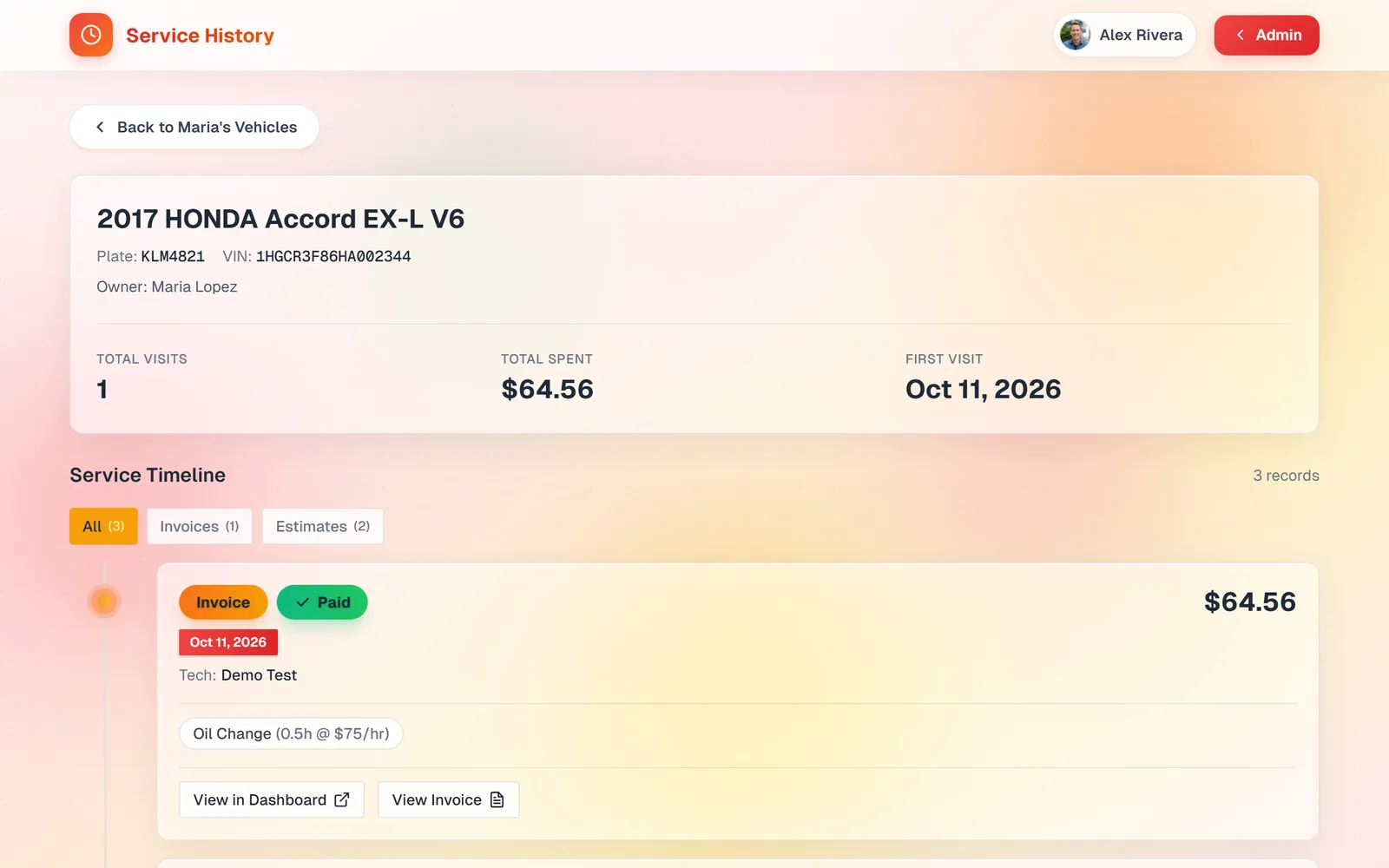
The vehicle page shows plate, VIN, and owner, then Total Visits, Total Spent, and First Visit. Below is the Service Timeline: every invoice and estimate, newest first, with status, date, technician, the jobs done, and buttons to View Invoice or View in Dashboard. Filter it with the All, Invoices, and Estimates tabs.
Find a customer while writing up a job
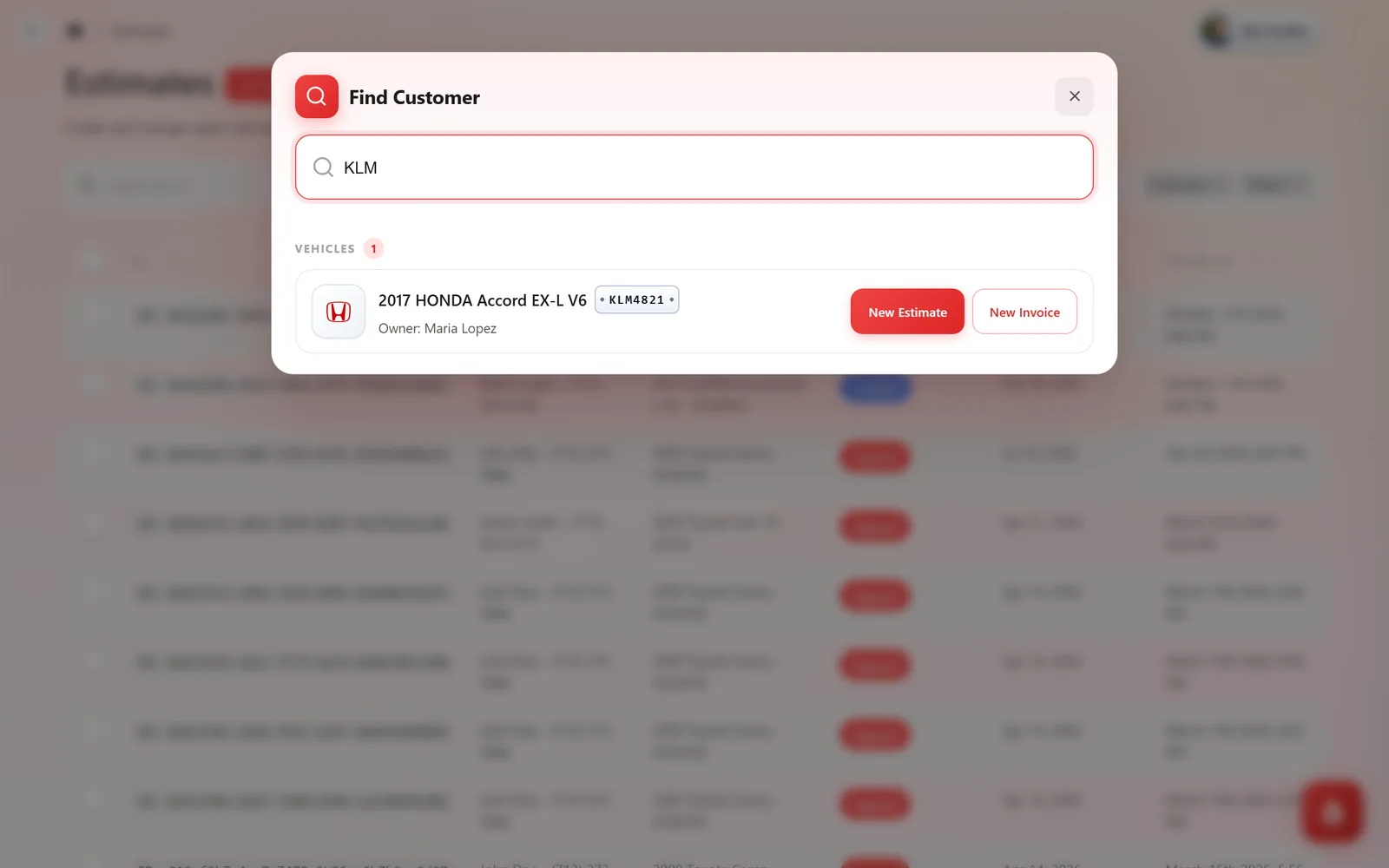
On the Estimates or Invoices list, click Find Customer. Type a plate, name, or phone. Matching customers and vehicles appear with New Estimate and New Invoice buttons, which open a write-up with the customer and vehicle already filled in.
Frequently asked questions
Only what is recorded in RedAppy. For older work, add a note on the vehicle record, or create an invoice dated in the past and mark it paid.
They get a link to each estimate and invoice when you send it. The full timeline page is for your team.
Yes. Any two or more characters of the plate, VIN, name, phone, or email will match.