Settings & users
Ask Nitro, the built-in assistant
Nitro is the assistant built into every RedAppy screen. Ask for labor times, repair procedures, a car's history, or shop numbers, and let it fill in labor hours.
The red flame in the bottom corner of every admin page is Nitro. It knows your shop's data and general repair knowledge, so it can answer "what did we do on the blue Camry?" as easily as "book time for a water pump on a 2015 F-150". It also has a button on every estimate to fill in labor hours for you.
Ask a question
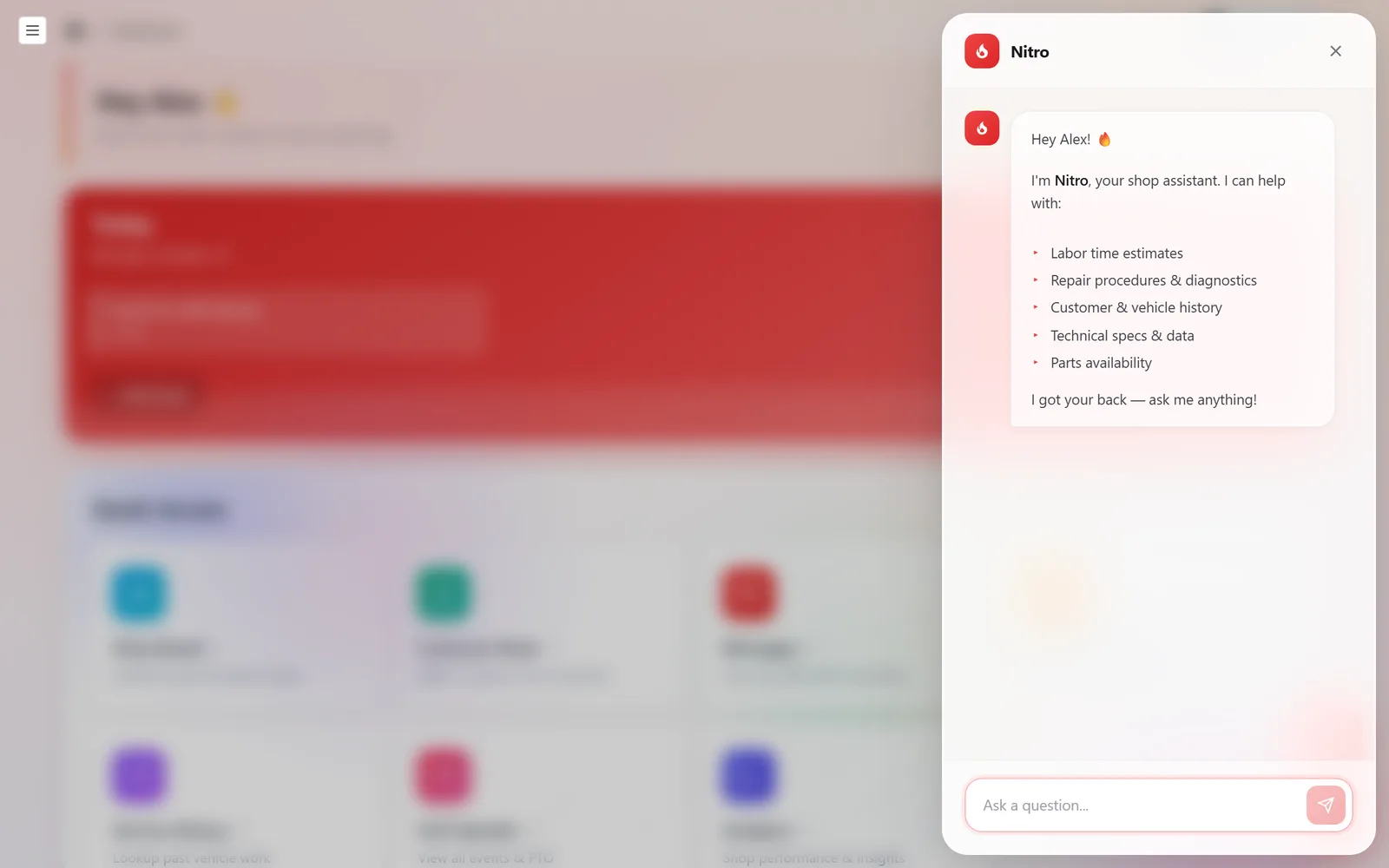
Click the flame. Nitro opens as a panel and lists what it helps with: labor time estimates, repair procedures and diagnostics, customer and vehicle history, technical specs and data, and parts availability.
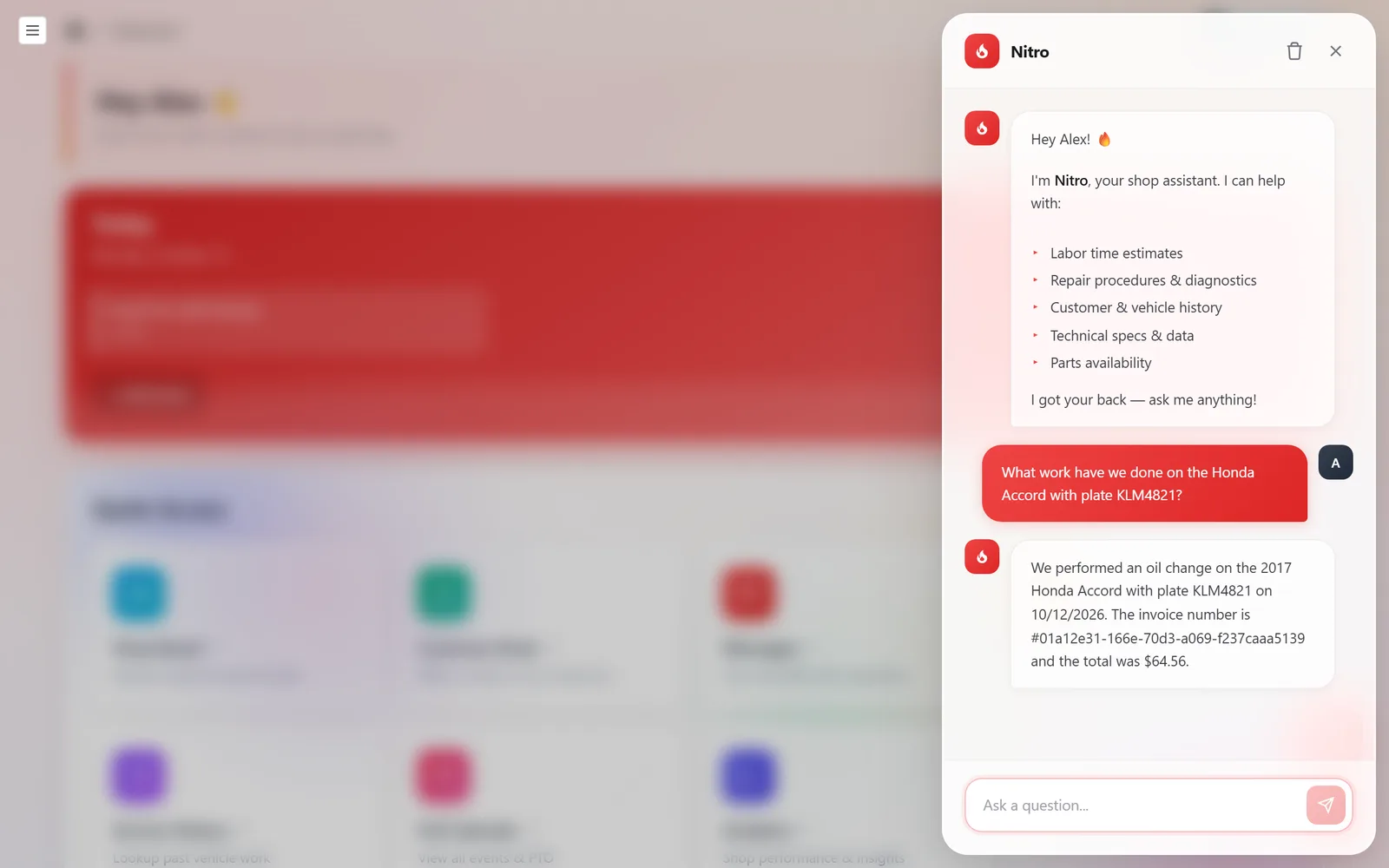
Type a question in plain language and press Enter. For anything in your shop, name the car, plate, or customer. Nitro pulls the answer from your records, with the invoice, customer, jobs, total, and status.
Labor hours on estimates
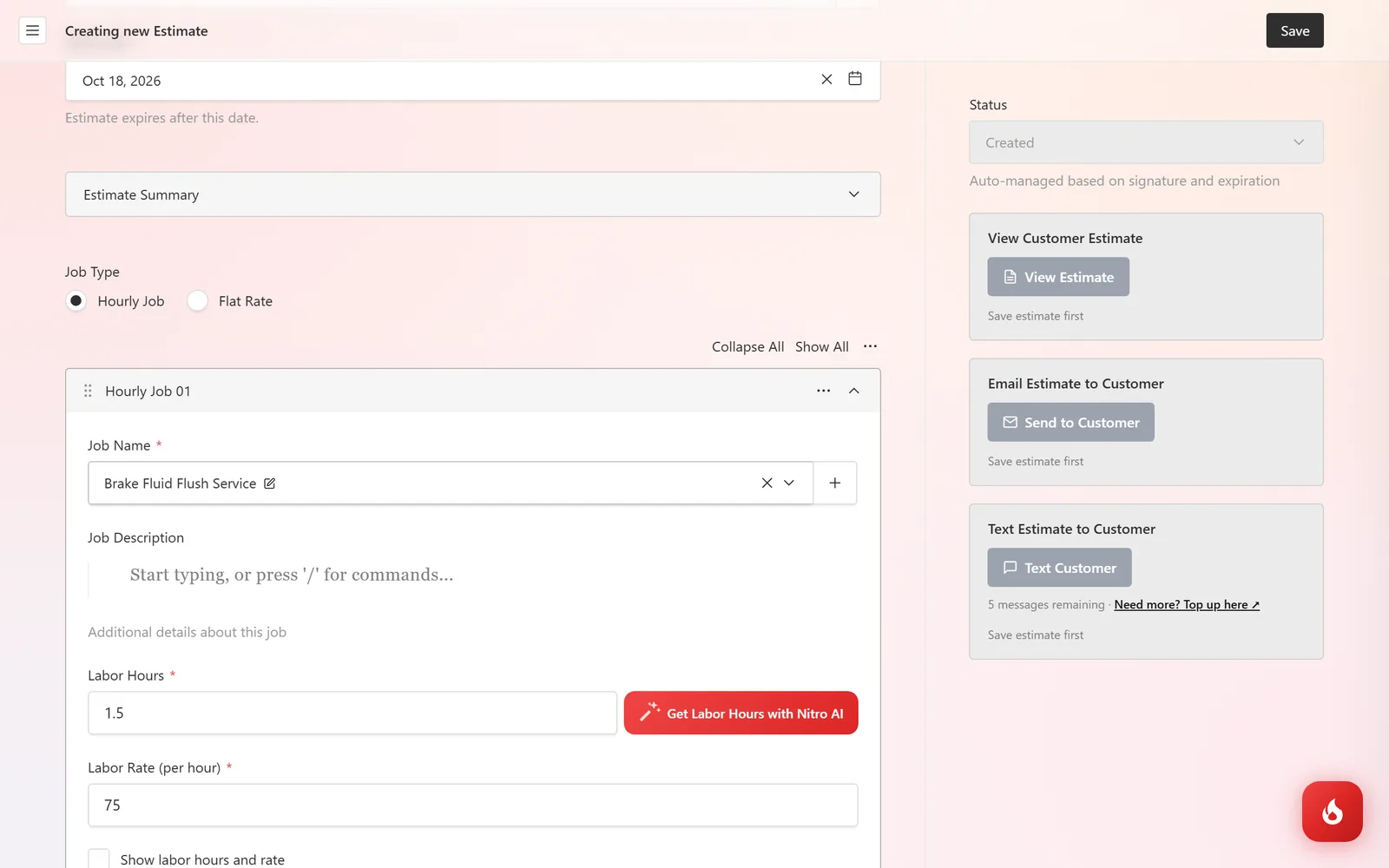
On any hourly job, click Get Labor Hours with Nitro AI next to the Labor Hours field. Nitro looks at the job name and the vehicle and fills in a typical book time, which you can adjust before saving.
Who can ask what
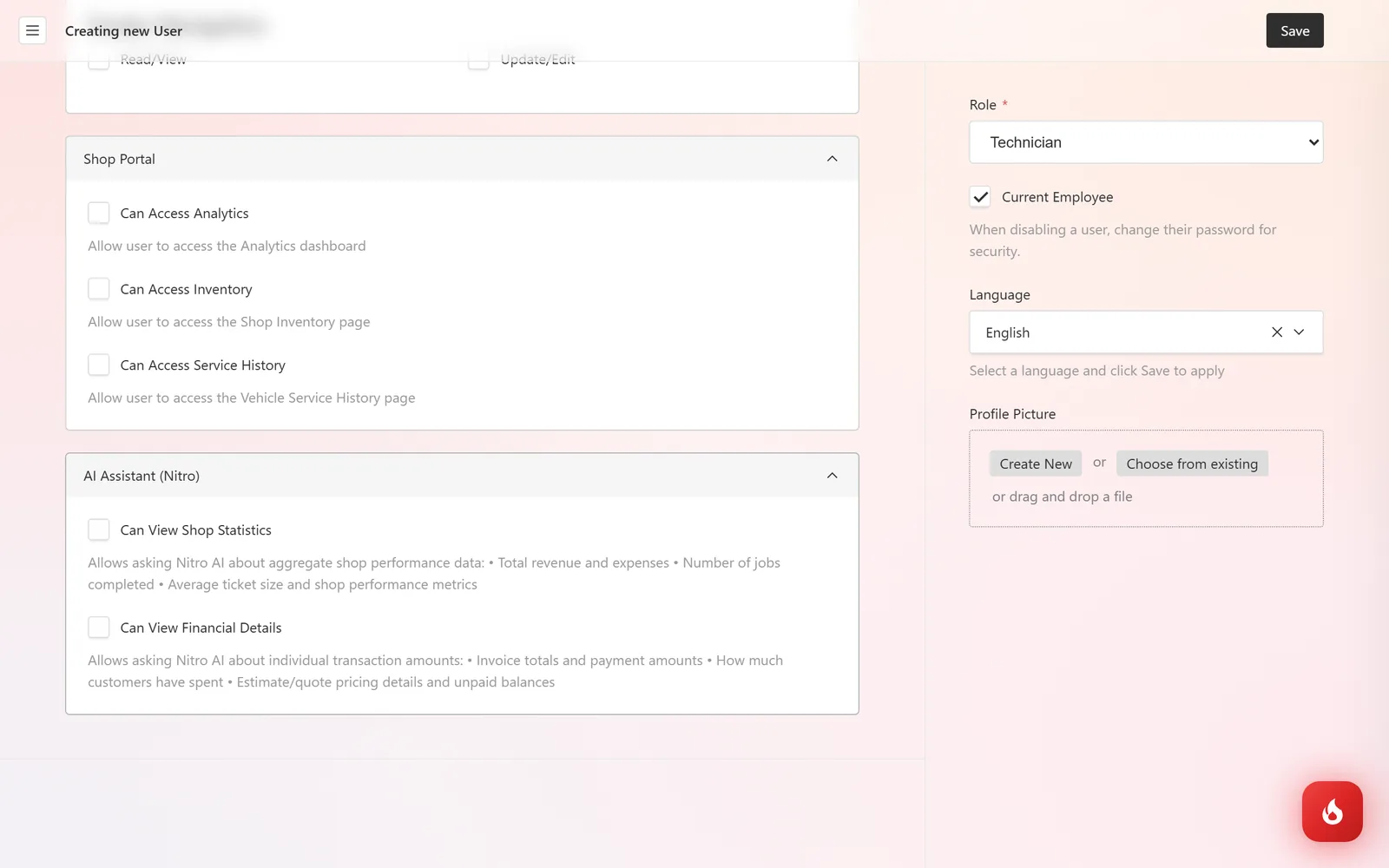
Repair knowledge and vehicle history are open to everyone with a login. Shop-wide numbers are not: on each user, under AI Assistant (Nitro), tick Can View Shop Statistics to allow questions about revenue, job counts, and averages, and Can View Financial Details for individual invoice totals, customer spend, and unpaid balances.
Frequently asked questions
No. It reads your data to answer and fills in labor hours when you ask it to. Everything else is still you clicking Save.
Your question and the records needed to answer it are sent to the AI service that powers Nitro, and the answer comes back inside RedAppy. Nothing is posted publicly, and other shops cannot see your data. See the Privacy Policy for details.
Yes. The flame is on every admin page, including on a phone, so a tech can ask for a procedure from the bay.