Shop website
Add services and offers to your website
Every RedAppy shop gets a website. Add a page for each service you offer, with an icon, description, FAQs, and SEO fields, and post coupons on the Offers page.
Your shop website lists what you do and what is on special. Each Service becomes its own page with a description and FAQs, which is what people searching for "brake repair near me" land on. Offers are the coupons on your Offers page and homepage. Both are edited from the same admin as the rest of RedAppy.
Add a service
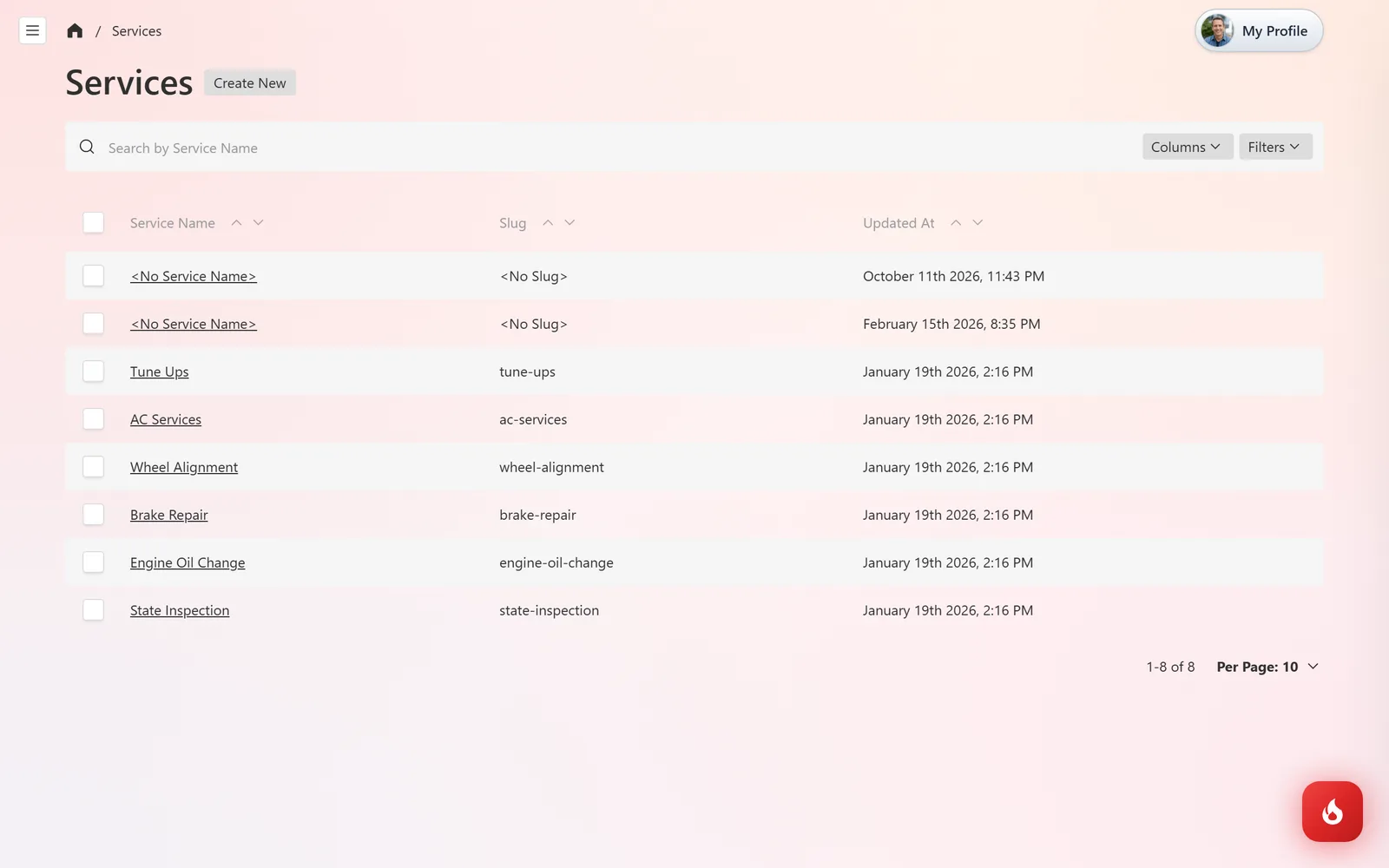
Open Website Content → Services and click Create New. Existing services are listed with their slug, which is the end of the page address.
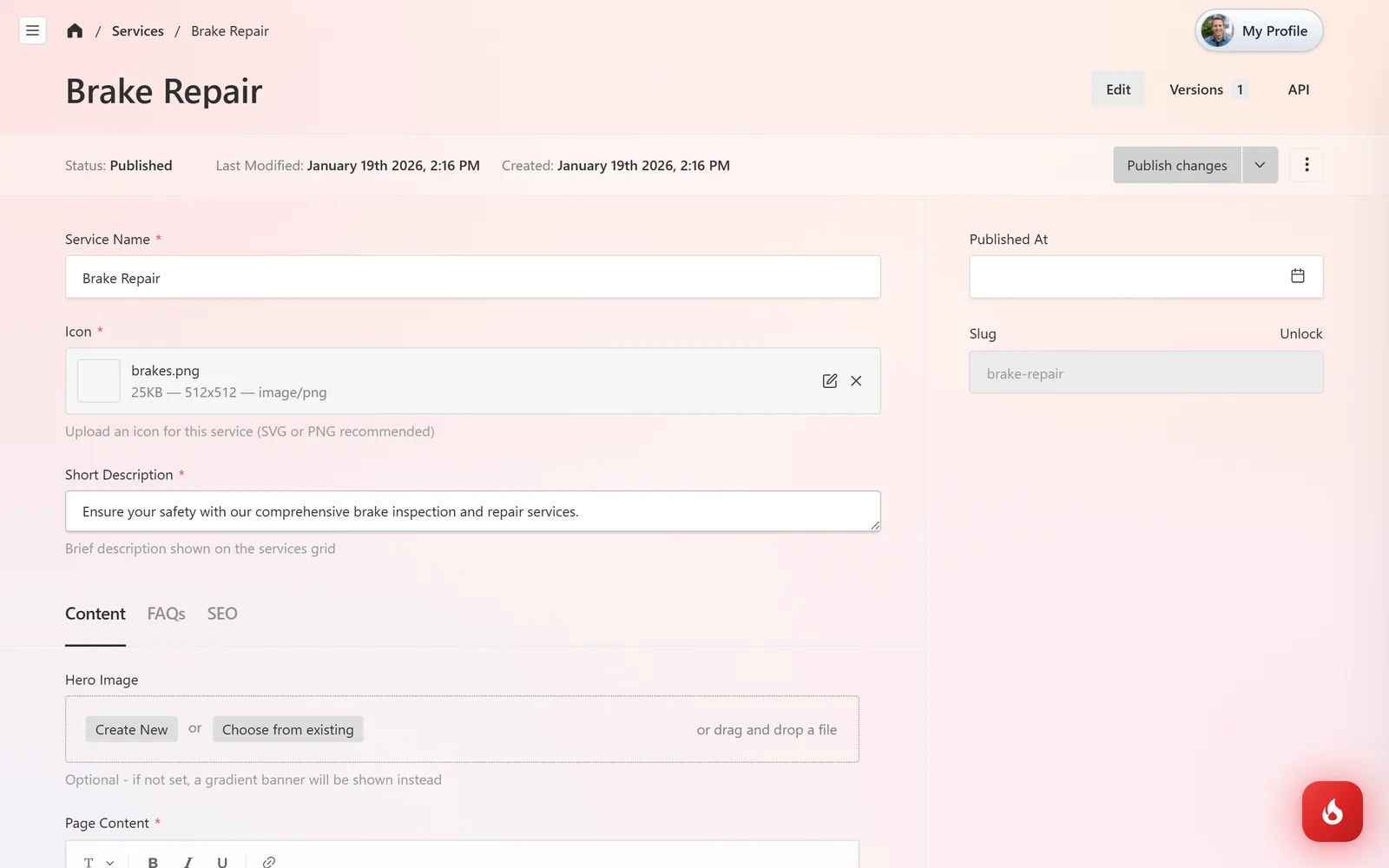
On the Content tab, enter the Service Name, upload an Icon for the services grid, write a Short Description (one line under the icon), optionally a Hero Image, and the Page Content itself. Click Publish changes when it is ready, or save it as a draft.
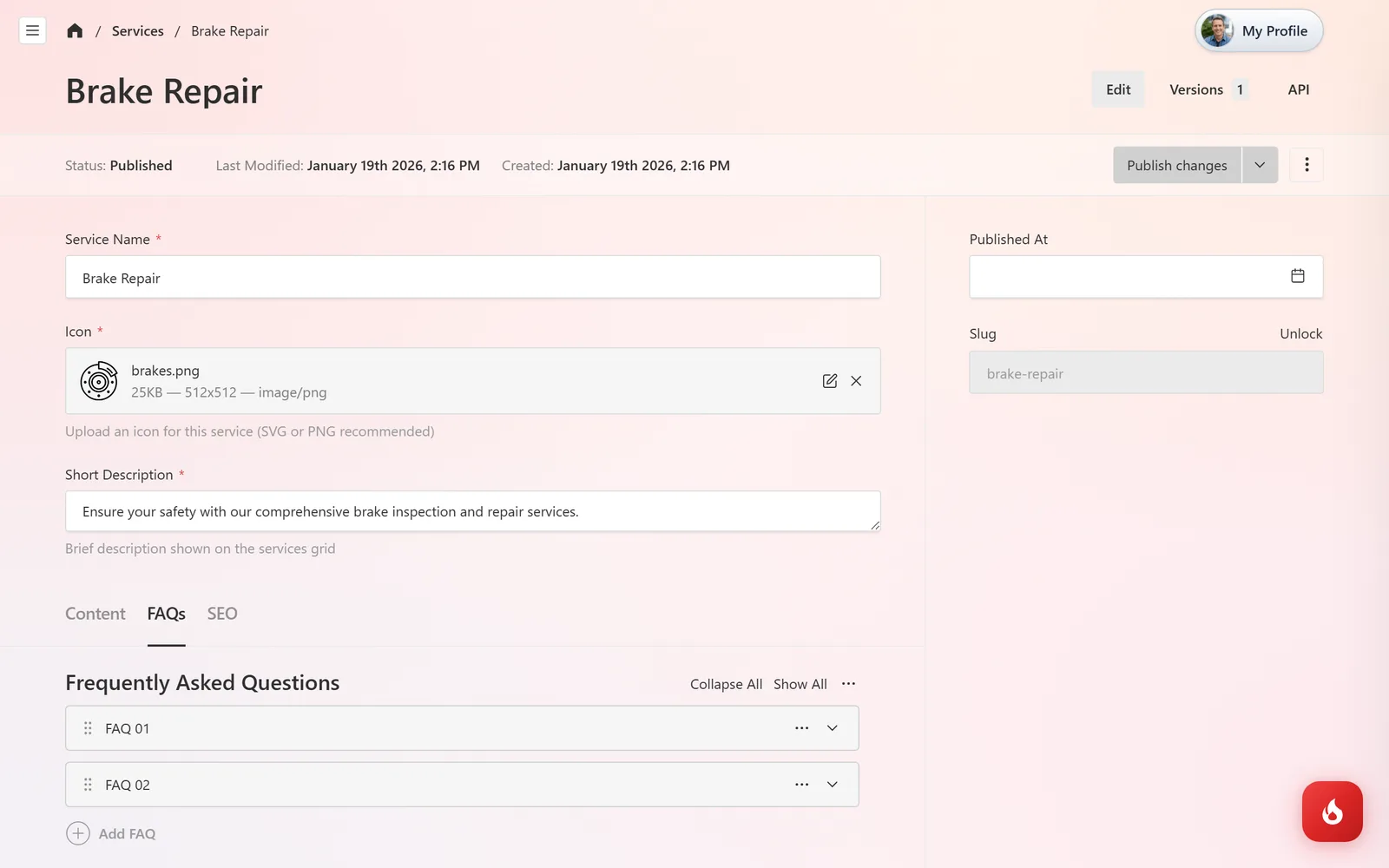
On the FAQs tab, add the questions customers ask about this service with short answers. They appear on the page. The SEO tab holds the page title and description Google shows.
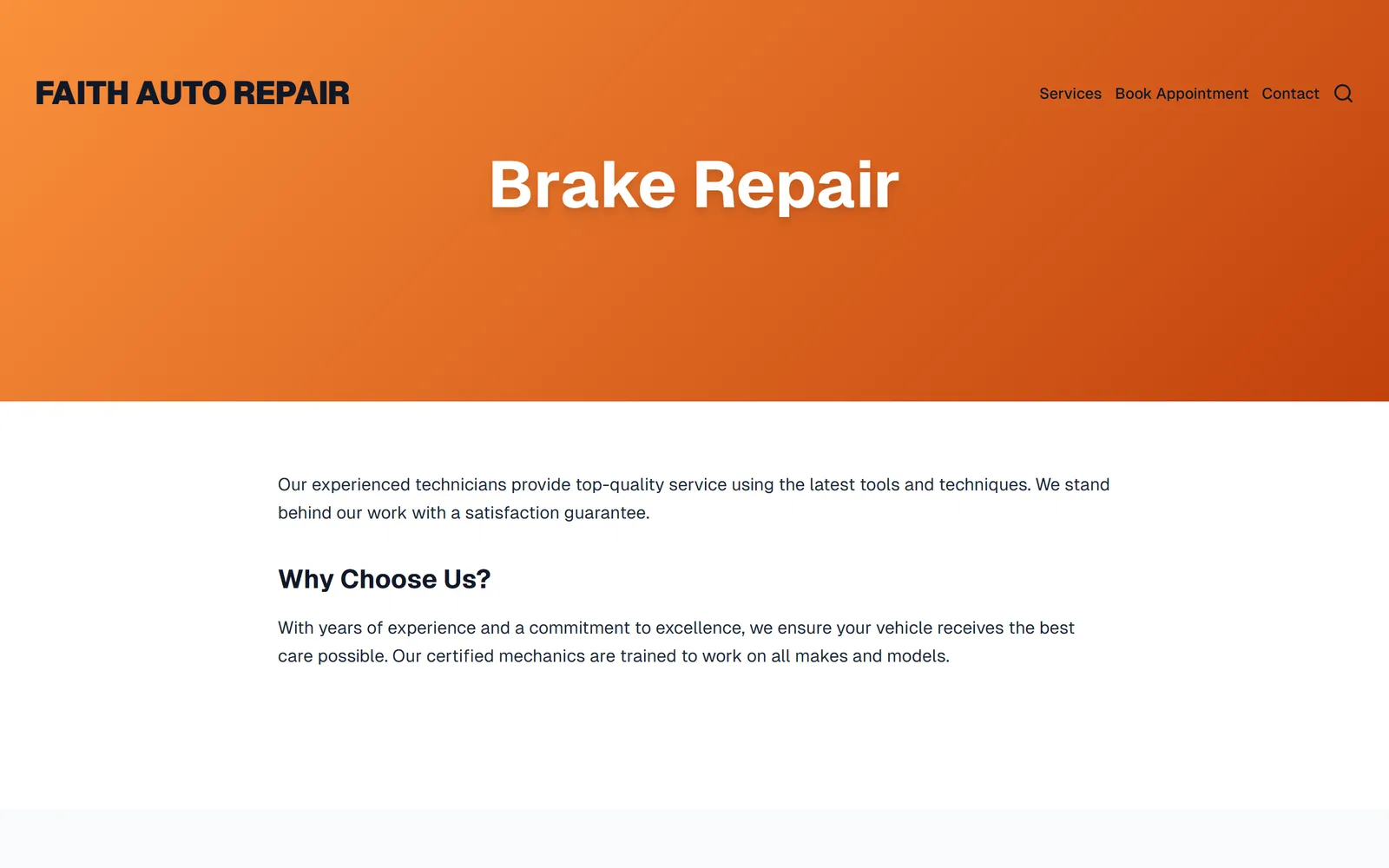
The service now has its own page on your site, linked from the services grid and the menu, with a Book an Appointment button on it.
Post an offer
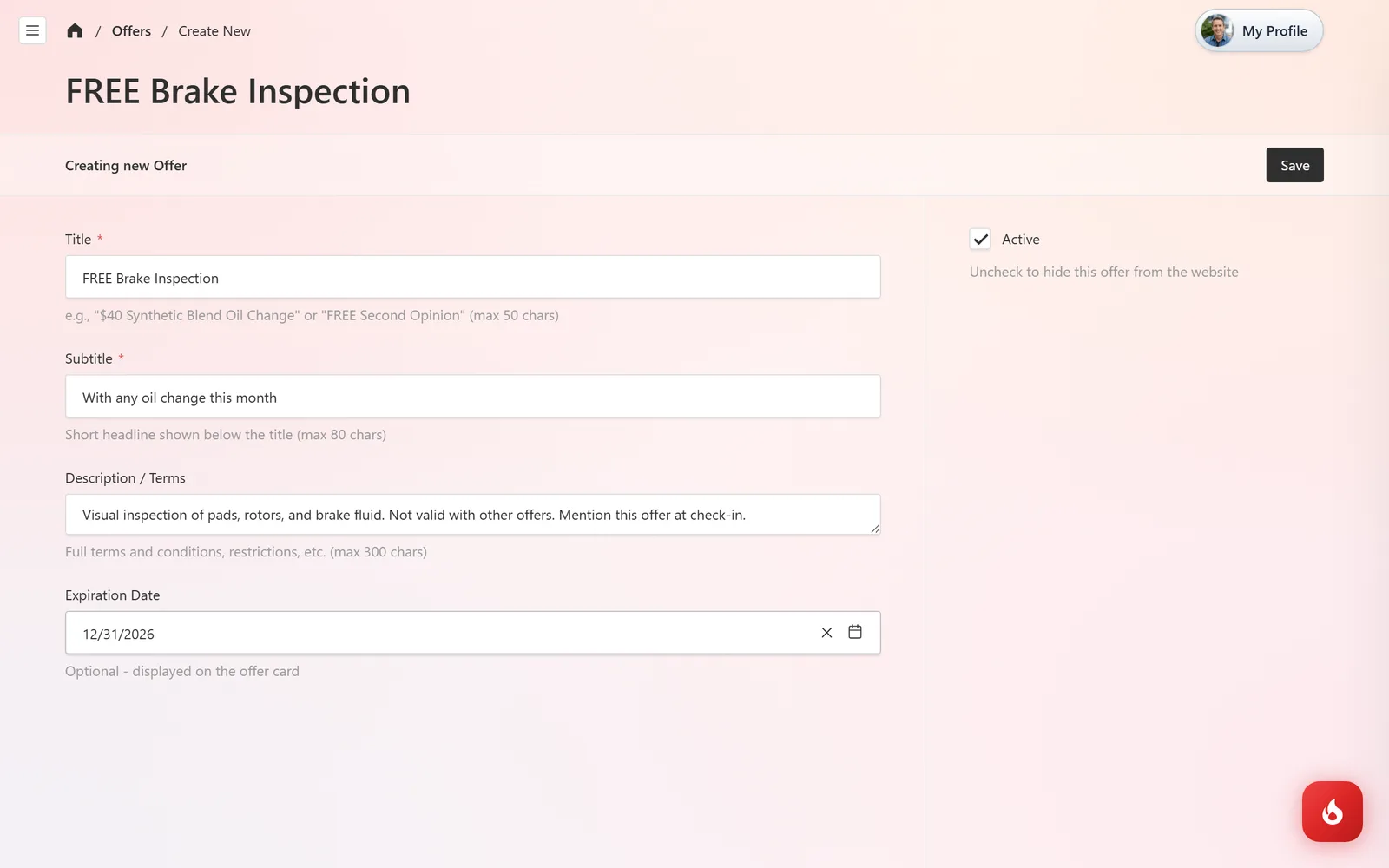
Open Website Content → Offers and click Create New. Enter a Title such as "FREE Brake Inspection", a Subtitle, the Description / Terms, and an Expiration Date. Leave Active ticked and click Save.
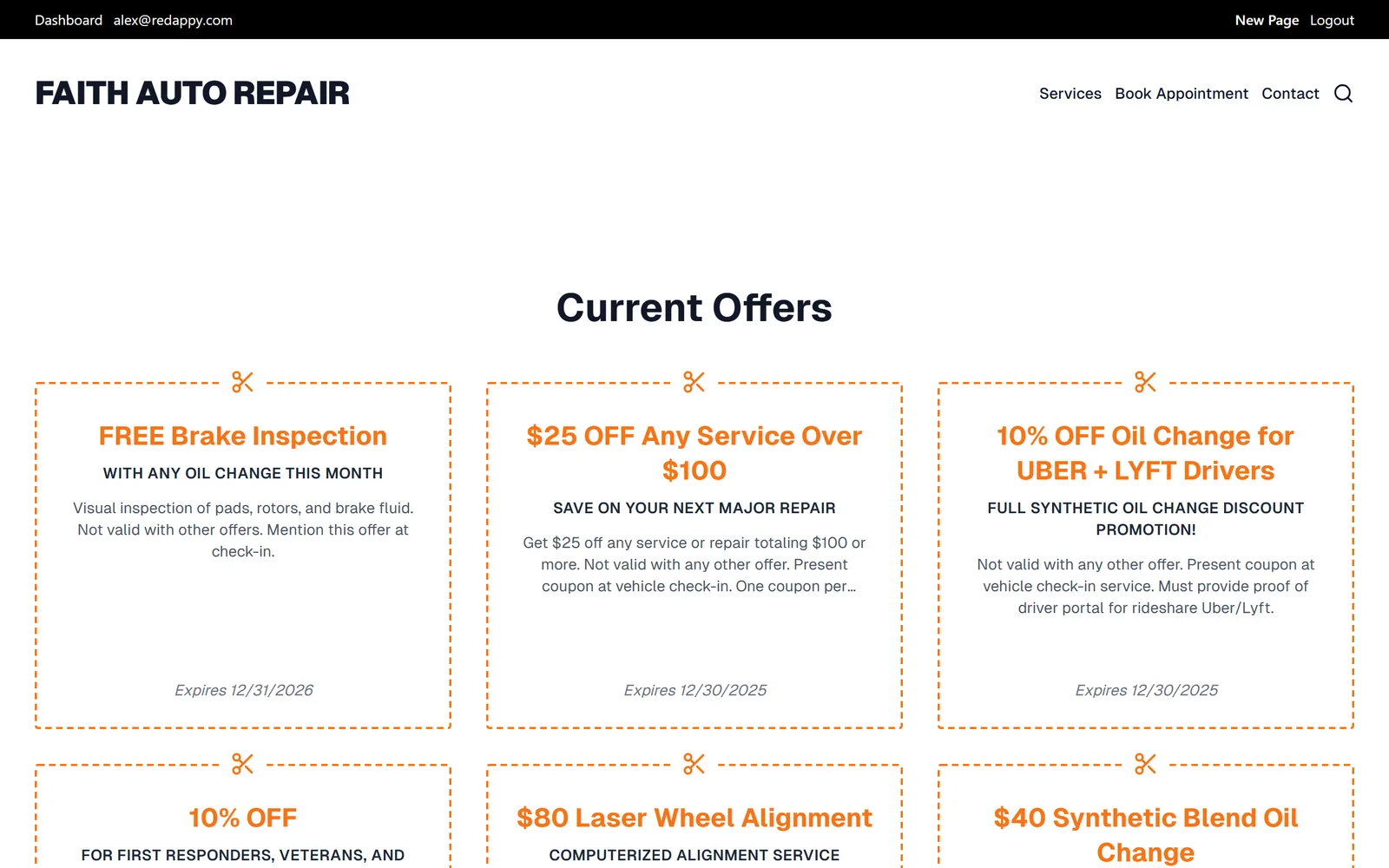
The offer appears as a card on your site's Offers page right away. Untick Active to take it down without deleting it.
Frequently asked questions
No. Services, offers, pages, and the theme are all forms in the admin. The design is handled for you.
Right away. Click Publish changes (or Save for offers) and refresh the site.
Yes. Website Content → Posts works the same way as services, and posts are listed on your site's blog.