Settings & users
Switch to Spanish and update your profile
Each person can run the RedAppy admin in English or Spanish. Change your language, password, phone, and profile picture from My Profile.
Language is a per-person setting. A Spanish-speaking technician can use the whole admin in Español while the front desk stays in English, on the same shop. The same page holds your password and contact details.
My Profile
Click My Profile at the top right of any admin page. You can edit your First Name, Last Name, Phone, and Address, and upload a Profile Picture, which is the avatar shown on the Shop Board and in technician pickers.
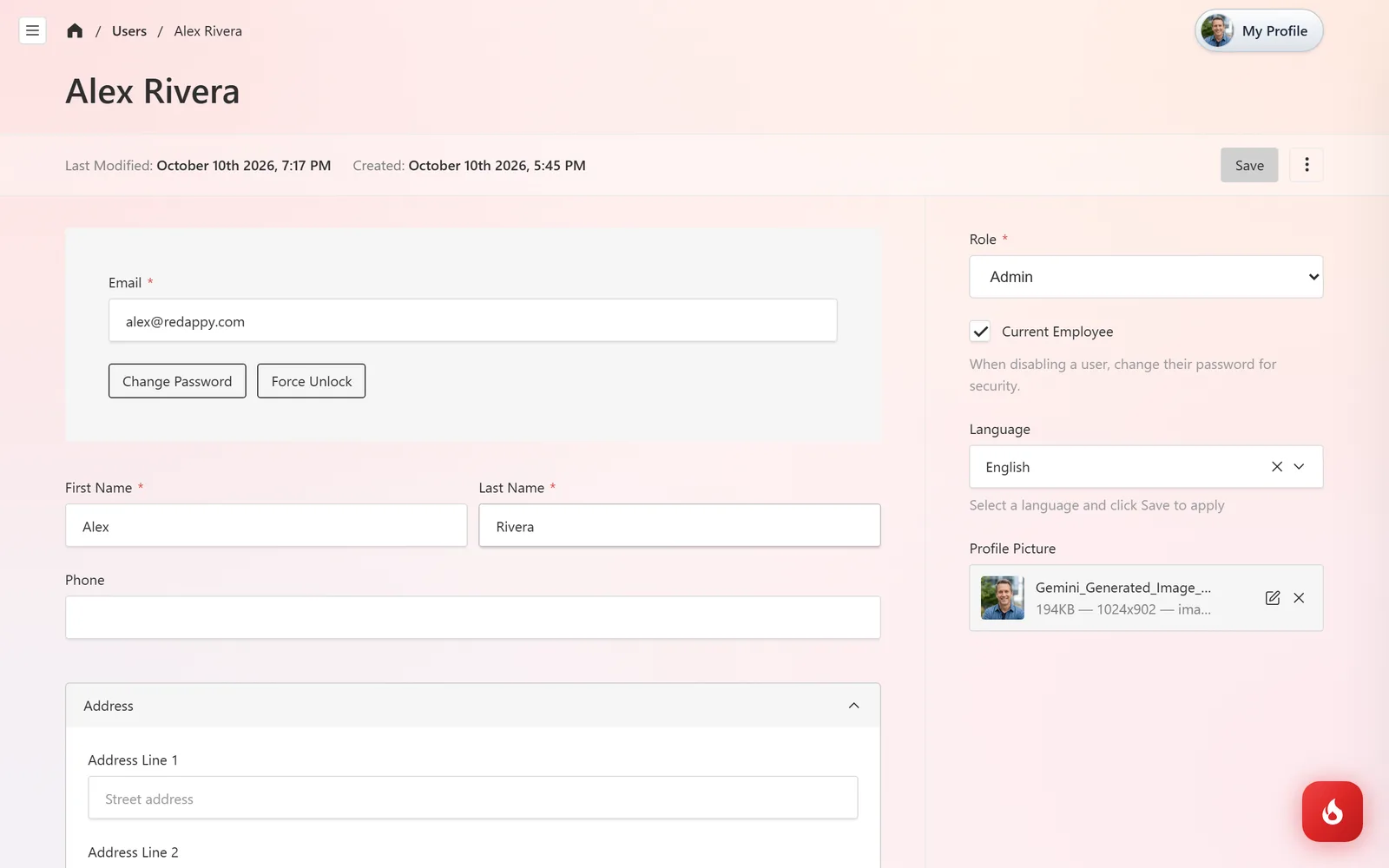
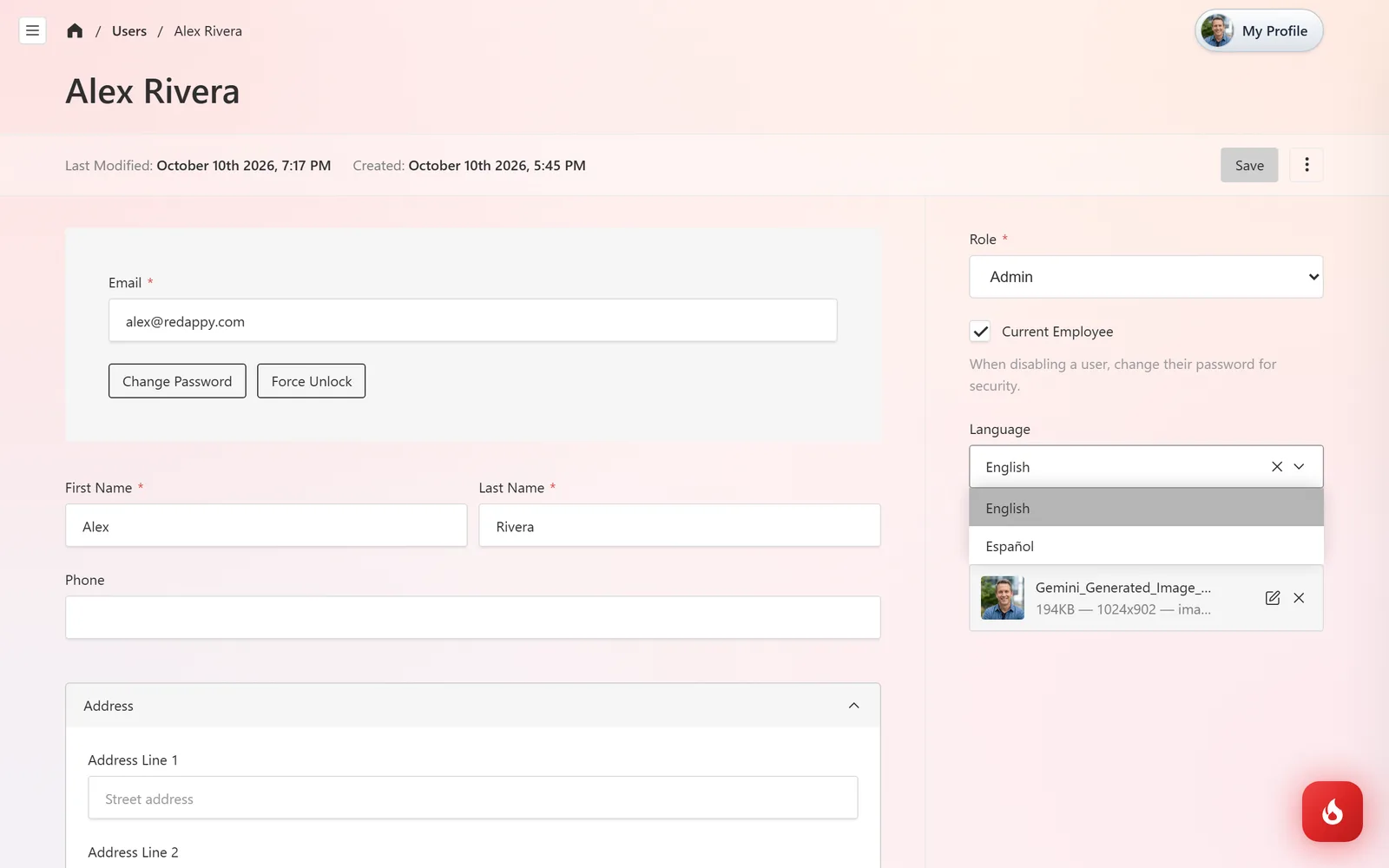
Under Language, pick English or Español and click Save. The admin, the Shop Board, inspections, and the other portal pages switch for you only. Estimates and invoices sent to customers are not affected.
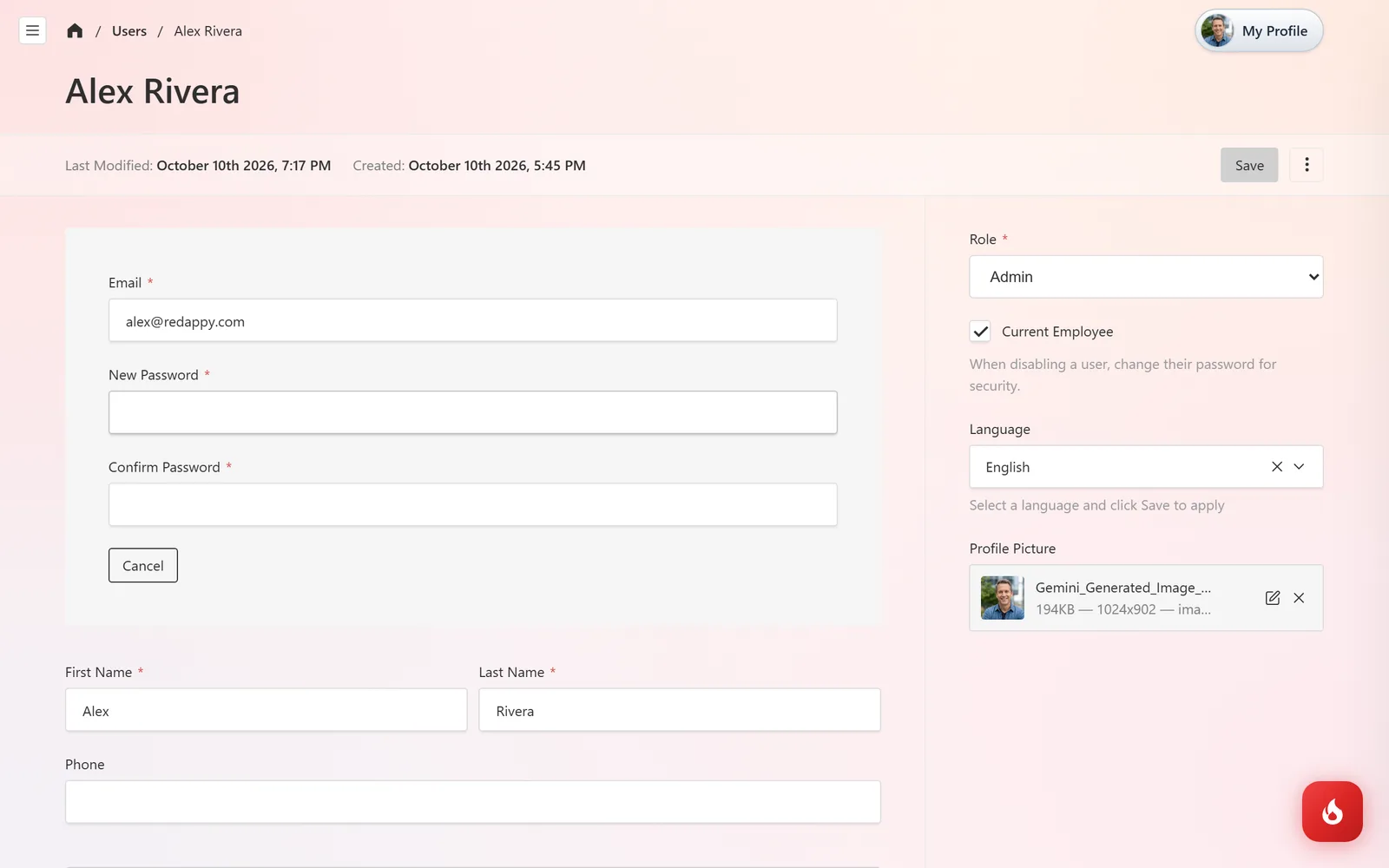
To change your password, click Change Password, enter the new one twice, and Save. If you are locked out, use Forgot password? on the login page instead.
Frequently asked questions
The check-in kiosk offers eight languages. Estimates and invoices are sent in the language of your shop's templates.
No. Each user picks their own.
Click Save after choosing the language, then reload the page.